Project timeline
Free simple project timeline example to easily visualize all the critical project actions, deadlines and events.


Your stakeholders are more likely to understand your project plans, operational processes and major events when they visualize them. Use these timeline examples to create accurate and convincing visuals that are the perfect addition to your important presentations, roadmaps, or business proposals. Download and edit the samples manually in PowerPoint or use the Lucen Timeline free trial to update them with just a few clicks.

We’ve put together a diverse range of timeline models that cover various use cases, including a project timeline sample, a business plan timeline example, a sample workplan and timeline, as well as an event timeline example.
Offering a done-for-you solution that can be easily customized, our premade samples help you save considerable time and effort in planning your projects, tracking activities, or visualizing important events and milestones.
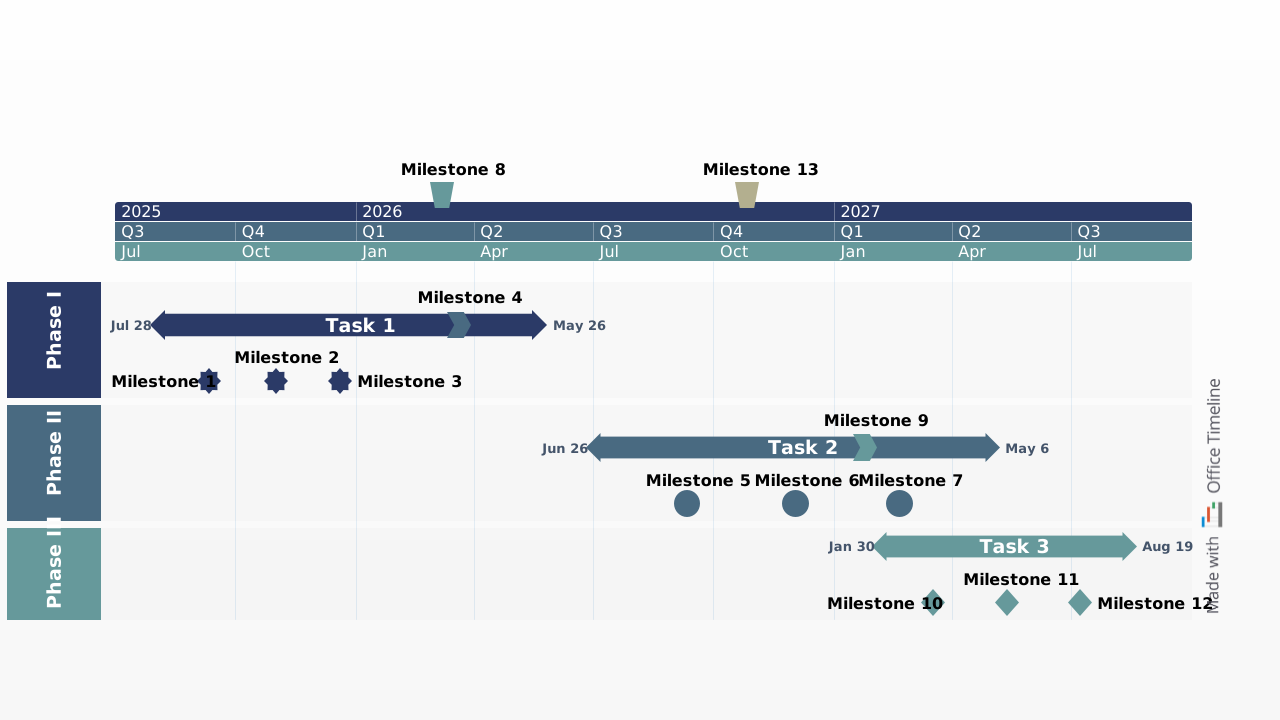
Free simple project timeline example to easily visualize all the critical project actions, deadlines and events.
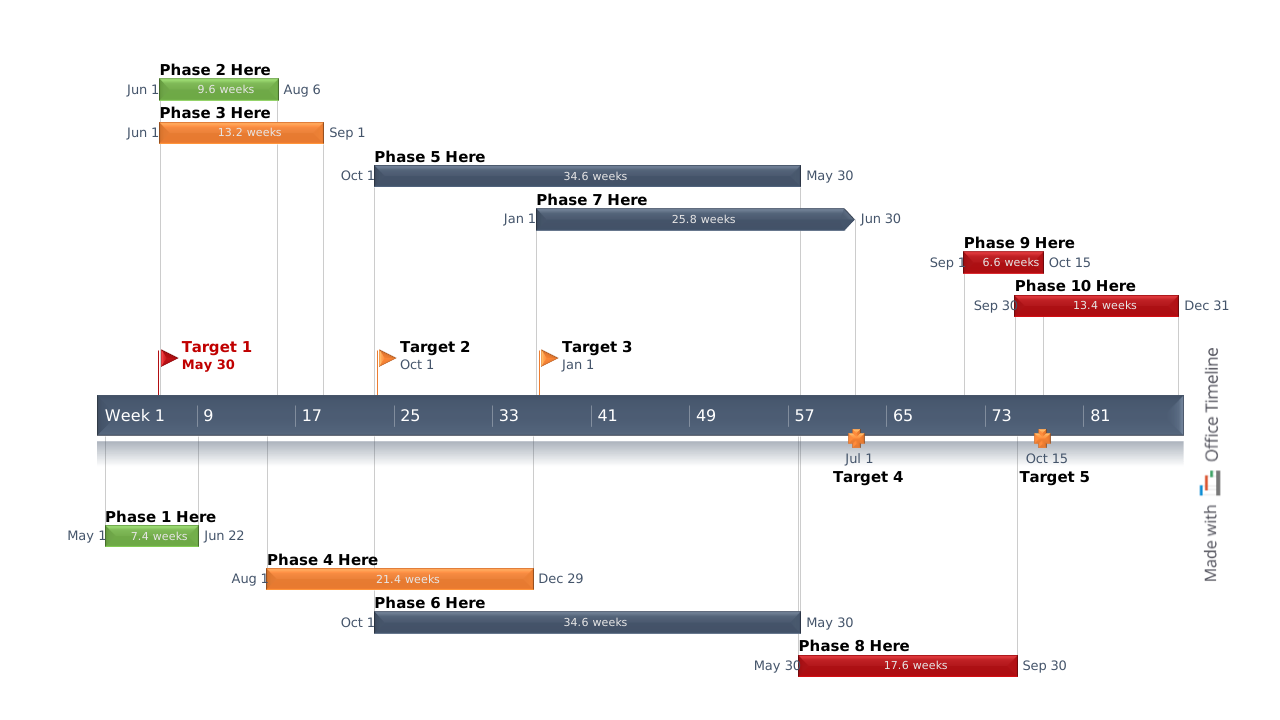
Intuitive timeline example created to help project managers plan and communicate their projects broadly.
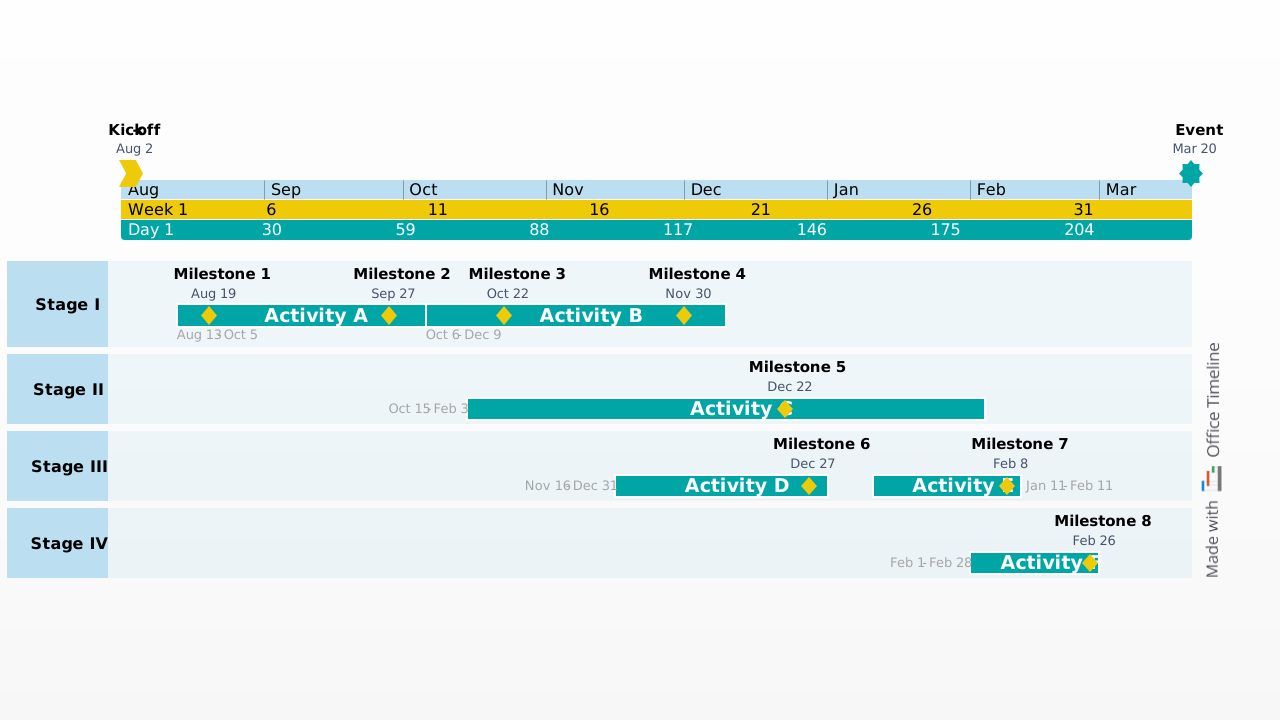
An event timeline illustrating major activities and their deadlines on a single summary slide to help planners.
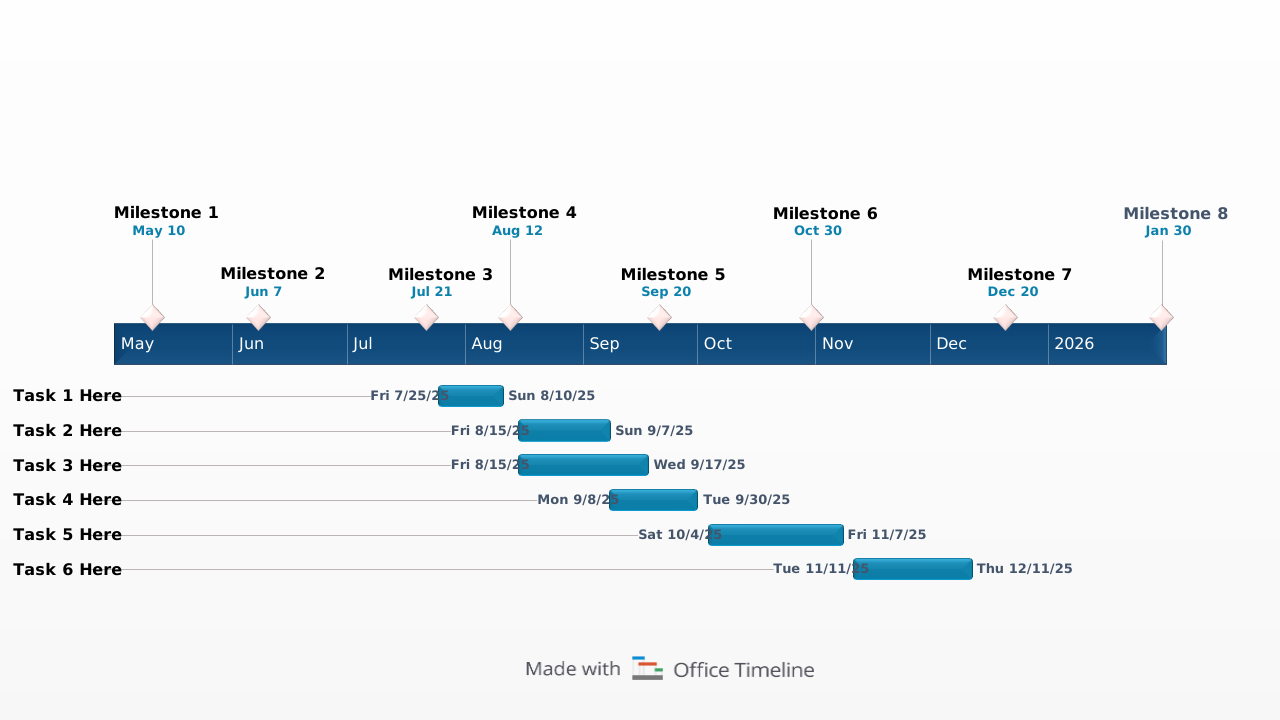
Planner timeline template chronologically illustrating the major milestones and key tasks of a project.
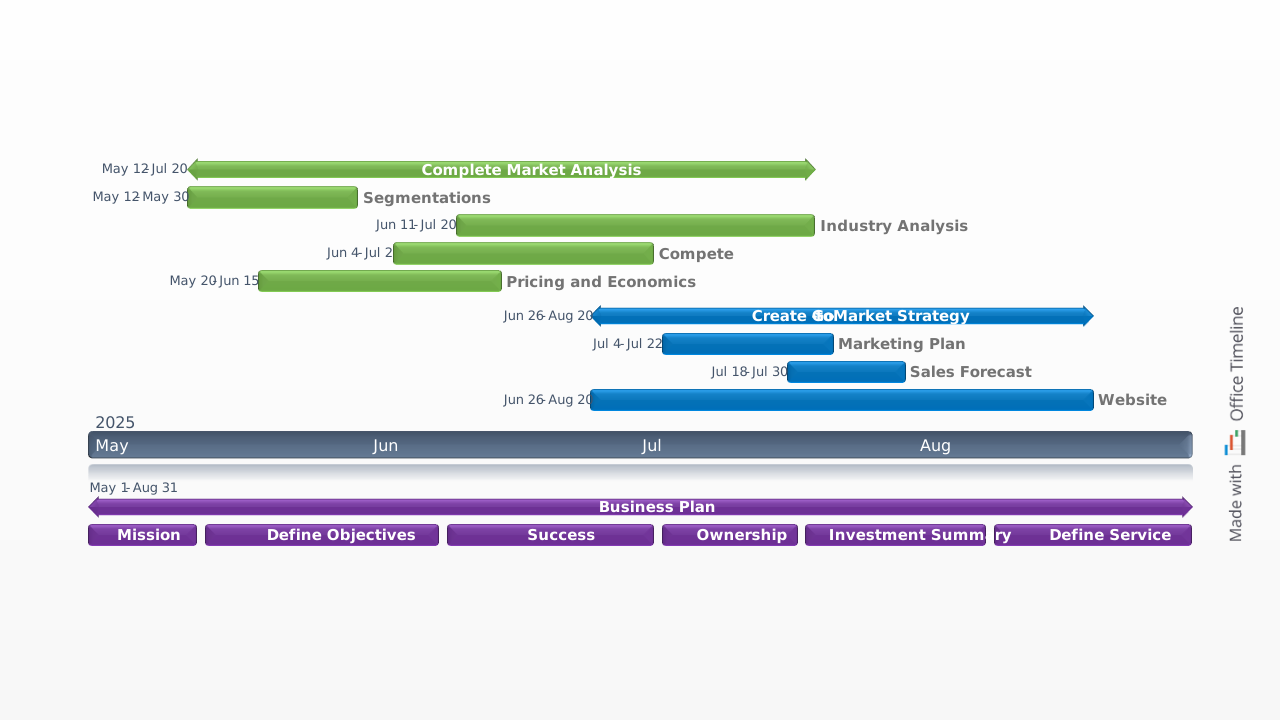
Clear, ready-made timeline sample with tasks well-delimited through three separate color codes and in-a-row layout.

A static overview of a personality’s life that can serve as a model for other similar chronologies.
Timelines are displays of events arranged in chronological order.
Examples of timelines can be:
Taking the form of a horizontal bar with events and dates listed along it, a timeline illustrates the evolution of these items over a certain period of time. Useful across all industries, timelines can help visualize complex information in an easy-to-understand manner for various types of project work such as:
To find examples of professional timelines that you can use for free, browse our collection of templates and make your own awesome timeline in minutes.
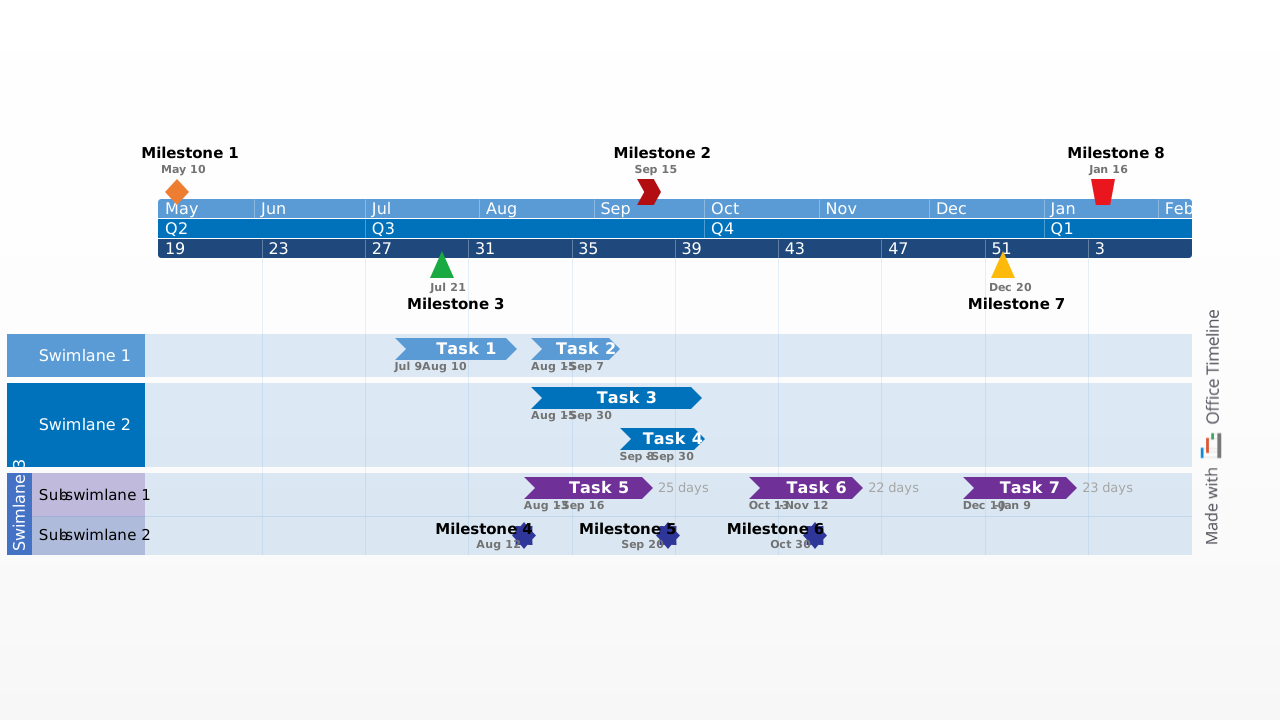
There are various types of timelines, categorized, among others, according to:
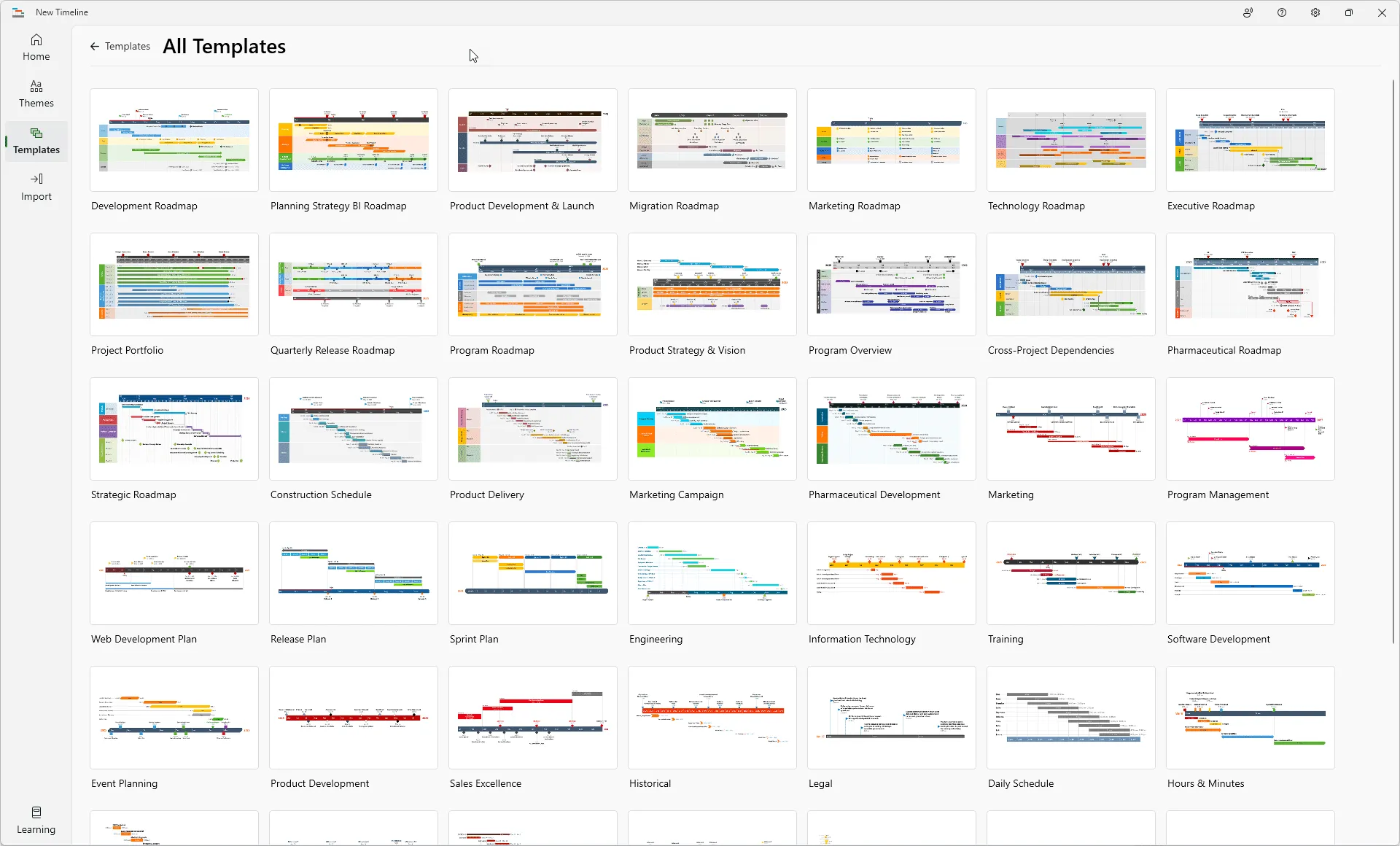
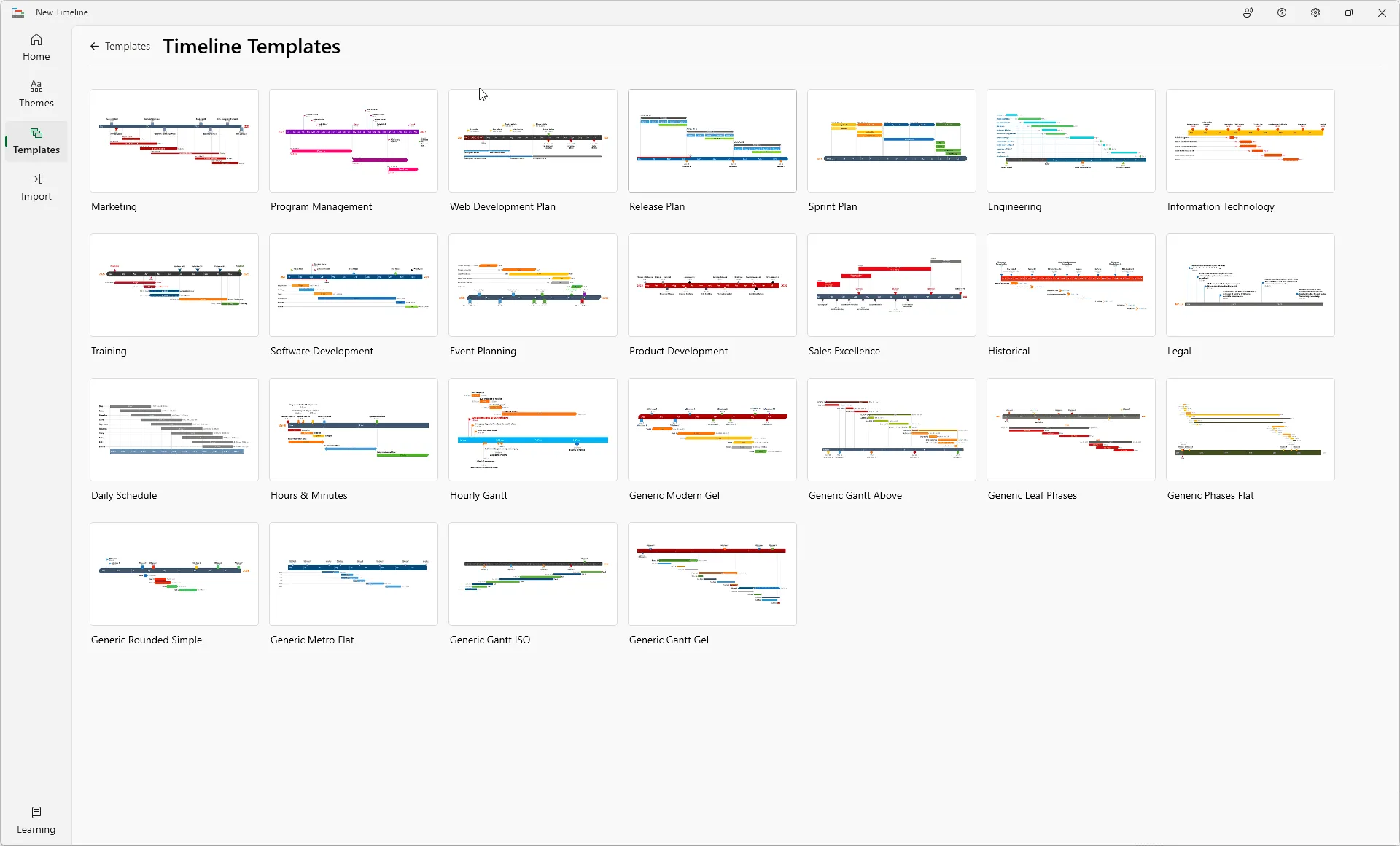
To see various types of timelines, browse our collection of timeline examples. Choose the model you prefer, download it as a PowerPoint file, and easily customize it to best fit the specifics of your work.
Find even more ideas of timelines and the way to implement them easily with Lucen Timeline, our PowerPoint add-in that offers an extensive series of pre-built templates. To try it for free, just download and install, then automatically generate various types of timelines using your own data by importing it, copying it or manual data input.
A timeline is a simple way to represent and track the passage of time, a sequence of events, or to illustrate cause and effect situations.
You can draw a simple timeline by creating a list of events in chronological order and then drawing a line to connect the events. The most basic method is to use a straight line that can then be enriched with additional details as desired.
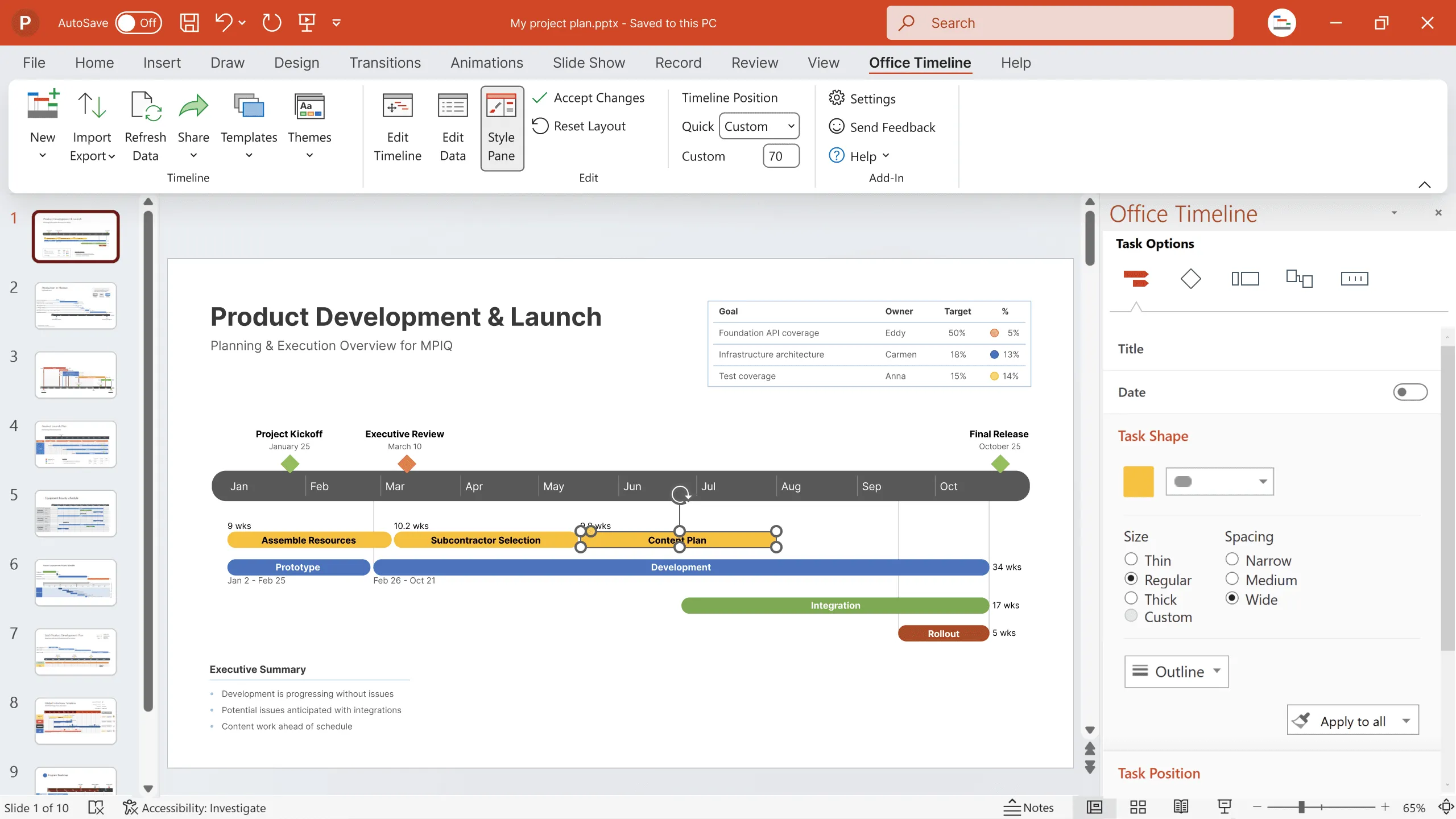
If you want to draw a simple or a more complex, professionally designed timeline, you can try for free our Lucen Timeline PowerPoint add-in. You just need to download and install. With this tool, your timelines can look like one of these:
If you need to present a timeline, the easiest method is to include it in a PowerPoint presentation. There are a few different ways you can do it. You can use a built-in PowerPoint timeline template, or you can create your own timeline in PowerPoint using shapes and lines. For step-by-step instructions on how to create timelines in PowerPoint, check out this tutorial on how to make a timeline in PowerPoint.
If you are looking for ways to make your presentations stand out, include professional timelines. Build them easily with the help of our automated timeline maker, Lucen Timeline, an easy-to-use PowerPoint add-in that you can download and try for free. Or browse our collection of awesome timeline templates that you can download and use for free.
A chronological timeline shows a sequence of events in the order that they occurred. A chronological timeline example would start with the date of an event and then list all the events that happened leading up to that date in chronological order.
For example, a chronological timeline of an important period in the history of the United States would list the events in the order that they occurred, starting with the Plymouth Colony formation in 1620 and ending with the World War II.
Here is how a chronological timeline can look like:
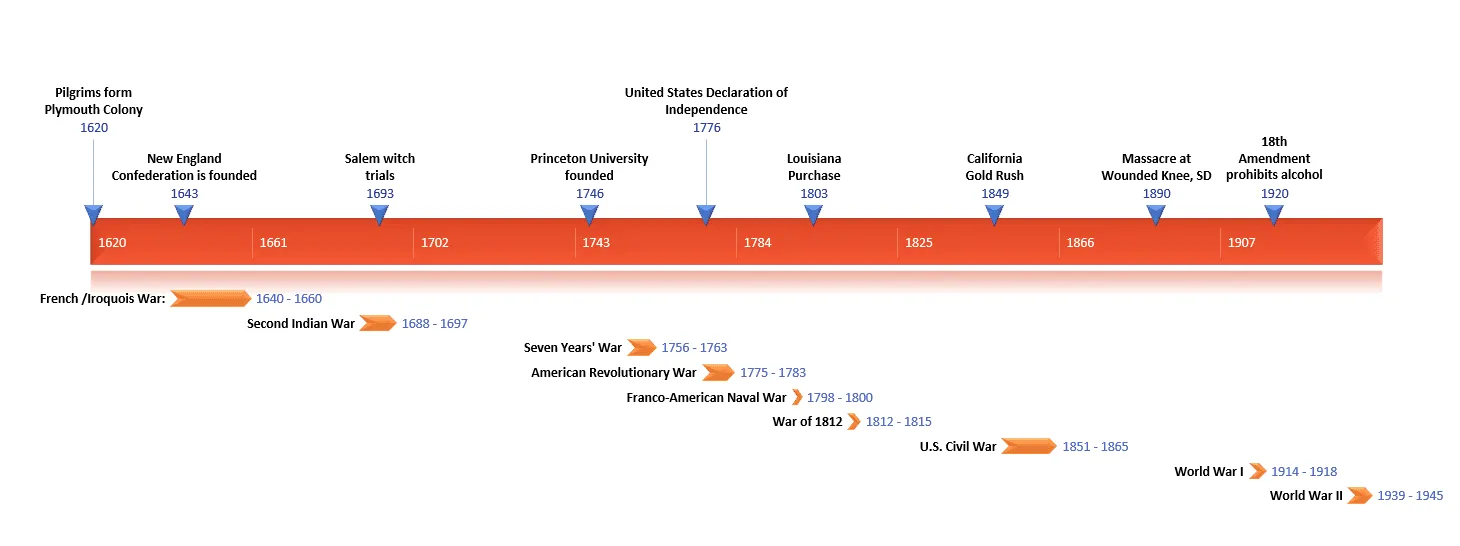
This timeline was made with a professional timeline maker, the Lucen Timeline PowerPoint add-in. You can download and install the free add-in here.
Timelines can be used to visualize any type of information that can be arranged in a linear way, such as historical events, the age of different species of animals, or the steps in a process. A timeline typically includes a sequence of events, listed in chronological order, with each event being accompanied by a title or brief description.
An effective timeline includes some key elements, such as:
The most basic timelines simply use a line to connect the events, with the earliest event on the left and the most recent event on the right. More complex timelines may use different symbols or colors to represent different types of events and may include additional information.
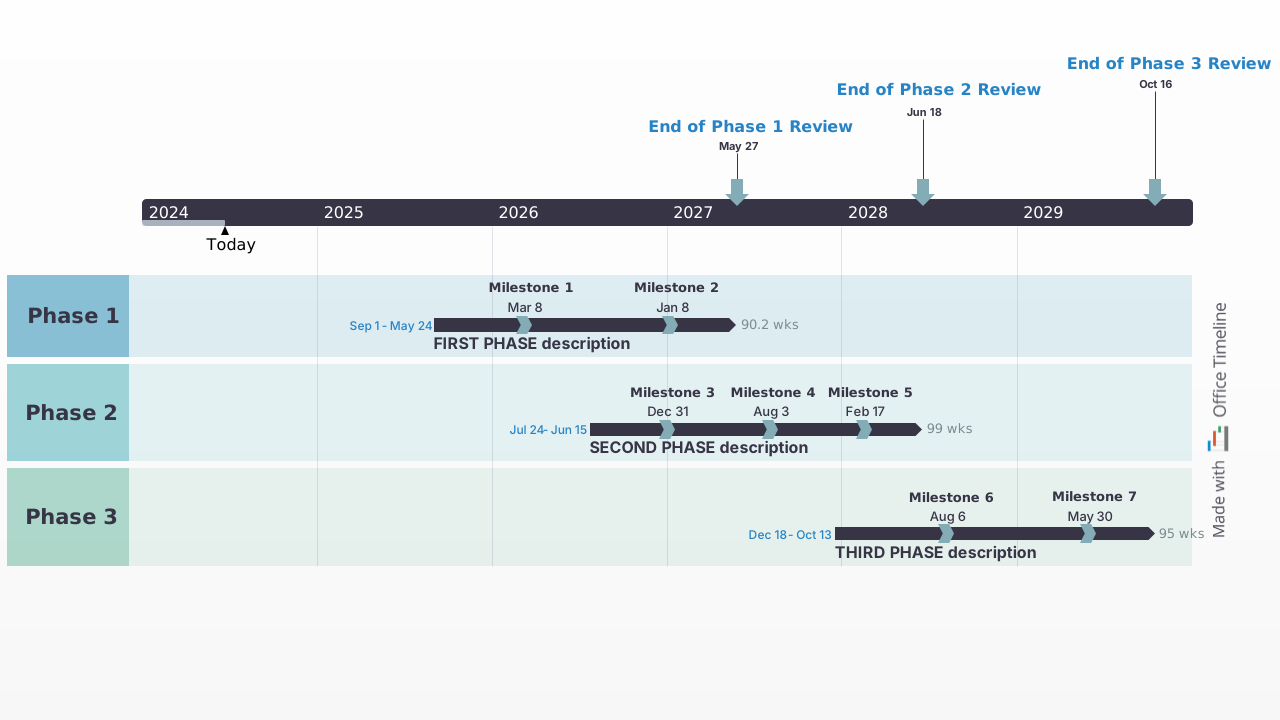
The timeline above was created with a professional timeline maker, Lucen Timeline, a PowerPoint add-in that automatically generated beautiful timelines. Once created, timelines can be saved as PowerPoint slides, PDFs or images, and used in a presentation with any of your preferred Microsoft Office tools. To try this tool for free, download and install the free add-in here.
Effective timelines require a few key elements: clear and concise text, strong visual elements, and a logical flow. Here are some tips to help you create a timeline that will engage and inform your audience:
For step-by-step instructions on how to create timelines in PowerPoint from scratch, check out our tutorial on how to make a timeline in PowerPoint. If you’re looking for a shortcut, you can use one of the built-in templates in PowerPoint and customize as needed.
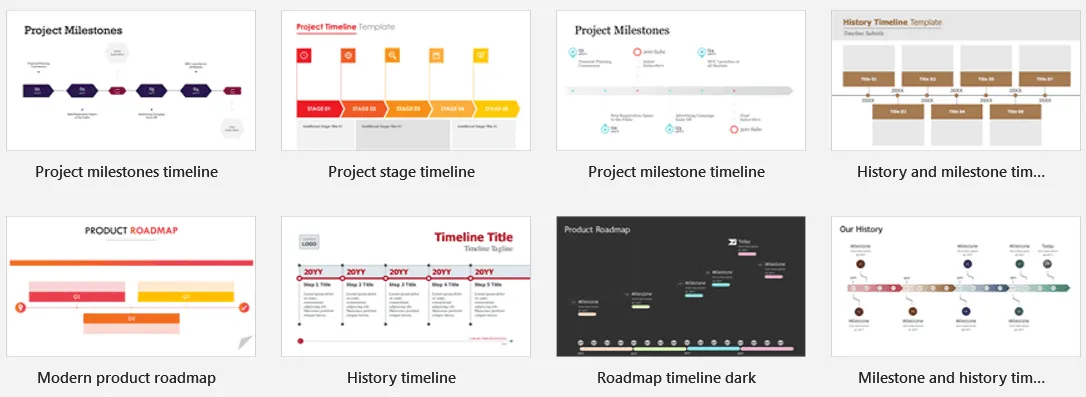
For more professional timeline ideas and more inspiration for your work, check out our rich template collection. Download and use them for free to make your own awesome timeline.
The fastest and easiest way to create impressive, professional timelines in PowerPoint is to use an automated timeline maker such as the Lucen Timeline add-in. If you need to create a timeline quickly and don't have time to input data manually, this tool imports data automatically from project management software and it also offers you the option to copy-paste data from Excel, or to input it manually. You can try this tool for free, just download and install the free add-in here.
Developing a timeline for a project can be a helpful way to stay organized and on track. When creating a timeline, there are a few things to keep in mind:
With the help of a timeline, you can also track progress and identify any potential bottlenecks.
Creating a timeline for a project may seem like a daunting task, but it doesn't have to be this way. With a professional tool such as Lucen Timeline, your presentation is ready in just a few clicks. It is an easy-to-use PowerPoint add-in that can help you skyrocket your productivity and save you a lot of time. You can give it a try, download and install the free add-in here.
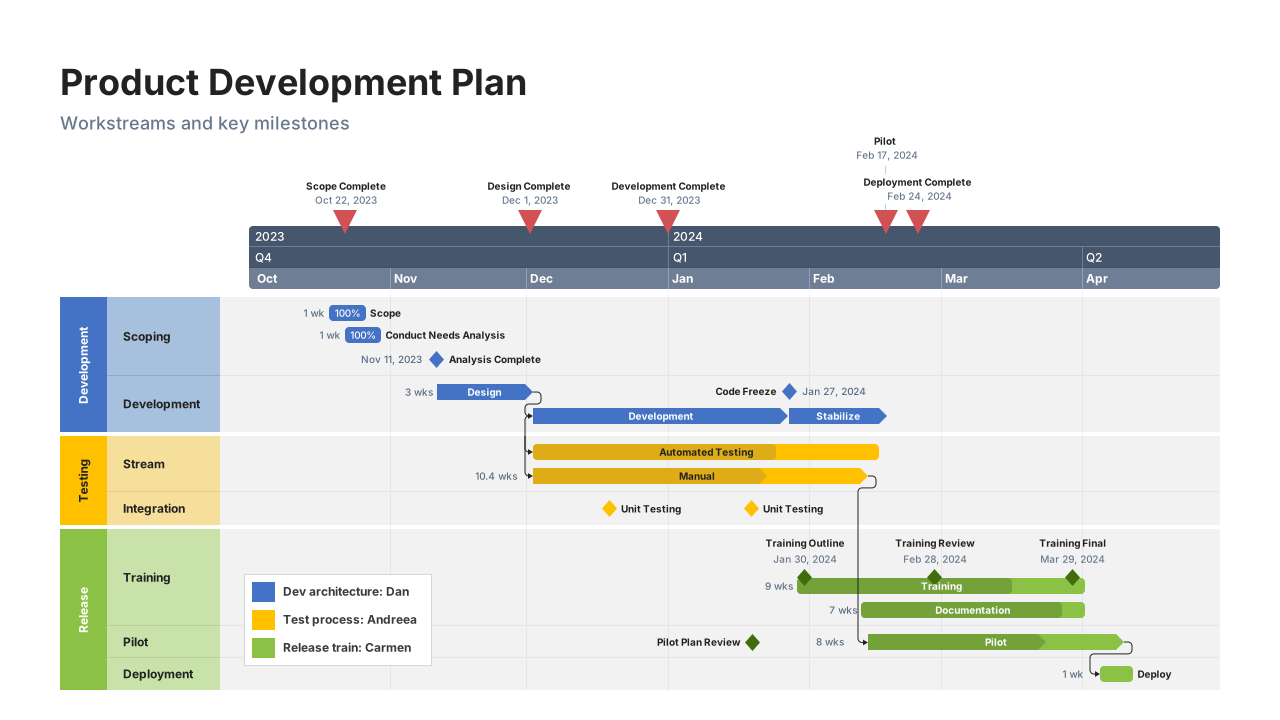
A timeline is a great way to organize and visualize information for a school project. Creating a timeline helps you organize and visualize information. By including key events and dates, you can see the sequence of events and better understand cause and effect.
Here are some tips for creating a timeline for your school project:

The timeline above was created with the help of Lucen Timeline, a professional timeline maker that works with PowerPoint and that you can download and install for free.
To find more templates and inspiration for your work, browse our collection of timeline examples.
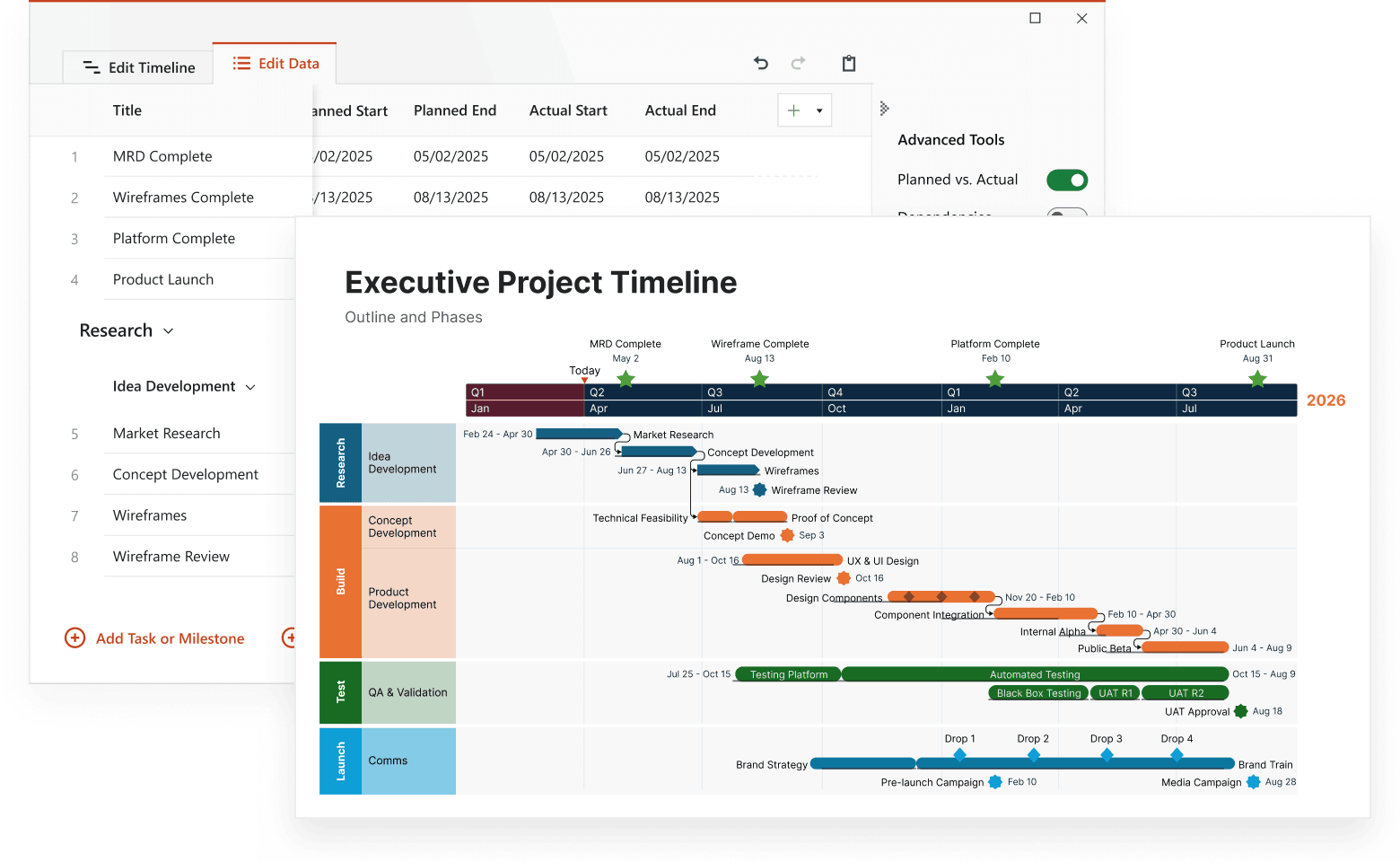
Lucen Timeline is a free timeline maker that lets you update these timeline examples or build your own in seconds. Create stylish visuals in PowerPoint with the Lucen Timeline add-in or right in your browser with the timeline creator's web version.

Your download should start now. If it doesn’t start click here and check your inbox for tips to get started.