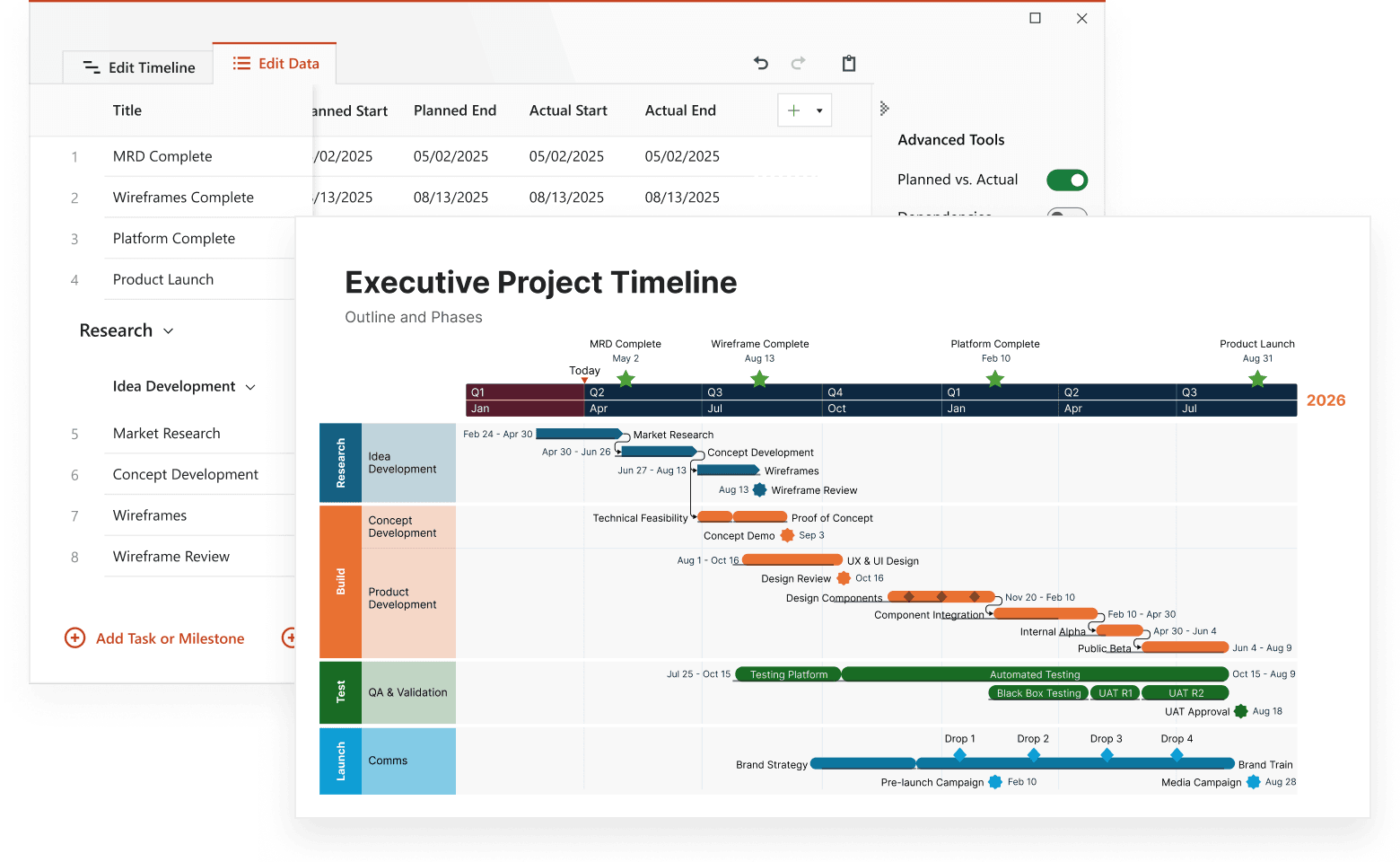
Project management timelines
Create and use timelines to plan work, manage deadlines, and track progress across every phase of a project, from initial goals to final delivery.

A clear way to plan, track, and deliver work
Managing a project often means juggling dozens of moving parts (deadlines, deliverables, dependencies). A project management timeline brings them all together into a single, visual plan that’s easy to follow and share. Teams can quickly see who’s responsible for what, how tasks overlap, and where key milestones fit. With every phase mapped out, it becomes easier to anticipate risks and balance workloads from kickoff to completion.
See how different types of timelines support every stage of project management, from planning and scheduling to tracking resources and delivery:

Gantt charts
Plan projects step by step with a Gantt chart. This timeline shows task durations, dependencies, and progress at a glance, helping teams stay on schedule.

Milestone timelines
Highlight key moments in your project. A milestone timeline focuses on important deadlines and achievements, keeping everyone aware of major goals and progress.

Project roadmaps
Create a high-level view of your project’s direction. A roadmap outlines key phases, priorities, and deliverables so stakeholders can see what’s coming next.

Task list timelines
Turn your task list into a clear visual plan. This timeline type is ideal for day-to-day coordination. It tracks what needs to be done, who’s responsible, and when each task is due.

Resource timelines
See how resources and tools are being used across the project. A resource timeline helps balance workloads, avoid conflicts, and make the best use of available capacity.

Kanban boards
Visualize workflow and track progress in real time. A Kanban board timeline organizes tasks into columns for easy team updates.

PERT charts
Plan efficiently by mapping task dependencies. A PERT chart helps estimate project duration and identify the most efficient order for completing each step.

Critical Path Method (CPM) timelines
Identify the sequence of tasks that determines your project’s finish date. A CPM timeline shows where delays could affect delivery, helping you plan smarter and save time.


Executive-ready timelines in under 2 minutes
Professionals use Lucen Timeline's PowerPoint add-in to transform project data into polished visuals for client and executive communications. Integrates with popular productivity tools to build and update timeline slides instantly.