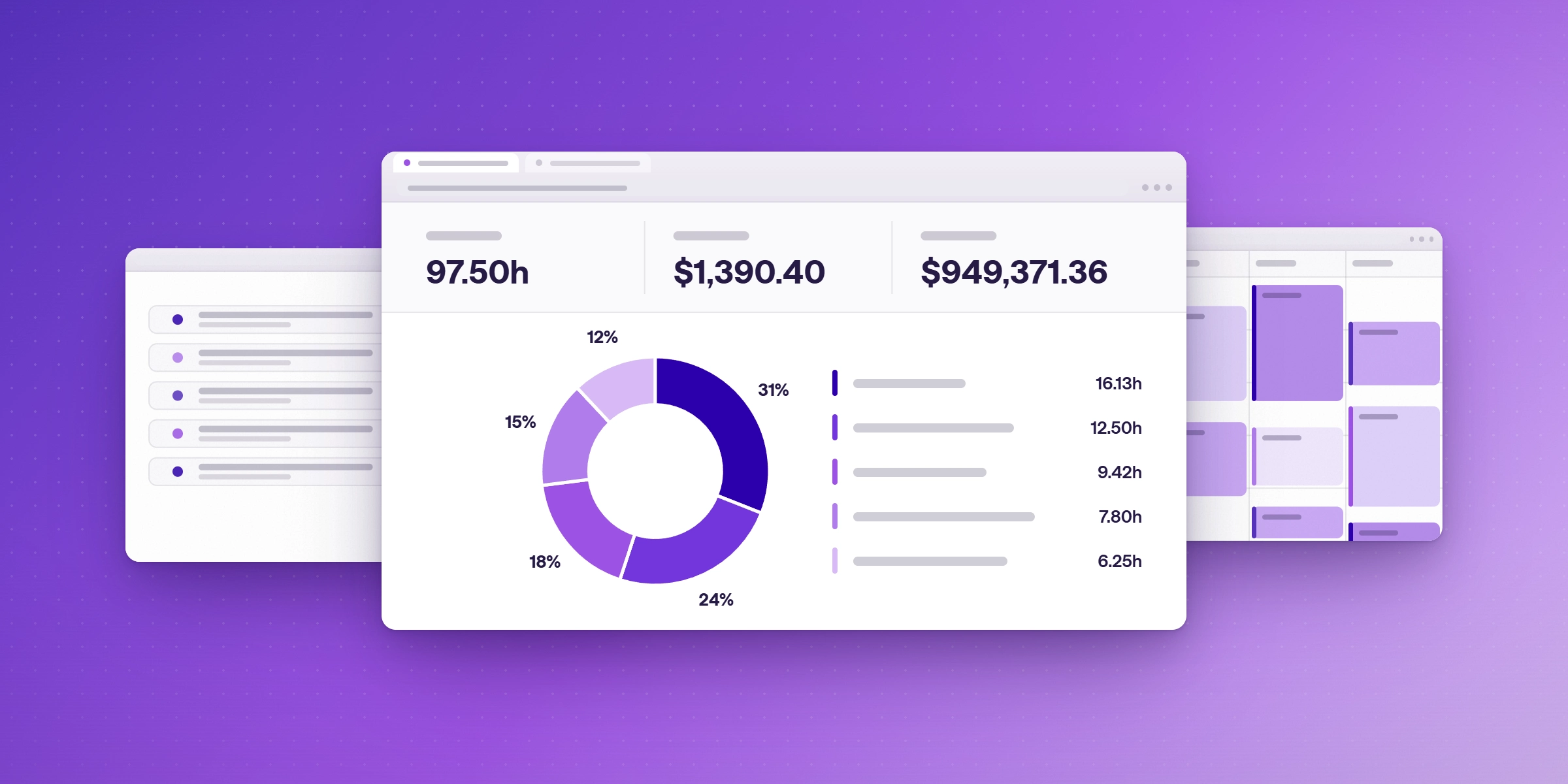

Lucen Software for Project Visualization, Time Tracking, and Budgeting
Plan, track time, and manage budgets inside Microsoft 365. See how Lucen Timeline, Track, Plan, and Flowchart compare with ClickUp, Productive, and Teamwork.

Teams that need to see the plan, log the hours, and watch the budget usually end up with three tools and a spreadsheet to join them. Lucen puts those jobs inside the Microsoft 365 apps your team already uses, so plans, hours, and budgets stay connected without a new workspace to learn.
This page explains what each Lucen product does, how they fit together, and how Lucen compares with the all-in-one platforms that often appear in this search.
Which Lucen products cover project visualization, time tracking, and budgeting?
For teams that work in PowerPoint, Excel, Teams, and Outlook, Lucen covers the full loop. Timeline turns project data into Gantt charts and timelines in PowerPoint. Track logs hours in Microsoft 365 and compares them with project budgets. Plan brings structured project planning into Excel. Flowchart maps processes in PowerPoint. You choose the products you need, and each has its own plans.
What does each Lucen product do?
| Job to be done | Lucen product | What it gives you |
|---|---|---|
| Show the plan | Timeline | Professional project plans and Gantt charts in PowerPoint, built from templates and project data |
| See where the hours go | Track | Time tracking inside Microsoft 365, with entries from Teams, Outlook meetings, Planner tasks, and Azure DevOps work items |
| Stay inside budget | Track Premium | Project budgets, billable rates by person, fixed-fee projects, and approvals |
| Plan the work | Plan | Structured project planning directly in Excel |
| Clarify the process | Flowchart | Process visualization in PowerPoint |
How does Timeline show the plan?
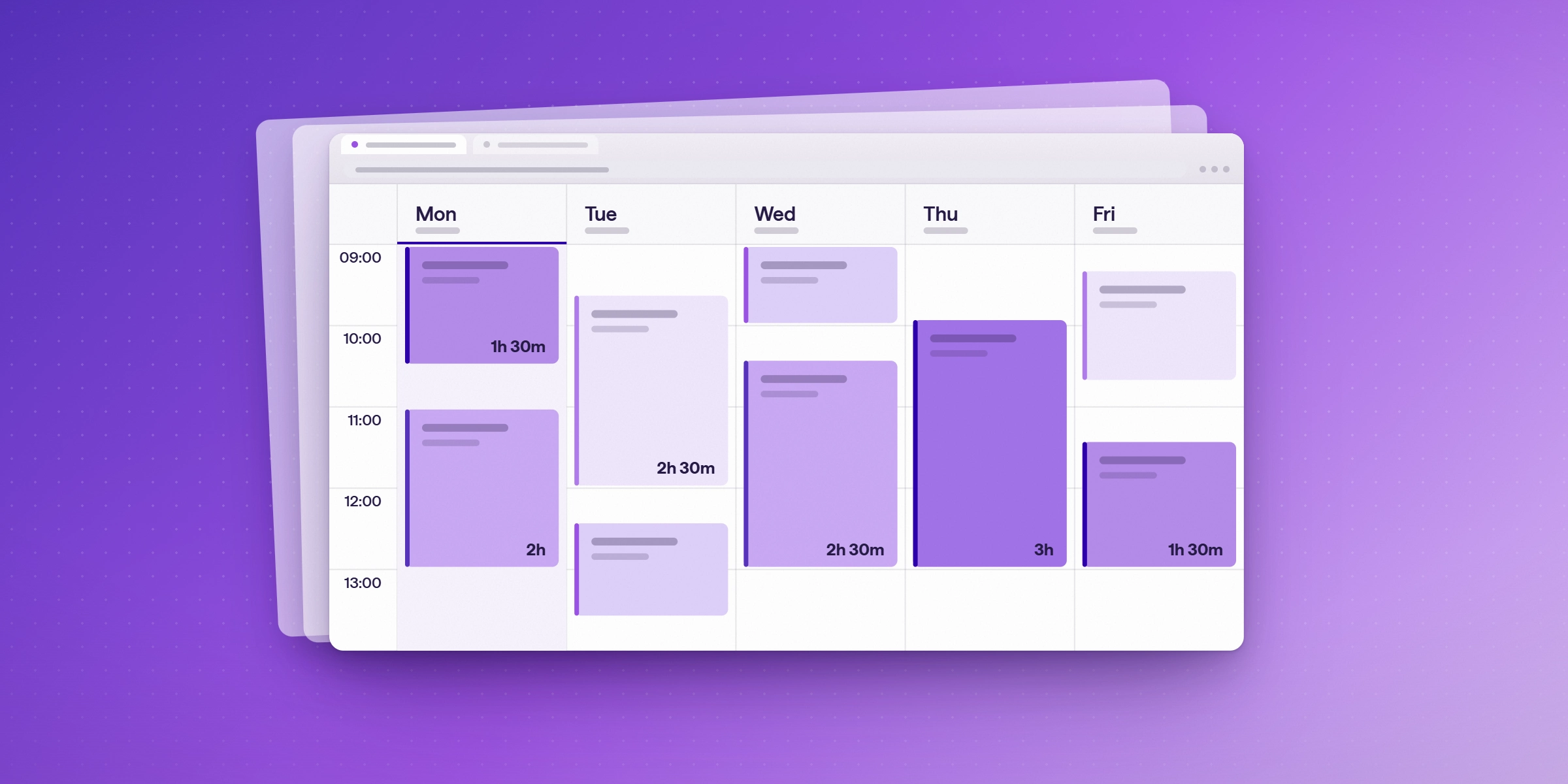
A project plan only helps when stakeholders can read it at a glance. Timeline builds Gantt charts and timelines as editable PowerPoint slides, so the visual your executives see is the same file your team updates. Start from a template, add tasks and milestones, and refresh when dates move. Timeline has a free plan for basic charts, with up to 10 tasks or milestones per chart. Paid plans add more tasks, imports, and reporting.
How does Track show where the hours go?
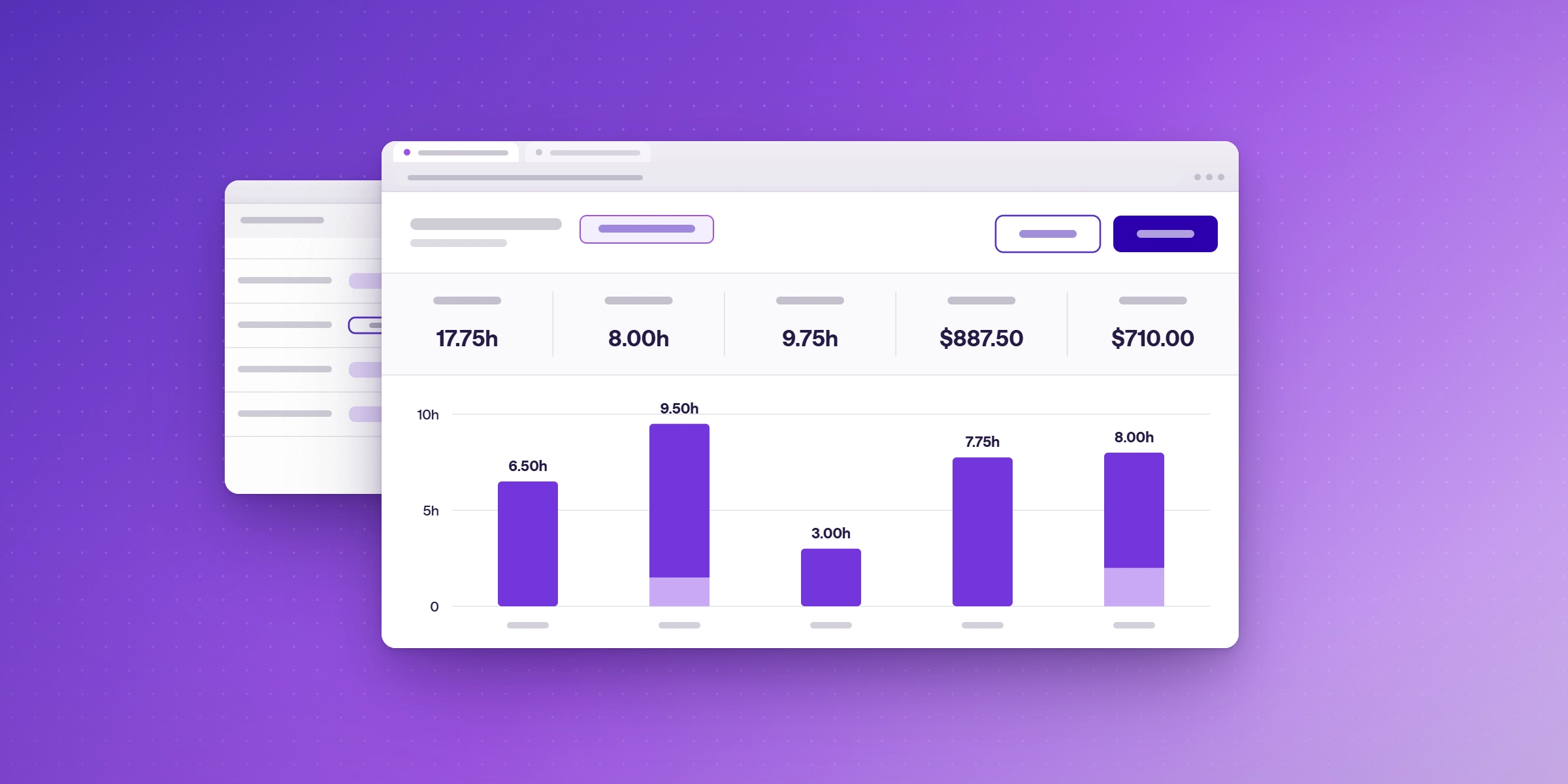
Track works where people already spend their day. Users log time from Teams, accept Outlook meetings as time entries, and add Planner tasks and Azure DevOps work items to the same timesheet. Managers review and approve timesheets, export them to PDF or CSV, and can schedule reports by email. Time, cost, and billable data can also feed Power BI.
How does Track Premium keep a project inside budget?
Budgets only help if you can see them before they run over. Track Premium adds project budgets, billable rates by person, fixed-fee projects, and approvals. Billable rates by project start on Starter. Invoices can be created from billable time. Track is free for up to two users, Starter is $7 and Premium is $13 per user per month billed annually, and Enterprise is custom. Every plan includes a 14-day free trial of Premium, with no credit card required. For a closer look at rates, approvals, and invoicing, see our comparison of project tracking and time budgeting software for margin protection.
What do Plan and Flowchart add?
Plan brings structured project planning into Excel, so the schedule lives in the tool many teams already use for project data. Flowchart turns processes into clear diagrams in PowerPoint, which helps when a project depends on a workflow others need to understand and follow.
How does Lucen compare with all-in-one platforms?
Searches for this topic often return ClickUp, Productive, and Teamwork. They are capable tools with a different shape. Each asks the team to work inside its own workspace. Lucen works inside Microsoft 365. For a neutral side-by-side of six options, including Microsoft Project and Excel, see project visualization software for time tracking and budgeting.
| Platform | Where the work happens | Notable strength, per The Digital Project Manager | Published starting price |
|---|---|---|---|
| Lucen suite | PowerPoint, Excel, Teams, and Outlook | Presentation-ready plans plus time tracking where people already work | Free plans on Timeline and Track; Track paid plans from $7 per user/month billed annually |
| ClickUp | Its own workspace | Customization, dashboards, roadmaps, and goal tracking | Core $9 and Business $17 per user/month billed yearly; free plan |
| Productive | Its own workspace | Budgets, utilization, and profitability for agencies and professional services | Essential from $10 per user/month billed yearly; 3-seat minimum per the roundup |
| Teamwork | Its own workspace | Straightforward project management with time tracking for client work | Free for up to 5 users; Basics from $9.99 per user/month billed annually |
Capabilities and prices come from each vendor's pricing page (read 20 Oct 2026) and The Digital Project Manager's comparisons. Confirm current pricing with each vendor.
Lucen fits best when your team already lives in Microsoft 365, when executive-ready visuals matter, and when you want time and budget data without adding another place to log in. An all-in-one platform fits best when the team wants a single configurable workspace for every kind of task.
What does one project look like across the three views?
A consulting team runs a six-month client engagement.
- The project lead builds the plan in Timeline and shares the slide with the client sponsor.
- Consultants log hours in Teams and from Outlook meetings in Track, against the engagement and its phases.
- The lead checks hours against the project budget each week in Track Premium and flags the gap early.
- At month-end, approved timesheets feed an invoice and a Power BI report for Finance.
What is the next step?
Explore the Lucen suite and start with the product that matches your first job: Timeline for the plan, Track for the hours.
Frequently asked questions
Yes. Timeline handles project visuals, Track handles time tracking, and Track Premium adds project budgets and billable rates. They are separate products with their own plans.
Yes. Timeline runs in PowerPoint, Plan in Excel, Flowchart in PowerPoint, and Track in Microsoft 365 including Teams and Outlook.
Timeline and Track both have free plans, and every Track plan includes a 14-day free trial of Premium with no credit card.
Lucen is used by professionals and enterprises worldwide, including the majority of the Fortune 500.
Lucen works inside the Microsoft 365 apps your team already uses. The others are standalone workspaces with their own interfaces.

Subscribe to our blog
Get all the tips, tricks and inspiration you need to create professional looking timelines, straight to your inbox.