Lucen Track Now Includes Invoicing
Lucen Track now has built-in invoicing. Turn approved billable hours and expenses into client-ready invoices inside Microsoft 365, with no exports.

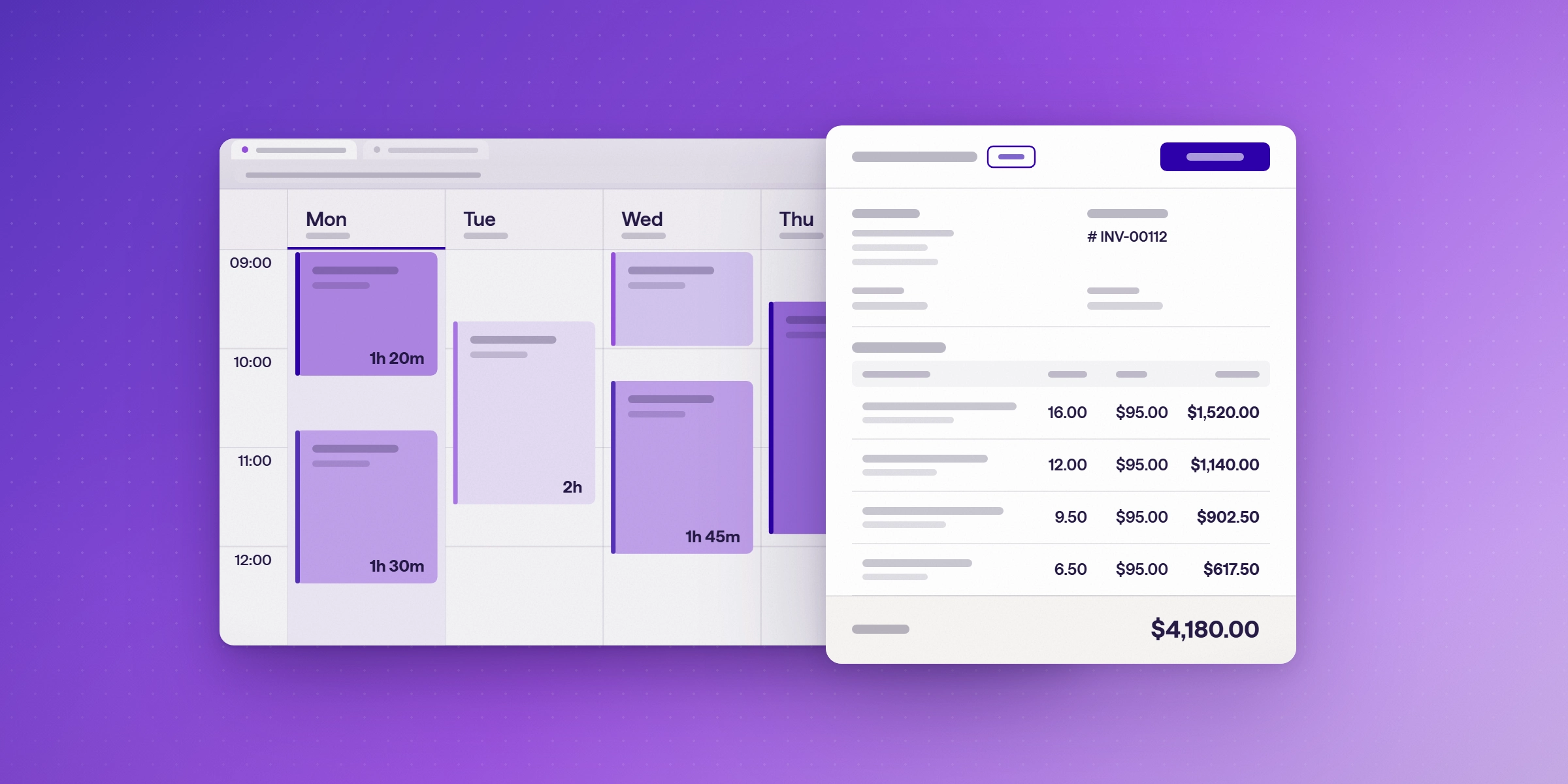
Lucen Track now includes invoicing. Teams can create, issue, and manage client invoices directly from the billable hours and expenses they have already tracked, with nothing lost or re-entered in between.
For teams that bill by the hour, logged hours and the invoice have usually lived in two separate tools, which is where billable time slips through. Now both live in one place.
What is invoicing in Lucen Track?
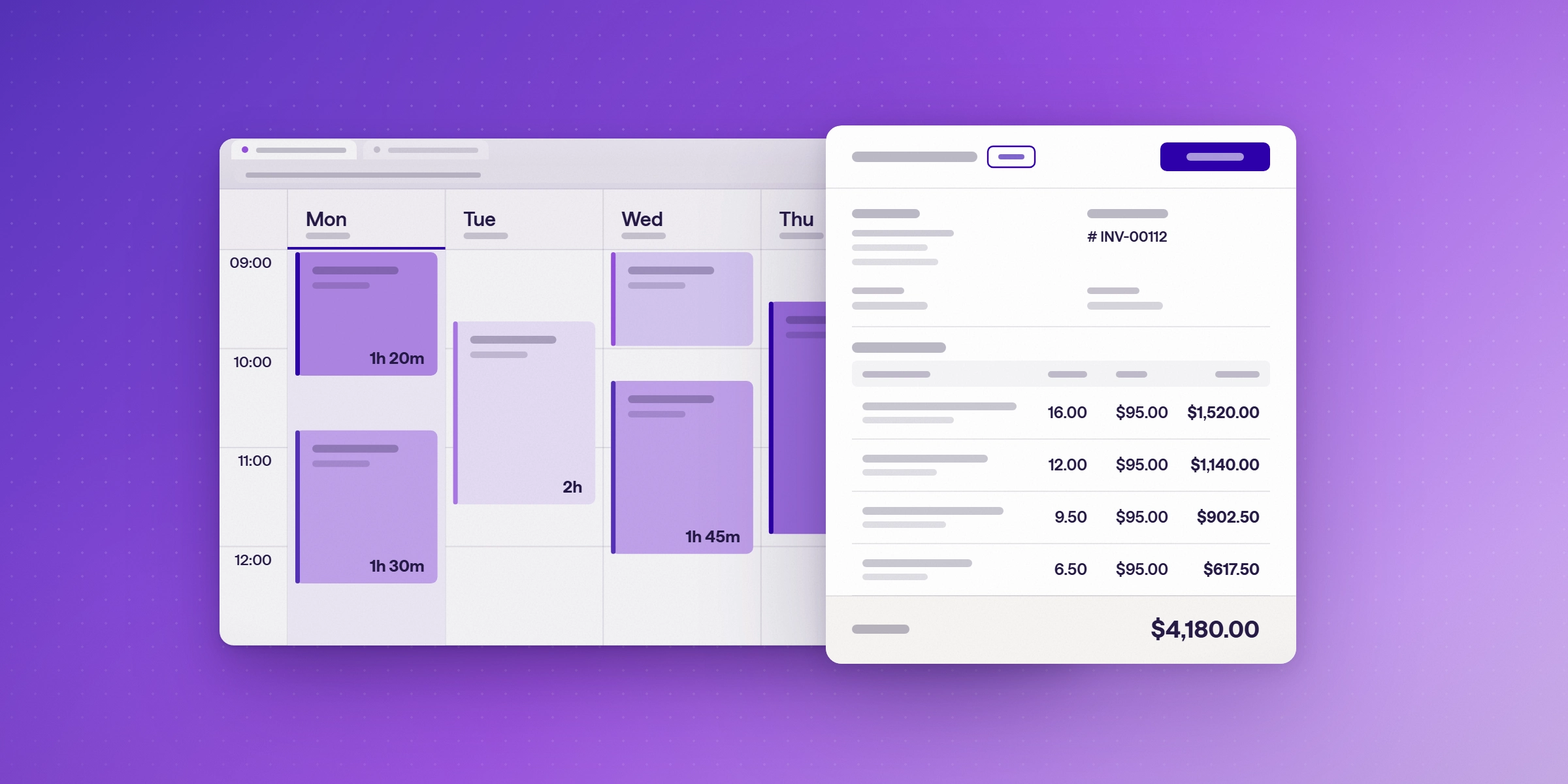
Invoicing is a feature in Lucen Track (formerly Timeneye) that lets you create, issue and manage client invoices directly from the billable time and expenses you've already tracked, without exporting data to a separate invoicing tool. Each invoice moves from draft to issued to paid, and you can void an invoice when needed.
Who is invoicing for?
Invoicing is built for teams that bill clients by the hour:
- Consulting firms that run a mix of hourly and fixed-fee work across clients
- Agencies that bill many clients and projects and need client-ready invoices
- Professional services firms that need invoices to hold up to client review
- IT services teams that already work inside Microsoft 365
How does invoicing work, from logged hours to paid invoice?
Four steps take work from the timesheet to a paid invoice. Each step is usually handled by a different role.
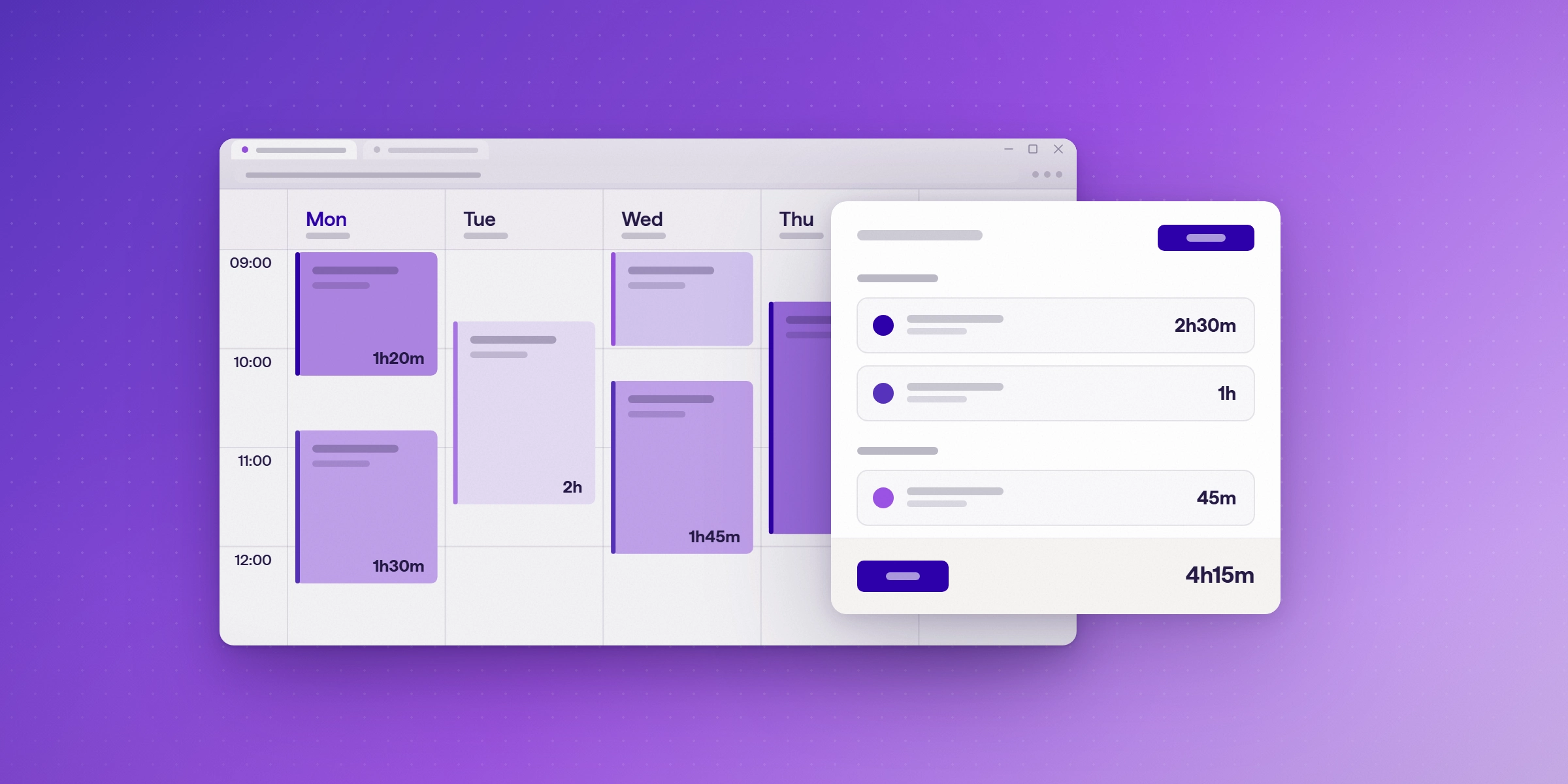
- Your team logs billable and non-billable time. Team members log time against each project, and client meetings from the Microsoft Outlook calendar come into Track, so time with clients is always accounted for.
- Your team adds expenses. Travel, meals, and supplies go on the same project. Bill them to the client, or use them for team reimbursements.
- Managers review and approve. Approved hours and expenses become the source for every invoice, so what you bill matches the work that was done.
- Owners and admins create and issue the invoice. Turn approved time into an invoice, or start from a blank one. Download the client-ready PDF, send it yourself, and mark the invoice as paid once it is paid.
Who can create invoices in Lucen Track?
Owners and admins can invoice by default. Project managers can get access when it makes sense for your team.
What does the invoicing feature include?
- Invoices from tracked time. Billable entries become invoice line items automatically, so there is nothing to re-enter.
- Start from blank. Add charges that are not tied to tracked time.
- Expenses on the invoice. Bill expenses alongside hours on the same invoice.
- Clear invoice status. Issue invoices and mark them as paid without leaving Track.
- PDF download. Client-ready PDFs to send to clients or keep for your accounting records.
- Detailed breakdowns. Export a breakdown of billable work so clients see exactly what they are paying for.
How do I see what has been billed?
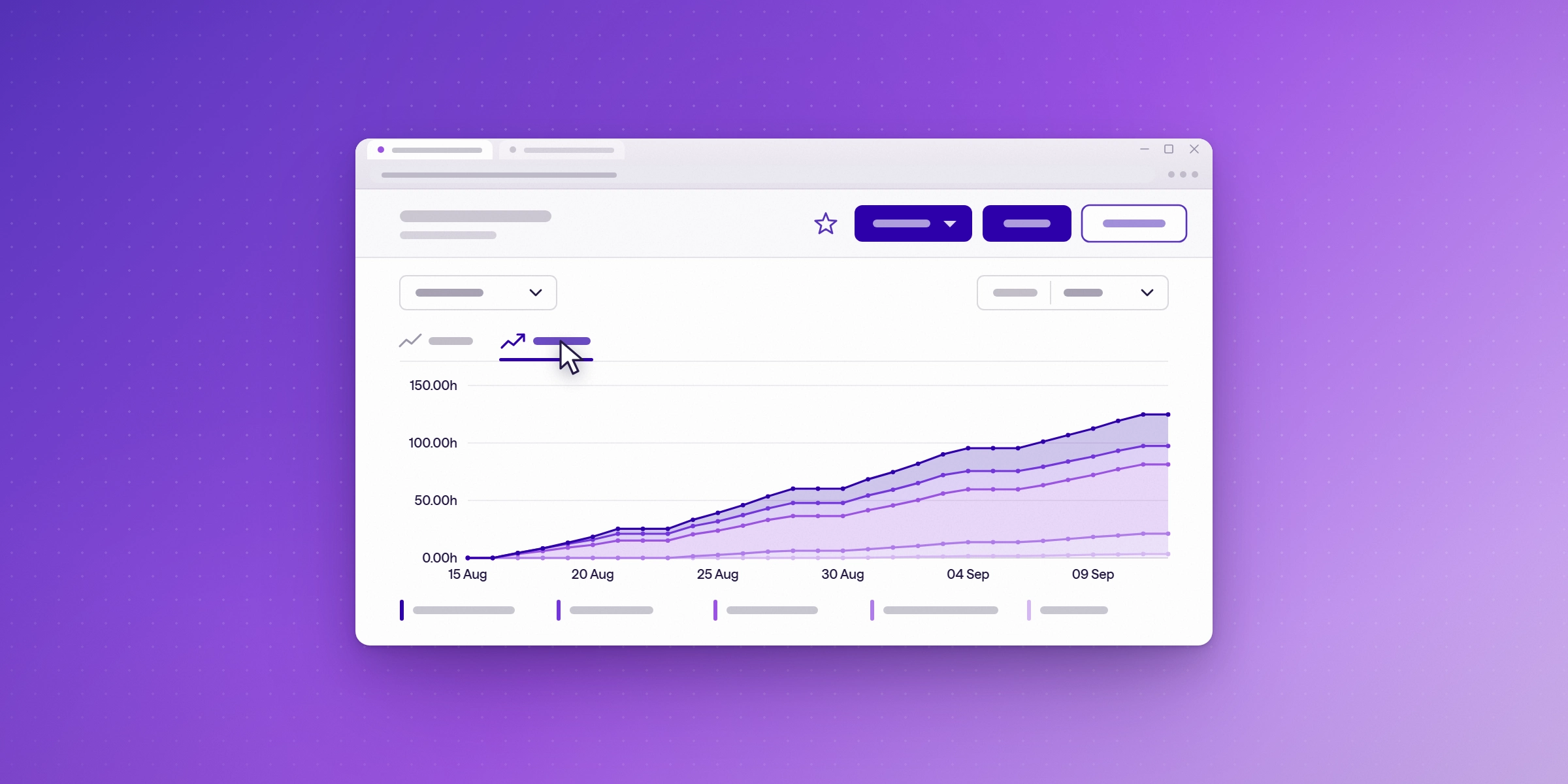
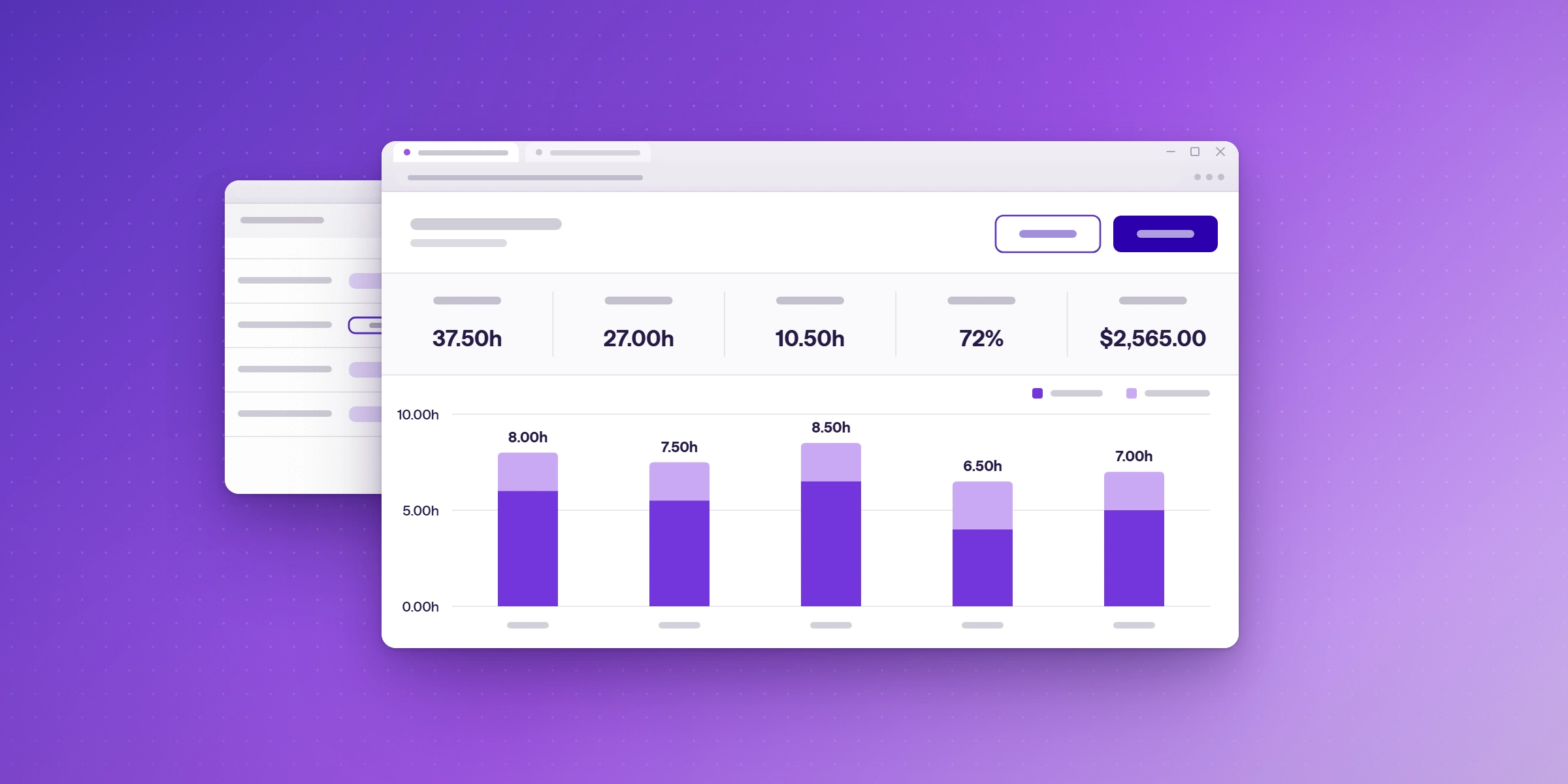
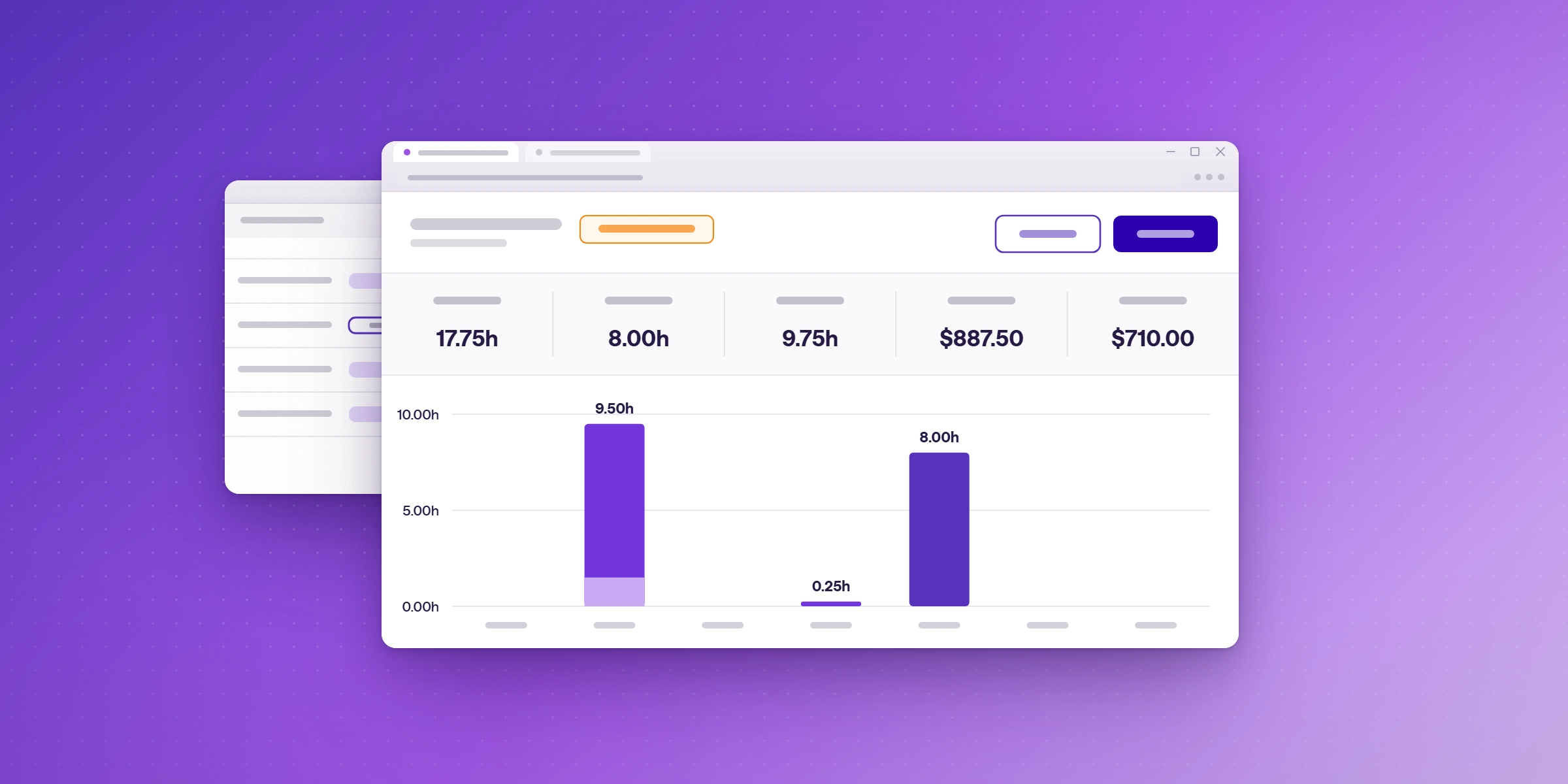
Reports show where your time turns into revenue. Compare billable and non-billable time, see earnings by project, phase, and team member, and share results with clients and stakeholders. Teams that need more can connect Track to Microsoft Power BI.

Which plans include invoicing?
Invoicing is included on the Starter, Premium, and Enterprise plans. It is not available on the Free plan.
| Plan | Invoicing |
|---|---|
| Free | Not available |
| Starter | Included |
| Premium | Included |
| Enterprise | Included |
How does Track work with Microsoft 365 for billing?
Track works inside the Microsoft 365 tools your team already uses. Client meetings from Outlook come into Track, your team can log time in Microsoft Teams and Planner, and billable time can feed Microsoft Power BI dashboards alongside the rest of your business data.
What invoicing does not do
Lucen Track does not send invoices or collect payments. You download the PDF and send it to your client yourself.
Start invoicing from your tracked hours
Lucen Track connects time tracking and invoicing, so your team's approved hours and expenses become client-ready invoices without re-entry. Start a free 14-day trial and issue your first invoice from tracked time, with no credit card required.
Frequently asked questions
Invoicing is a feature in Lucen Track that lets you create, issue, and manage client invoices directly from the billable time and expenses you've already tracked, without exporting data to a separate invoicing tool. See the billing and invoicing page for details.
Starter, Premium, and Enterprise include invoicing. It is not available on the Free plan. Compare Track's plans and pricing.
No. Billable entries become invoice line items automatically.
Yes. Log both on the same project and compare them in your reports.
Yes. Bill expenses alongside hours on the same invoice.
Owners and admins by default. Project managers can get access when it makes sense.
Yes. Download client-ready PDFs to send to clients or keep for your records.
Yes. Compare billable and non-billable time, and see earnings by project, phase, and team member.
Client meetings from Outlook come into Track, your team can log time in Microsoft Teams and Planner, and billable time can feed Power BI dashboards. See how Lucen Track works across Microsoft 365.
Start invoicing from your tracked hours
Lucen Track turns approved hours and expenses into client-ready invoices inside Microsoft 365. Start a free 14-day trial and create your first invoice from tracked time.


Subscribe to our blog
Get all the tips, tricks and inspiration you need to create professional looking timelines, straight to your inbox.