
Utilization Rate for Agencies: How to Calculate and Improve It
Agency utilization rate is billable hours divided by available hours. Learn the formula, what a good rate looks like, and five ways to improve it.

An agency's utilization rate is the share of its team's available hours that goes to billable client work: billable hours divided by available hours. It tells you how much of your capacity is earning revenue. A healthy rate depends on the role and on who you count, so the useful questions are how you measure it, what target fits your team, and what moves it. This guide covers the formula, the benchmarks, a worked example, and five ways to improve the number.
What is an agency utilization rate?
An agency utilization rate is the percentage of available working time your team spends on billable client work. Available time is contracted hours minus holidays, leave, and training. Billable time is work you can invoice, or that counts against a retainer or fixed fee.
There are two common versions:
- Billable utilization counts only client work that is billed or billable.
- Total utilization counts all productive work, including internal projects, pitches, and the agency's own marketing.
Most agencies manage billable utilization because it is the version tied to revenue.
How do you calculate agency utilization?
Divide billable hours by available hours for the same period, then multiply by 100.
Utilization rate = billable hours ÷ available hours × 100
An illustrative designer has 1,760 available hours in a year and logs 1,320 billable hours. Their utilization is 1,320 ÷ 1,760 = 75%.
Two choices change the answer, so make them once and keep them:
- The denominator. Use available hours, not the hours people happened to log. If non-billable work goes unlogged, a logged-hours denominator makes utilization look higher than it is. Our guide to unbilled hours shows how much the two can differ.
- Who is included. Measure each person, and decide separately whether the agency-wide figure includes only people who bill, or everyone, including sales and admin.
What is a good utilization rate for an agency?
There is no single number, because the target depends on the role and on whether you measure billable staff or the whole team. Two reference points:
- For people who bill, SPI Research's analysis found that utilization between 70% and 80% has historically maximized profitability, while firms above 80% tend to see higher burnout and attrition. (SPI Research, "The Truth About Billable Utilization") SPI considers 75% the optimal threshold, according to Deltek's summary of its 2026 benchmark. (Deltek, 2026 PSO Benchmarks: What We Learned and What's Next from the SPI Maturity Benchmark Report)
- For the whole agency, including sales, admin, and time off, Parakeeto, a CFO firm for digital and creative agencies, sets a target of 50–60% and warns that rates above that range point to burnout, scope creep, and declining quality. (Parakeeto, Utilization Rate Calculator)
For context, SPI Research's 2026 benchmark found that billable utilization across 509 professional services organizations fell to 66.4% in 2025, the lowest level in the study's 19-year history. (SPI Research 19th annual benchmark) SPI's data covers professional services broadly, not only agencies, so treat it as a market reference rather than an agency target.
Use your own trend as the main measure. A target a few points above each person's current rate, reviewed quarterly, is more useful than any outside benchmark.
Why does team-wide utilization look lower than individual utilization?
Because not everyone in an agency bills, and the people who bill least are often the most senior. Utilization should be read per person first, then rolled up.
An illustrative four-person team, each with 1,760 available hours:
| Role | Available hours | Billable hours | Utilization |
|---|---|---|---|
| Developer | 1,760 | 1,408 | 80% |
| Designer | 1,760 | 1,320 | 75% |
| Account manager | 1,760 | 880 | 50% |
| Agency owner | 1,760 | 528 | 30% |
| Team | 7,040 | 4,136 | 58.8% |
The developer and designer sit inside SPI's 70–80% range, and the team as a whole lands inside Parakeeto's 50–60% range. Both readings are healthy. Setting one agency-wide target of 75% would have pushed the owner and account manager into client work they are not there to do.
How do you set utilization targets by role?
Set targets per role, from each person's own history, then check the team total. A simple way to do it:
- Pull last year's billable and available hours for each person.
- Group people by role and note the range each role actually achieves.
- Set each person's target a few points above their current rate, within what their role allows.
- Add the targets up and check the team total against your revenue plan.
Roles that sell, manage accounts, or run the agency should carry lower targets by design. The target is a planning number, not a performance score.
See utilization by person without building a spreadsheet. Lucen Track reports billable and non-billable hours by person, team, and client from the time your team logs in Microsoft Teams and Outlook. The free trial runs for 14 days on the Premium plan, and no credit card is needed. Start your free trial.
How do you improve utilization at an agency?
Improve utilization by recovering billable time that is lost or unrecorded, not by asking people to work longer. Five changes cover most of it:
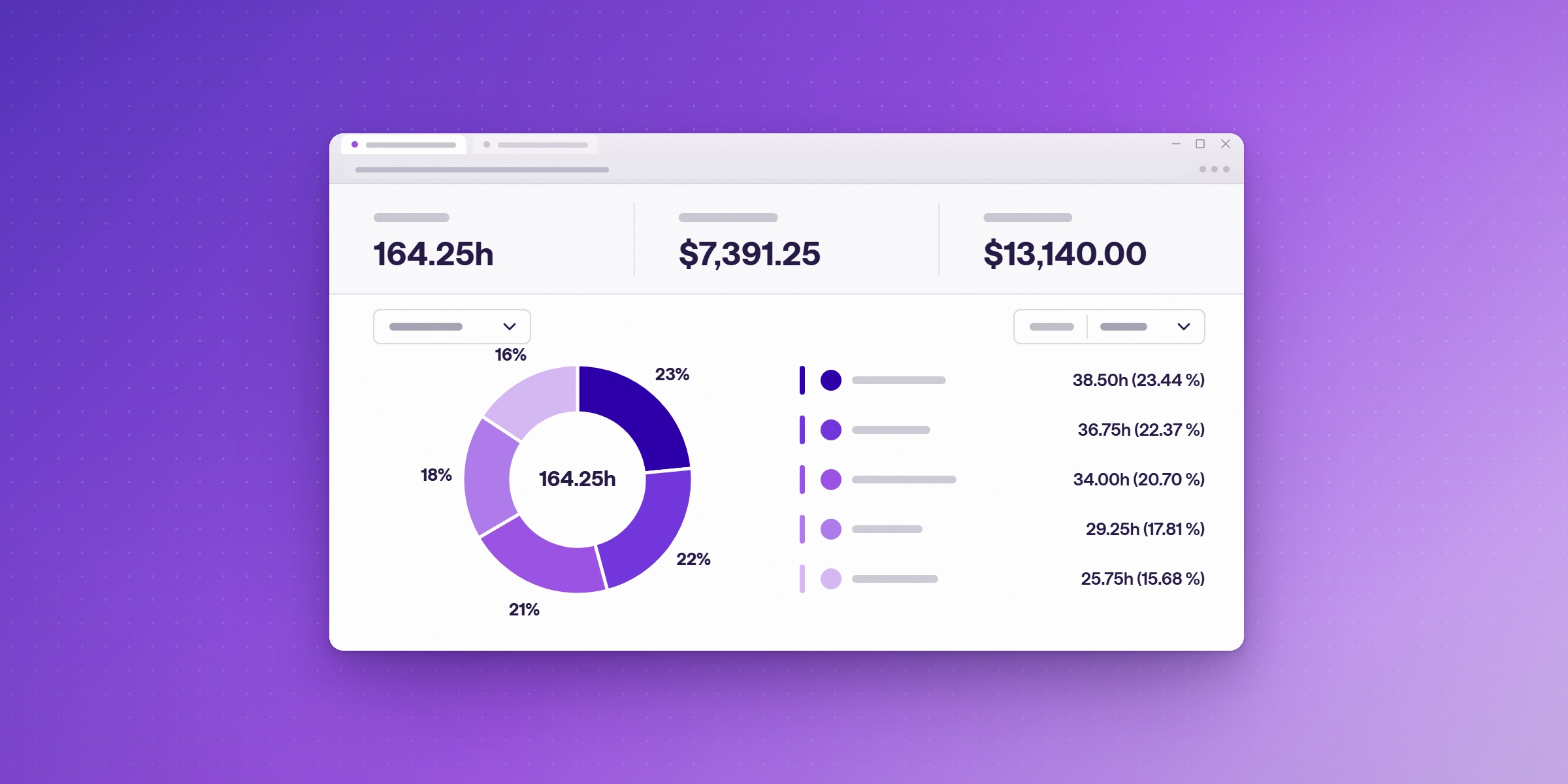
- Log all time daily. Utilization is only as accurate as the timesheet. Entries reconstructed at the end of the week lose the short tasks and client calls first.
- Log scope changes as they happen. A 15-minute change request that never reaches a timesheet is billable work the agency gave away. Track it against the project, and set a budget alert so overruns surface early.
- Cut avoidable non-billable time. Review where non-billable hours go each month: internal meetings, rework, admin. Remove what does not need to happen.
- Plan work against capacity. People with no billable work booked cannot be utilized. Compare each person's planned hours with their available hours a few weeks ahead.
- Review utilization with realization. Hours logged as billable only matter if they reach an invoice. Check both together, by person and by client.
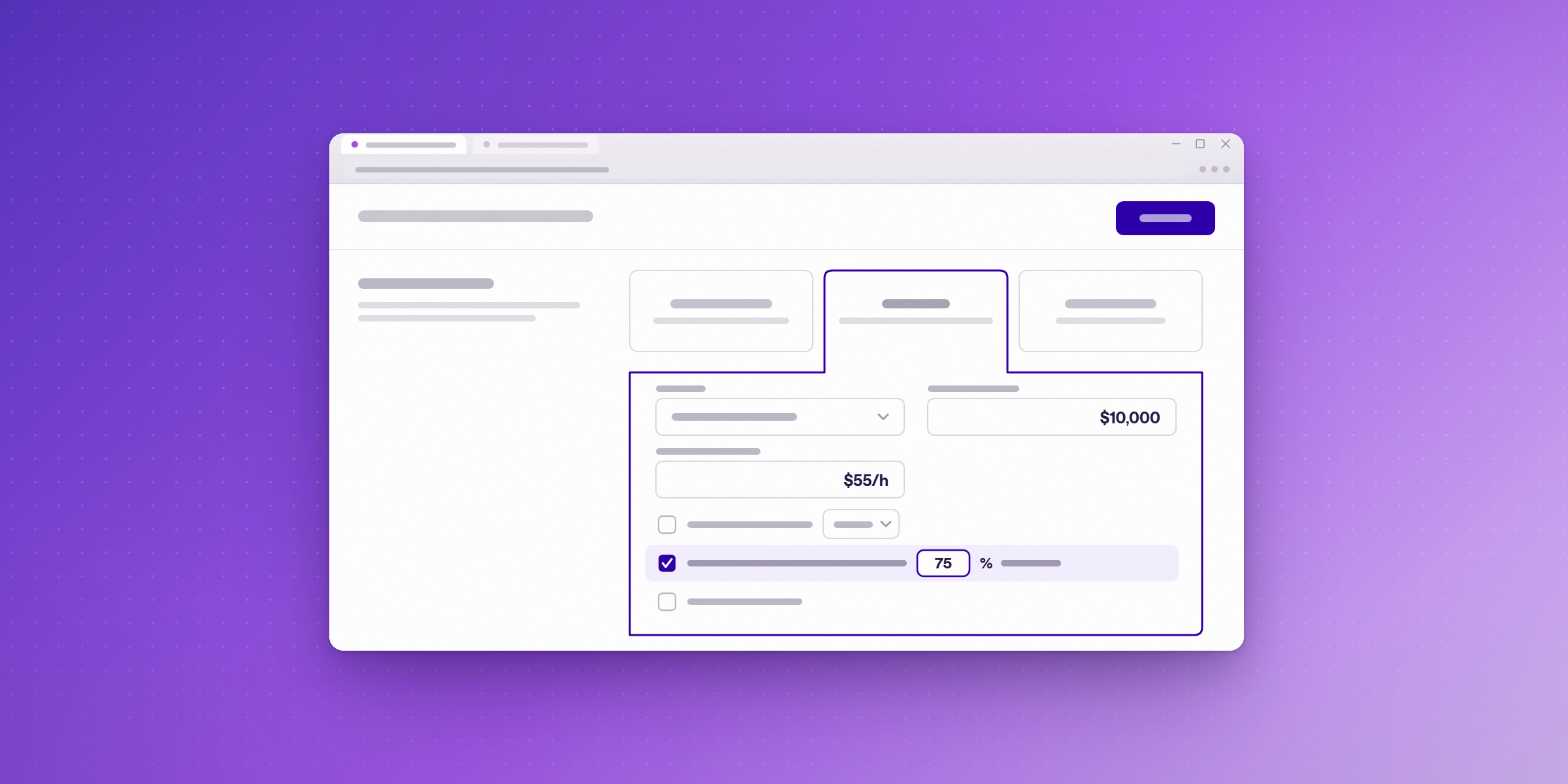
Review the numbers monthly, and change a target only when a pattern holds for at least two quarters.
What hurts agency utilization most?
The most common causes are work that is done but not logged, scope creep that is absorbed rather than billed, and too much time in internal meetings and admin. Each looks like low utilization on the report, but each needs a different fix:
| Cause | What it looks like | Fix |
|---|---|---|
| Unlogged work | Low logged totals on busy weeks | Daily logging and team reminder emails |
| Absorbed scope creep | Projects over budget with no change requests | Log change requests and set budget alerts |
| Non-billable overload | High total hours, low billable share | Review internal meetings and admin monthly |
| No booked work | Low utilization for one person while others are overloaded | Plan work against capacity weeks ahead |
How does Lucen Track help agencies measure utilization?
Lucen Track is a time tracking tool built for Microsoft 365, so your team logs hours in Microsoft Teams and Outlook rather than in a separate app at the end of the week. Outlook meetings come in as suggested time entries, so client calls are not lost.
For the steps in this guide, Track offers:
- Billable and non-billable hours, reported separately, by person, team and client.
- Team time tracking reminder emails, from the Starter plan, to cut missing entries.
- Task estimates and time budgets with alerts, from Starter, so scope creep shows up early.
- Approvals and locked time entries, on Premium, so reviewed numbers do not change.
- Labour costs, on Premium, to see margin by client and project.
- Integrations with Jira, Asana, ClickUp and Basecamp, for agencies that manage projects outside Microsoft 365.
Pure Company, a Warsaw data consultancy, uses Track reports to monitor its share of billable hours and to balance workloads across the team, and runs monthly or year-to-date reports to judge the health of the business. (Pure Company customer story)
For the margin side of the same data, see our guide to project profitability and cost control.
What does Lucen Track cost?
Track's plans are:
| Plan | Users | Price (billed annually) | Highlights on the pricing page |
|---|---|---|---|
| Free | Up to 2 | $0, free forever | Time tracking for individuals getting started |
| Starter | Up to 30 | $7 per user per month | Shared reporting and transparency |
| Premium | Up to 30 | $13 per user per month | Profitability, approvals and budgets |
| Enterprise | Unlimited | Custom pricing | Governance, integrations and planned vs. actual tracking |
For an agency that wants utilization by person plus approvals and margin, Premium covers the setup in this guide. Start your free 14-day trial of Lucen Track. The trial includes Premium features, and no credit card is needed. Start your free trial.
Frequently asked questions
Divide billable hours by available hours for the same period and multiply by 100. Available hours are contracted hours minus holidays, leave, and training. Calculate it per person first, then roll it up for the team.
For people who bill, SPI Research found that 70–80% has historically maximized profitability, with higher burnout above 80%. Across the whole agency, including sales and admin, Parakeeto targets 50–60%. Set targets by role, based on each person's own history.
Billable utilization counts only client work that is billed or billable. Total utilization also counts internal projects, pitches, and the agency's own marketing. Billable utilization is the one tied to revenue.
Recover time that is lost rather than adding hours: log time daily, log scope changes, cut avoidable internal meetings, plan work against capacity, and check that billable hours reach an invoice. Keep individual targets below 80%.
Start your free 14-day trial of Lucen Track
See billable and non-billable hours by person, team and client from the time your team logs in Microsoft Teams and Outlook. No credit card is needed.


Subscribe to our blog
Get all the tips, tricks and inspiration you need to create professional looking timelines, straight to your inbox.