
Project Profitability and Cost Control for Professional Services
How to calculate project profitability: revenue minus cost, fully loaded cost rates, margin percentage, and a forecast to completion that catches an overrun early.

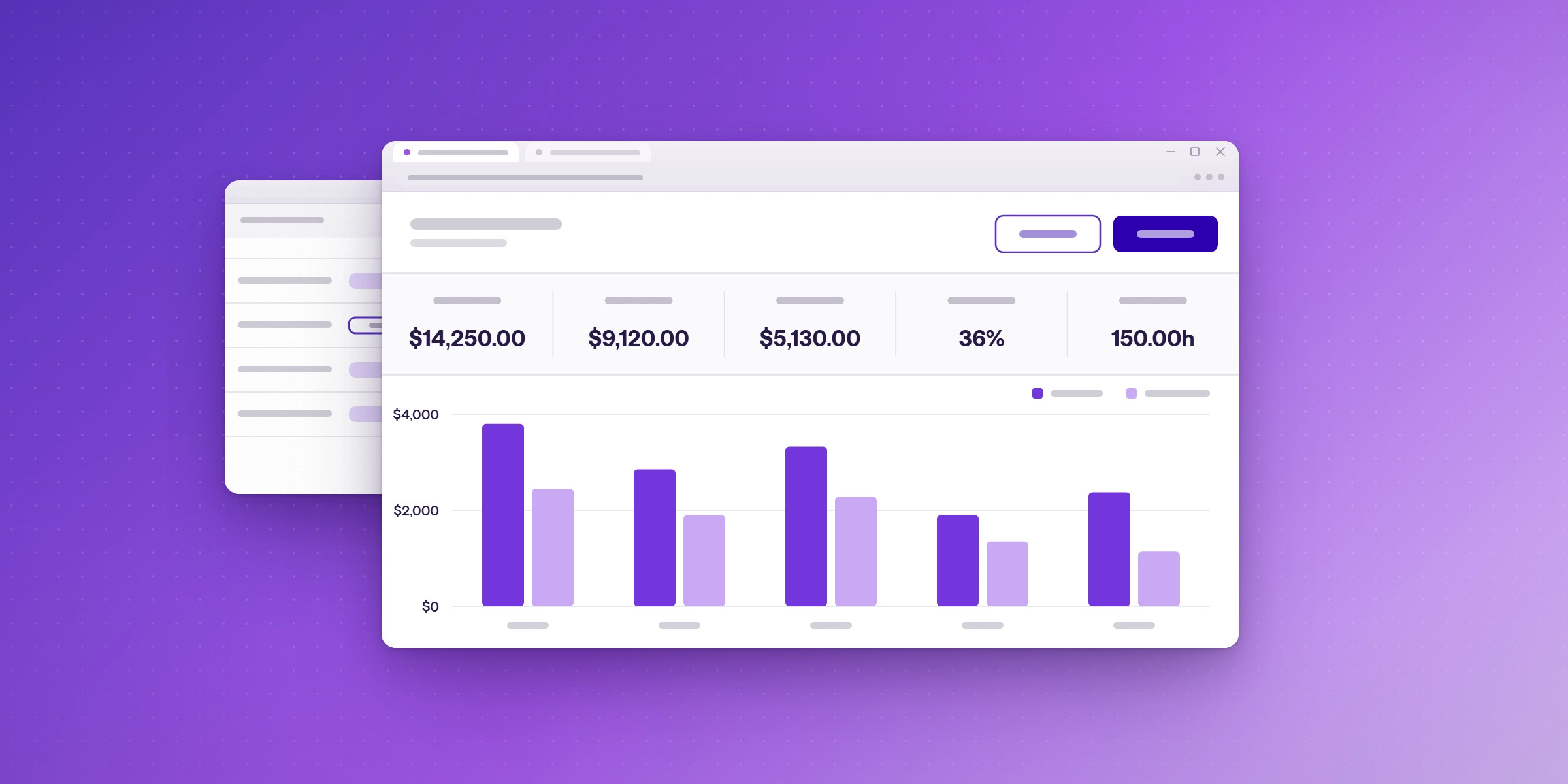
Project profitability is what a project earns after the cost of delivering it: revenue minus delivery cost, expressed in currency and as a margin percentage. For a professional services firm, almost all of that delivery cost is people's time, so the calculation is only as good as the hours behind it. This guide covers the formula, the cost rate most firms get wrong, how to forecast an overrun before it lands, and how to set the whole thing up in a spreadsheet.
What is project profitability?
Project profitability is the margin a single project returns: the revenue invoiced for it, minus the cost of the people and expenses used to deliver it. It is usually reported in two ways: in money and as a percentage.
- Gross project margin is revenue minus delivery cost.
- Project margin percentage is that margin divided by revenue.
Average project margins across benchmarked professional services organizations were 37.7% in 2025, according to Deltek's summary of SPI Research's Professional Services Maturity Benchmark. (Deltek, 5 KPIs from the SPI Professional Services Maturity Benchmark)
Profitability is a different question from utilization. Utilization asks how much of your team's available time was billable; across benchmarked firms it fell to 66.4% in 2025, the lowest reading in the study's history. (SPI Research 19th annual benchmark) Profitability asks whether the work you did bill actually paid for itself. A busy team can run a thin project.
How do you calculate project profitability?
Five steps, using the same period for every input:
- Take the revenue for the project. For time-and-materials work, use the amount invoiced. For fixed-fee work, use the contract value, or the portion recognized in the period.
- Pull the hours logged to the project, by person and by phase.
- Multiply each person's hours by their cost rate, not their billable rate, and add the results. This is your labour cost.
- Add direct expenses charged to the project: travel, subcontractors, software bought for the engagement.
- Subtract total cost from revenue, then divide by revenue for the margin percentage.
An illustrative fixed-fee engagement, invoiced at $40,000:
| Input | Figure |
|---|---|
| Revenue invoiced | $40,000 |
| Senior consultant, 60 h at $90 cost rate | $5,400 |
| Consultant, 140 h at $60 cost rate | $8,400 |
| Analyst, 60 h at $40 cost rate | $2,400 |
| Direct expenses | $1,800 |
| Total delivery cost | $18,000 |
| Gross project margin | $22,000 |
| Project margin percentage | 55% |
One more figure is worth calculating from the same inputs: the effective hourly rate, revenue divided by total hours. Here, that is $40,000 across 260 hours, or about $154 an hour. On fixed-fee work, it tells you what the engagement actually earned per hour, whatever the rate card says.
What is the difference between a cost rate and a billable rate?
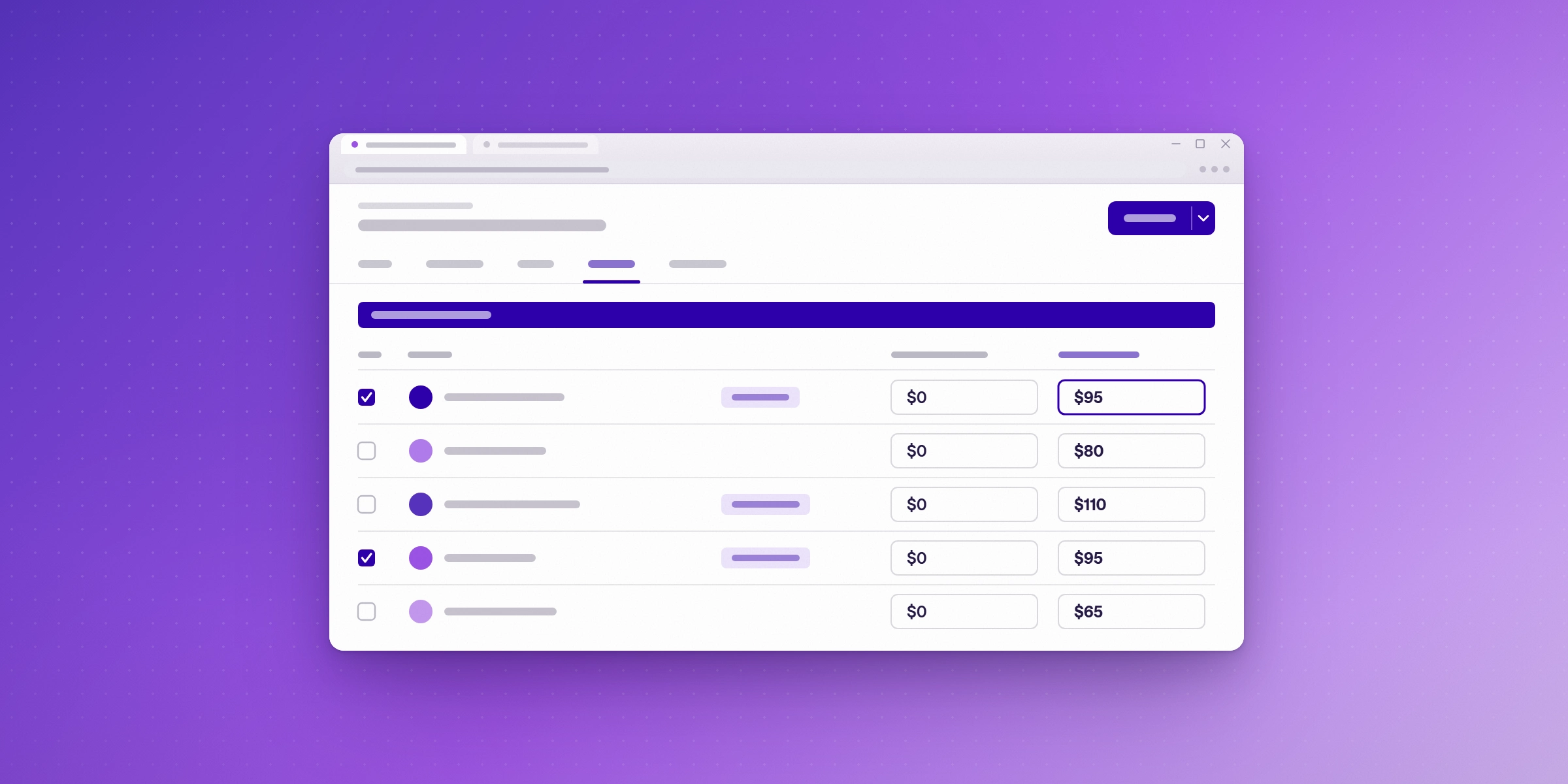
A billable rate is what the client pays for an hour. A cost rate is what that hour costs your firm to deliver. Using the billable rate on both sides of the calculation is the most common way a profitability number comes out wrong, because it makes every project look like it has no labour cost at all.
A fully loaded cost rate includes salary, employer taxes and benefits, and a share of overhead, divided by the hours that person is actually available to work in a year. Illustratively: a $120,000 salary plus 25% in employer costs is $150,000; across 1,800 available hours, that is a cost rate of about $83 an hour.
Two decisions to make once and then apply consistently:
- Whether overhead is in or out. A rate that includes allocated overhead gives you a margin after overhead. One that excludes it gives a contribution margin, which is what the project contributes before overhead is covered. Both are useful. Mixing them across projects is not.
- What counts as available hours? Subtract holiday, leave, and training from the year before you divide, or every cost rate you calculate will be too low.
How do you set this up in a spreadsheet?
Before you buy software, the steps above run perfectly well in a spreadsheet. Five tabs cover it:
| Tab | What it holds |
|---|---|
| Rates | Each person, their cost rate, and their billable rate |
| Time | Hours by person, project and phase, pasted or exported from your time tracking tool |
| Project P&L | Revenue, labour cost, expenses, gross margin, margin percentage and effective hourly rate for one project |
| Forecast | Budget hours, hours to date, percent complete, forecast hours at completion and variance |
| Portfolio | Every project on one sheet, ranked by margin |
Keep the rates on their own tab rather than typing them into each calculation, so that a rate change flows through every project at once.
See cost and margin without rebuilding the spreadsheet. Lucen Track calculates margin by client and project from the hours your team already logs. The free trial runs for 14 days on the Premium plan, which includes labour costs, monetary budgets, and billable rates by person. No credit card is needed. Start your free trial.
How do you control costs while a project is still running?
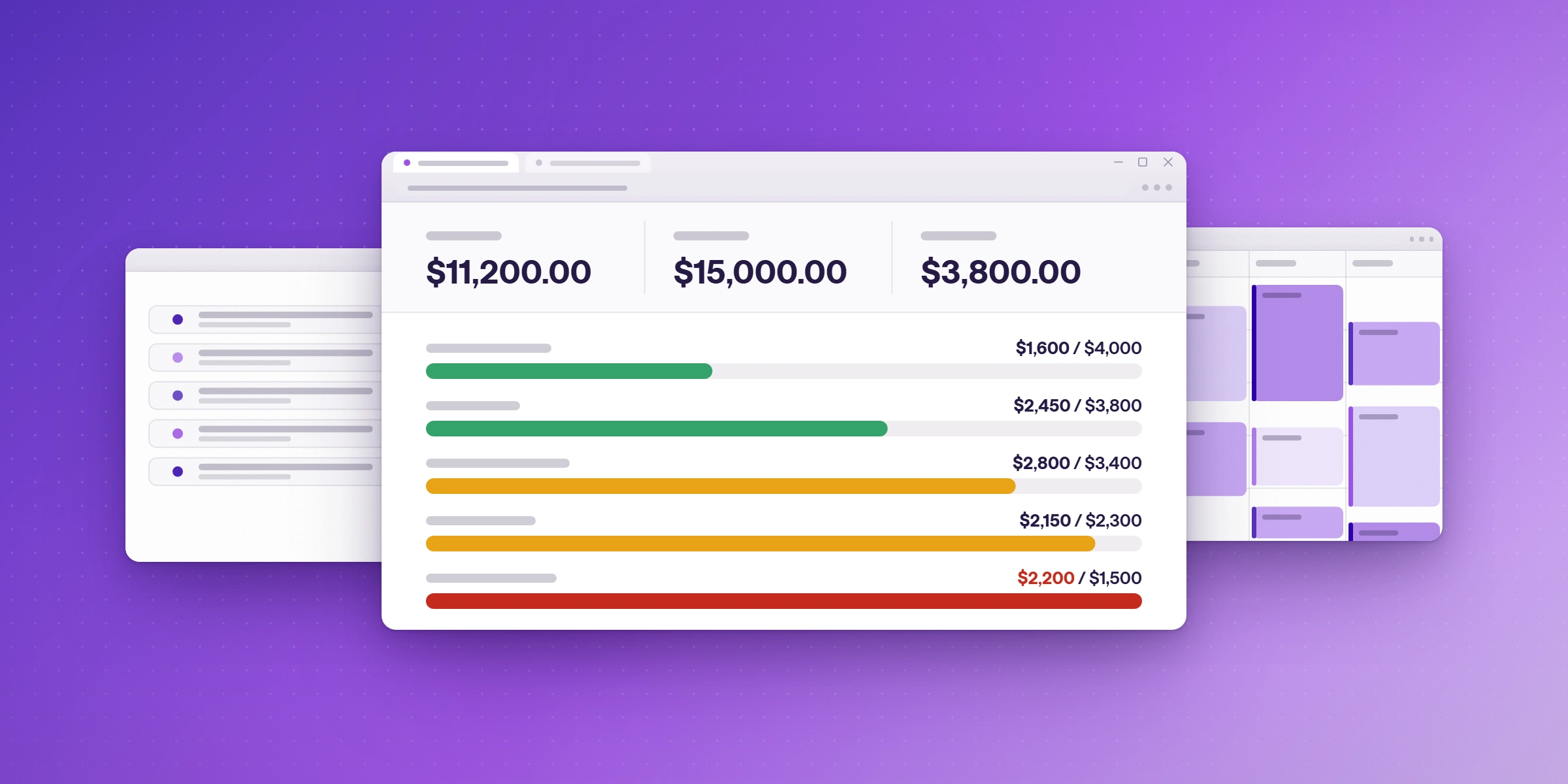
Cost control means acting on a project's numbers before it closes, not reporting on them afterwards. Three things make that possible:
- A budget in hours and in money. Hours alone hide a mix problem, where the work drifts onto more expensive people without going over on time.
- A completion forecast, refreshed weekly. Divide the hours spent so far by the percentage of the work that is genuinely complete. A different illustrative project, with a 400-hour budget, that has used 240 hours at 50% complete forecasts to 480 hours: 80 hours, or 20%, over budget, while there is still time to do something about it.
- A variance threshold that triggers a conversation. SPI Research finds that overruns beyond 10% negatively affect client satisfaction, project margins, and future bookings. SPI does not prescribe a threshold, but that finding makes 10% a sensible place to set your own alarm. (Deltek, 5 KPIs from the SPI benchmark)
When a forecast breaks the threshold, the options are narrow and worth naming in advance: rescope, move work to a less expensive person, raise a change order, or accept the hit and record why.
What does your time data need to support cost control?
Cost control is a reporting problem before it is a software problem. Whatever tool you use, the time data behind it has to carry four things:
- A cost rate attached to each person, so hours convert to money without a manual lookup.
- Hours coded to a project and a phase, so a variance can be traced to the part of the work that caused it.
- Non-billable time recorded too, so the cost of an engagement includes the work nobody invoices.
- Hours are logged close to when the work happened, so a weekly forecast is based on the current week.
If any of those is missing, the margin number arrives after the project has closed, which makes it a post-mortem rather than a control.
How does Lucen Track support project profitability and cost control?
Lucen Track is a time tracking platform built for Microsoft 365, so hours are logged where the work happens rather than in a separate system at the end of the week. On the reporting side, Track is built around the same question this guide asks: in Lucen's words, “capture the hours, bill from them, and watch margins while the work is still running.”
The cost control features in this guide sit on Track's Premium and Enterprise plans:
- Labour costs, so logged hours convert to money, and cost and margin can be read by client and project.
- Billable rates by person and fixed-fee projects.
- Monetary budgets, with budget overruns surfacing early. Budgets and alerts in hours start at a lower tier, on Starter.
- Approvals, so time is checked before it reaches an invoice.
- Microsoft Power BI, for putting revenue and margin in front of leadership.
Customizable reports are included on every plan, including Free, and Track can create invoices from billable time.
For the wider picture of delivery and capacity, see Lucen for professional services and Lucen Track for consultants. If your team plans work in Microsoft Planner, time can be logged against Planner tasks.
What does Lucen Track cost?
Track's plans are:
| Plan | Users | Price (billed annually) | Highlights on the pricing page |
|---|---|---|---|
| Free | Up to 2 | $0, free forever | Time tracking for individuals getting started |
| Starter | Up to 30 | $7 per user per month | Shared reporting and transparency |
| Premium | Up to 30 | $13 per user per month | Profitability, approvals, and budgets |
| Enterprise | Unlimited | Custom pricing | Governance, integrations, and planned vs. actual tracking |
Whichever plan you end up on, the free trial runs for 14 days on the Premium plan, so the cost control features above can be tested first. No credit card is needed to start it.
Frequently asked questions
Subtract the cost of delivering a project from the revenue invoiced for it, then divide that margin by the revenue for a percentage. Delivery cost is each person's hours multiplied by their cost rate, plus direct expenses such as travel and subcontractors.
There is no single target, because it depends on service line, rate card, and whether overhead sits inside your cost rates. As a market reference, Deltek's summary of the SPI benchmark puts average project margins at 37.7% in 2025. Your own trend over several quarters is more useful than any benchmark.
The billable rate is what the client pays; the cost rate is what the hour costs your firm. Using the billable rate on both sides of the calculation removes labour cost from the result and makes every project look profitable.
Yes. A spreadsheet works well for a handful of projects: one tab for rates, one for hours, and one that calculates revenue minus cost for each project. Across many projects, exporting hours by hand each month becomes the bottleneck, which is where time tracking with cost control built in saves the most effort.
Calculate your project margins with Lucen Track
Track labour costs and margins by project. Start your free 14-day trial of Premium, with no credit card required.


Subscribe to our blog
Get all the tips, tricks and inspiration you need to create professional looking timelines, straight to your inbox.