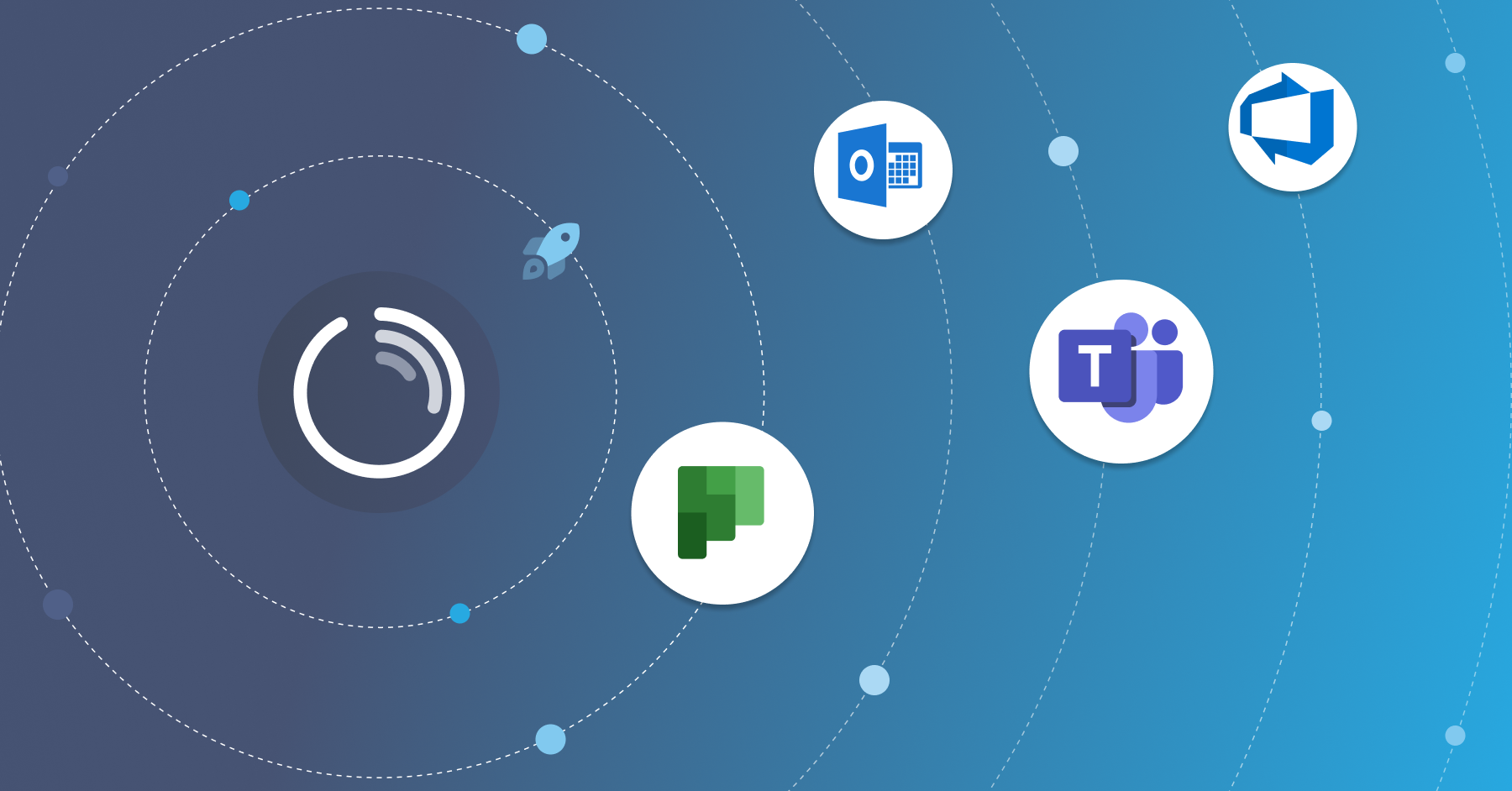

How to Track Time Against Microsoft Planner Tasks
Learn how to track time on Microsoft Planner tasks: connect Planner, log hours from inside it, and report project cost with Lucen Track.

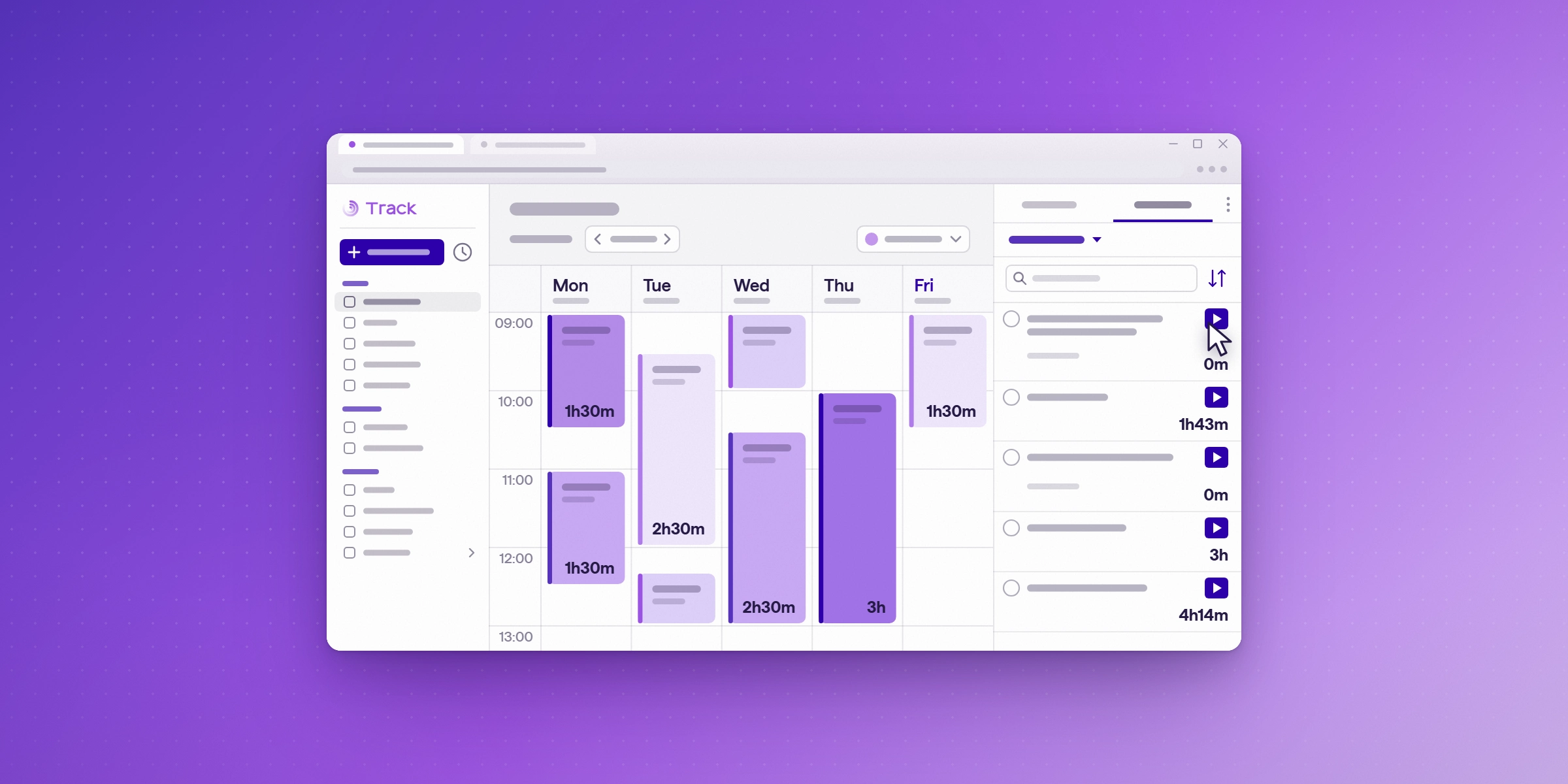
Planner time tracking connects a time tracking tool to your Microsoft Planner plans, so hours are recorded against each task and roll up to the project they belong to. Planner handles tasks and progress. Lucen Track adds the hours, lets you log time from inside Planner, and reports the cost of each project.
What is Planner time tracking?
Planner time tracking means recording the hours spent on each Microsoft Planner task, so the time appears in reports for the project and client it belongs to. Planner shows what needs doing and who owns it. A connected time tracking tool records how long the work took and what it cost.
How do you connect Planner to Lucen Track?
Connecting takes two steps:
- Connect Track to Microsoft Planner. Track brings in all your tasks automatically.
- Keep working in either tool. When you change something in Track or Microsoft Planner, the change updates in both.
How do you log time on a Planner task?
Lucen Track gives you two ways to log time without leaving Planner:
- Register work hours in one click from the Microsoft Planner web app.
- Start and stop timers right in Microsoft Planner.
Each time you track in Planner, Track updates your timesheet, which is the record of hours logged for each person and task. The hours are then available for reporting.
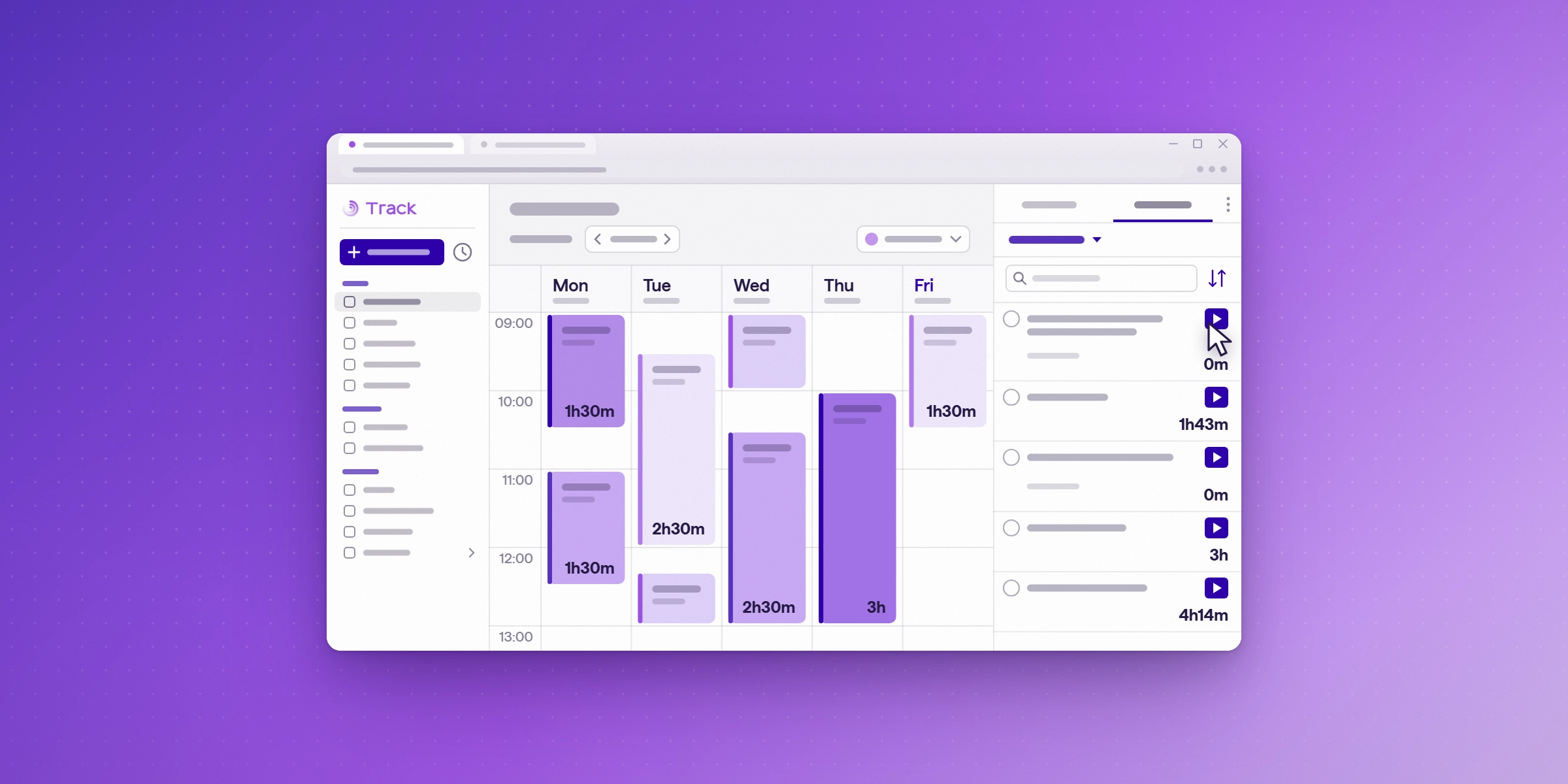
Try Track for free and connect Planner. Lucen Track's 14-day trial runs on the Premium plan, which includes the Planner integration, and needs no credit card. Start your free trial and connect Planner to see it with your own tasks.
How do project managers keep Planner hours current?
We recommend logging time on a task as soon as the work is done, then checking the tracked time on each task during your weekly review. From Starter up, Track can also manage project budgets and monitor progress alongside time tracking, in real time, and monetary budgets are available on Premium. Budget overruns surface early, so you can act before a project goes over.
How do senior PMs and PMO leads report Planner time across projects?
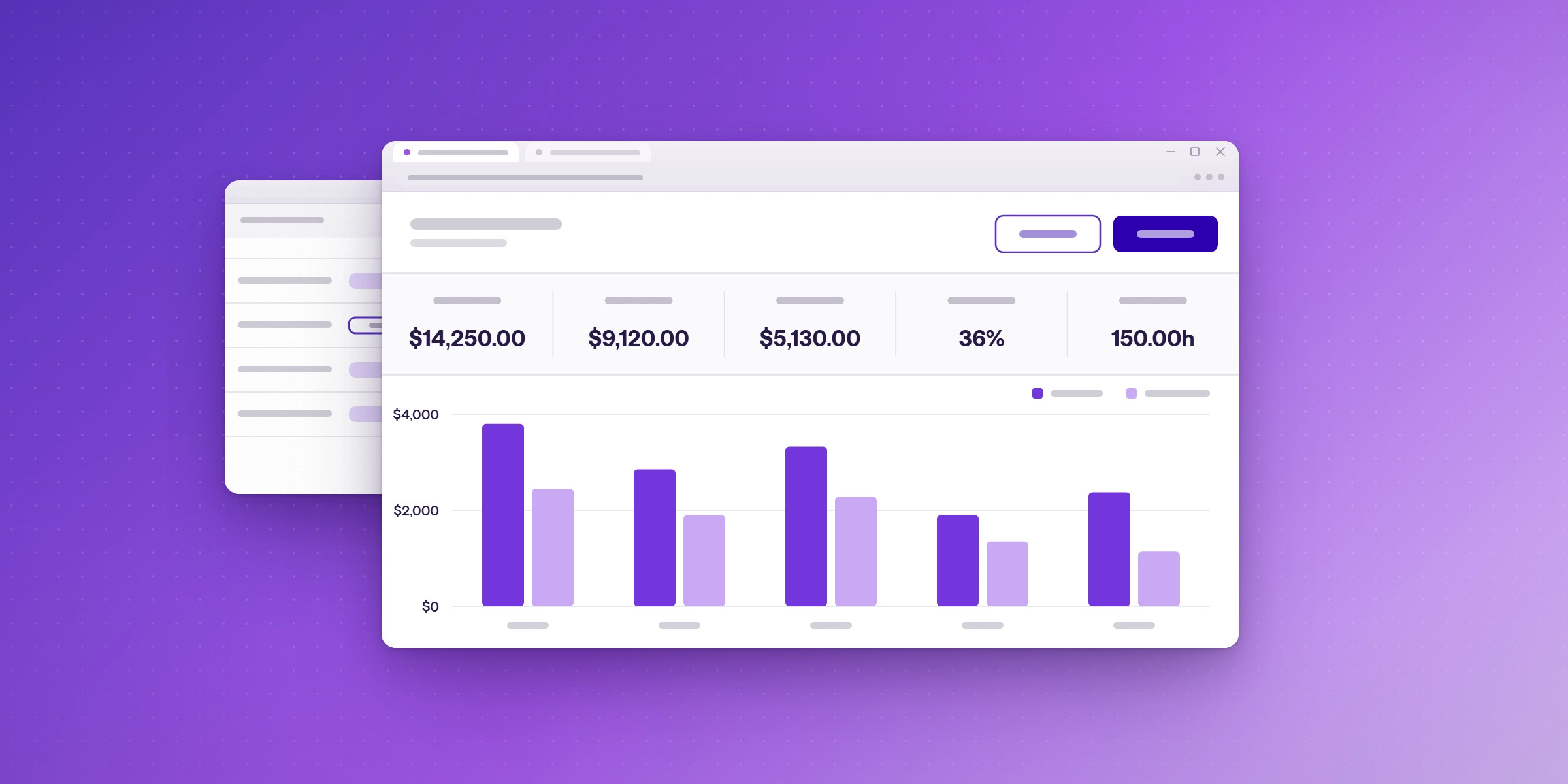
Once time is logged against Planner tasks, Track captures that activity and turns it into reports. On Premium and Enterprise, Track can show labour costs and margin by client and project, and connect to Power BI. For an overview of Track for consulting firms, see Lucen Track for consultants.
What does Lucen Track cost, and which plan includes Planner?
| Plan | Users | Price (billed annually) | Highlights on the pricing page |
|---|---|---|---|
| Free | Up to 2 | $0, free forever | Time tracking for individuals getting started |
| Starter | Up to 30 | $7 per user per month | Shared reporting and transparency |
| Premium | Up to 30 | $13 per user per month | Profitability, approvals, and budgets |
| Enterprise | Unlimited | Custom pricing | Governance, integrations, and planned vs. actual tracking |
The Microsoft Planner integration is included on Starter, Premium and Enterprise. It is not part of the Free plan. The cost and margin reporting, billable rates and monetary budgets above are on Premium and Enterprise.
The full Planner setup is on the Lucen Track for Microsoft Planner page.
Ready to log time on your Planner tasks? Try Track for free and connect Planner to see it with your own tasks. The 14-day trial runs on the Premium plan, which includes Planner, and no credit card is needed. Start your free trial
Frequently asked questions
Planner manages tasks and progress. To record hours against a task, connect a time tracking tool such as Lucen Track.
Yes. Lucen Track lets you start and stop timers right in Microsoft Planner, or register hours in one click from the Planner web app.
Yes. When you change something in Lucen Track or Microsoft Planner, the change updates in both.
Yes. Every Track trial runs for 14 days on the Premium plan, which includes the Planner integration, and no credit card is needed. Planner is also included on the Starter and Enterprise plans, but not on the Free plan.
Start tracking Planner time today
Connect your Microsoft Planner tasks to Lucen Track and log hours without leaving Planner.


Subscribe to our blog
Get all the tips, tricks and inspiration you need to create professional looking timelines, straight to your inbox.