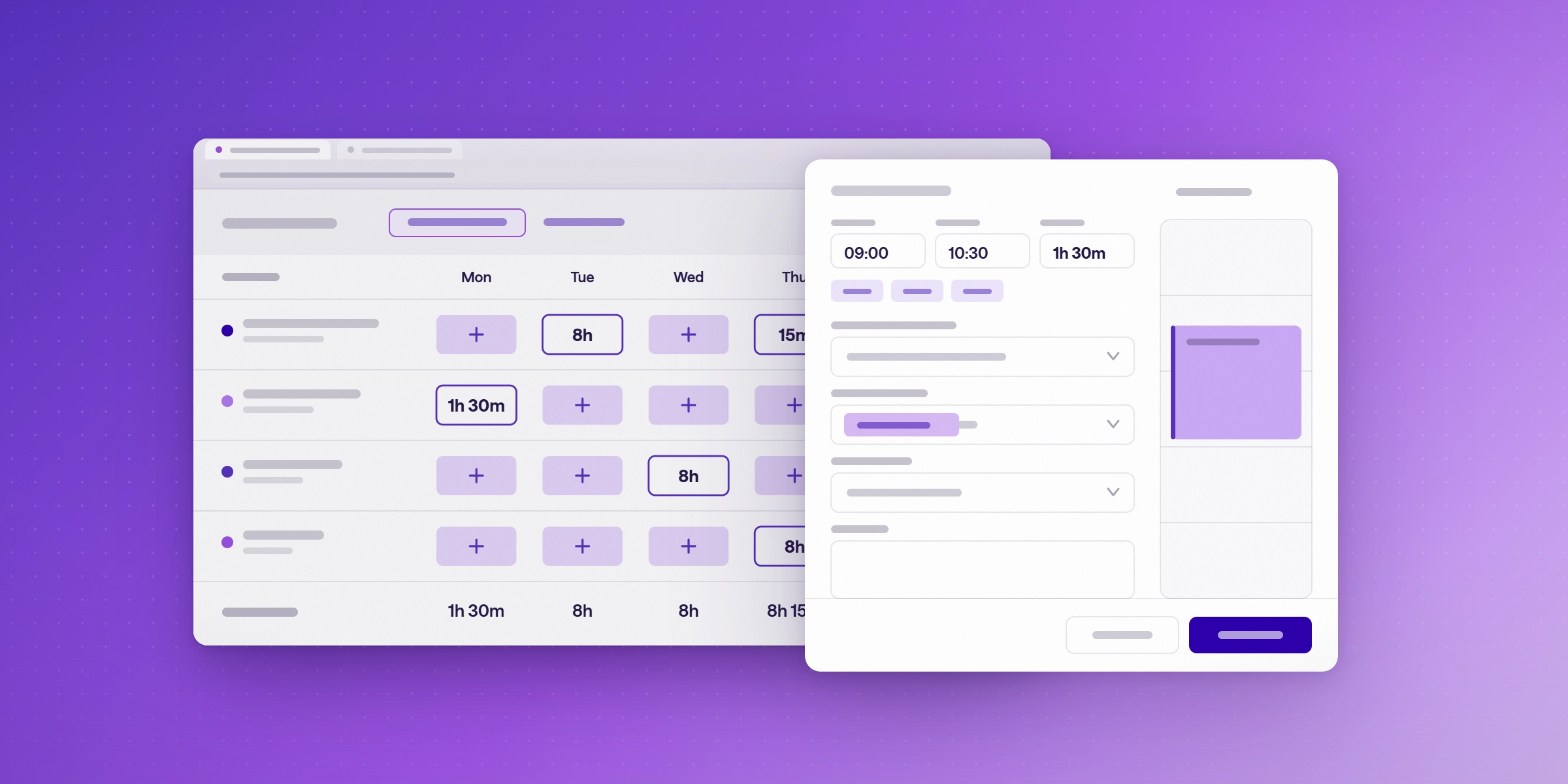

Time Tracking for Consulting Firms: A Playbook for Microsoft 365
Time tracking for consulting firms logs billable and non-billable hours by project. This playbook covers Microsoft 365 setup, logging habits, and billing checks.

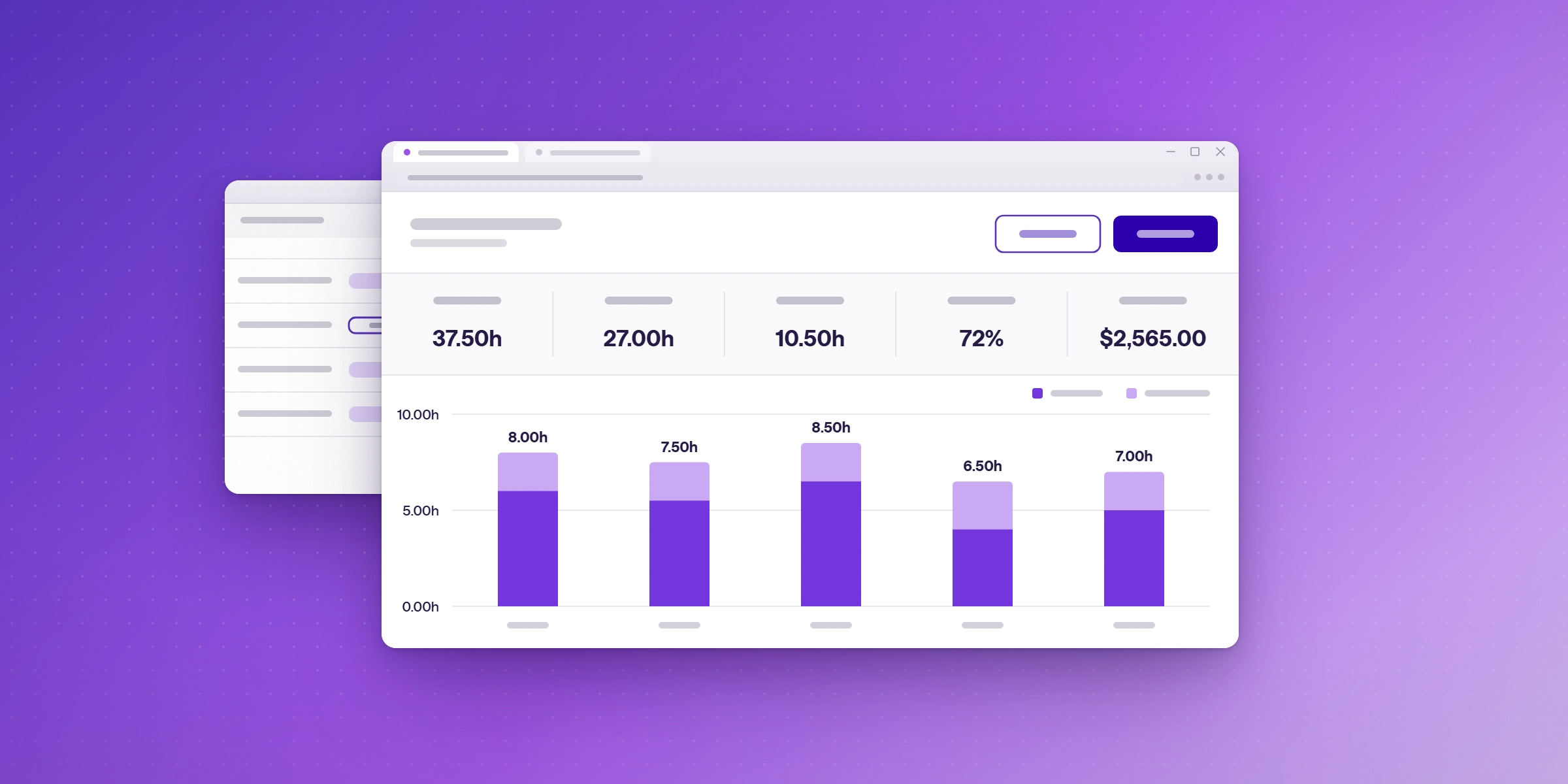
Time tracking for consulting firms means recording billable and non-billable hours against each client and project, so the firm can invoice accurately and see how its team's time is used. For firms on Microsoft 365, the simplest setup records time inside Microsoft Teams and Outlook, where consultants already work. This playbook covers the setup, the logging habits, the billing checks, and the measures that show whether it is working.
What is time tracking for consulting firms?
Time tracking for consulting firms is the practice of logging every hour a consultant works against a client, project, and time code. Billable hours feed invoices. Non-billable hours show where capacity goes. Together they let a firm price projects, check margins, and spot work that is done but never billed.
Why does time tracking matter for consulting firms?
Accurate time records let a consulting firm see margin by project, not just total utilization. SPI Research's March 2025 analysis found that utilization between 70% and 80% has historically maximized profitability, while firms above 80% tend to suffer from higher burnout and attrition. The same analysis warns that low-margin work can raise utilization while hurting financial health, so firms should track project margins alongside hours. (SPI Research, "The Truth About Billable Utilization")
Measure utilization against available hours, not only the hours that were logged. Recorded-hours figures can look better when non-billable work goes unlogged.
How do you set up time tracking on Microsoft 365?
Start by choosing a tool that consultants can use without leaving the apps they already open. Then set up three things before the first week of logging:
- Time codes by project phase. Use codes that match how work is scoped, so hours can be compared against estimates.
- Billable rates. Set rates by project for time-and-materials work, and by person or fixed fee where the contract requires it.
- Budgets and approvals. Set a budget for each project, and approve time before it reaches an invoice.
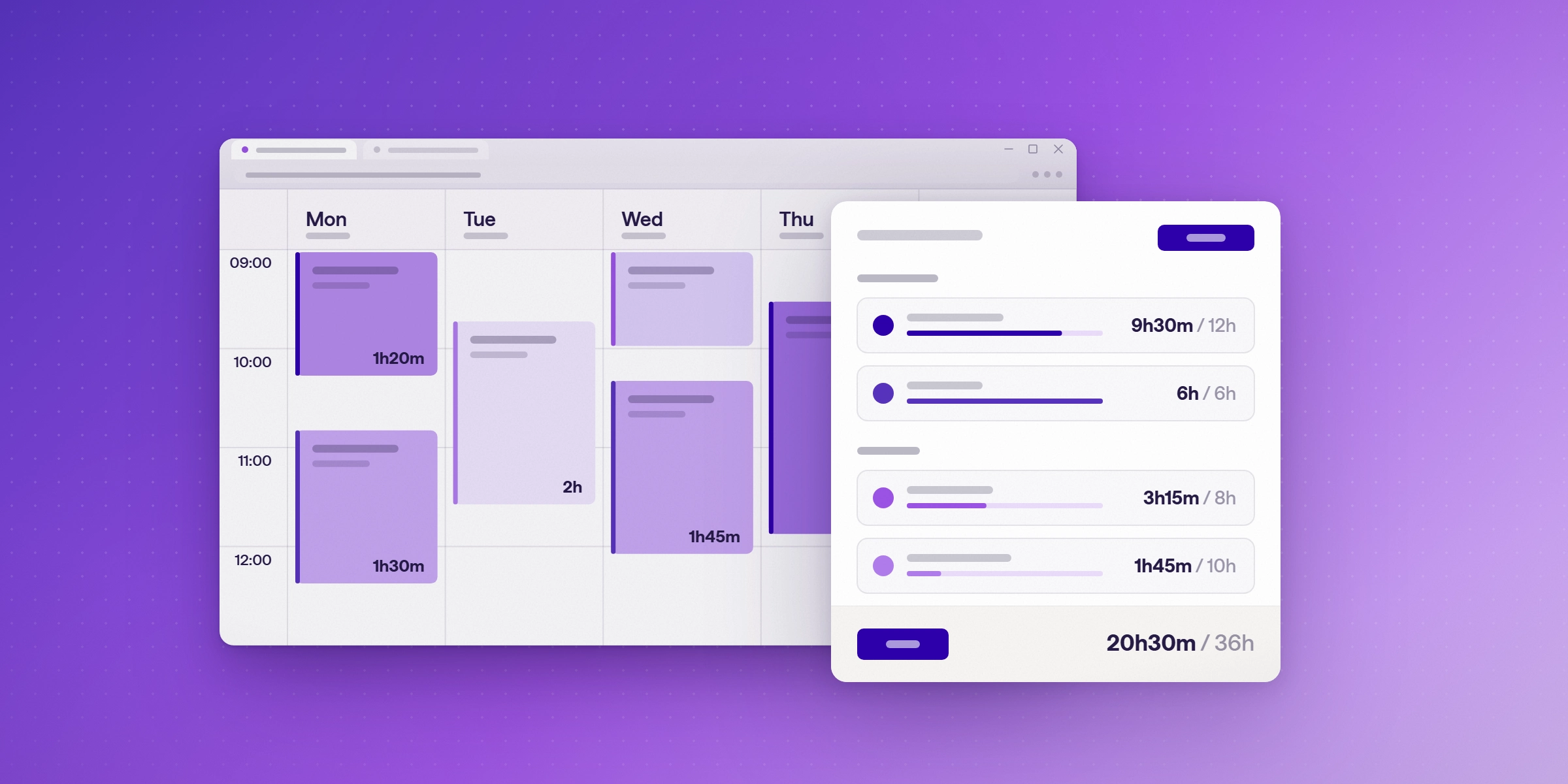
Lucen Track is built for Microsoft 365. Consultants log time in Microsoft Teams, and Track also connects to the Outlook calendar, Microsoft Planner, Azure DevOps, and Power BI. Track's Premium plan includes billable rates, project budgets, and approvals.
What logging habits keep consulting time accurate?
Habits matter as much as software. Set these rules and review them each month:
- Log time daily, not at the end of the week.
- Set one fixed weekly submission deadline for the whole team.
- Log a short entry for every change request, even if it takes 15 minutes.
- Record a reason for every write-off at the time it is made.
How do you check billable time before invoicing?
Before each invoice run, compare the hours logged for each project with the hours that will be invoiced. Then break any gap down by person, project, and cause. Track can create invoices from billable time, with rates by project and person for time-and-materials or fixed-fee work.
Project costs can end up buried in spreadsheets. DACI, an engineering and design consultancy for UK utilities, had been "drowning in a sea of Excel sheets." It now uses Lucen Track with Microsoft Planner, through the Power BI integration, to see quoted costs, purchase orders, and profitability for each job. (DACI customer story)
How do you measure whether time tracking is working?
Use your own trend, not a single benchmark. Track three measures each month:
- The gap between logged and invoiced hours, by project.
- Utilization against available hours, not only logged hours.
- The number of late or missing entries per person.
A gap that shrinks month over month means the habits and checks are working. A gap that grows points to the causes that need an owner.
How do you choose a time tracking tool for a consulting firm?
Check five things: how well the tool fits Microsoft 365, whether it handles billable rates, whether it supports budgets and approvals, what reporting it gives you, and whether it can turn billable time into invoices. Ask every vendor the same questions, then score the tools against the same list.
| What to check | What to look for | How Lucen Track handles it |
|---|---|---|
| Microsoft 365 fit | Consultants can log time in the apps they already use | Logging in Microsoft Teams, with Outlook calendar, Microsoft Planner, Azure DevOps and Power BI integrations |
| Billable rates | Rates by project for time-and-materials work, and by person or fixed fee | Rates by project on Starter, and rates by person and fixed-fee projects on Premium |
| Budgets and approvals | Project budgets, and time approved before it reaches an invoice | Project budgets and approvals on Premium |
| Reporting | Shared reports, and margin by client and project | Shared, customizable reports on Starter, and cost and margin by client and project |
| Invoicing | Invoices created from billable time | Can create invoices from billable time |
Lucen Track covers all five checks in one tool, and its free plan lets up to two users test the setup before a firm commits. Run the same checklist against any other tool before you buy.
Which Lucen Track plan fits a consulting firm?
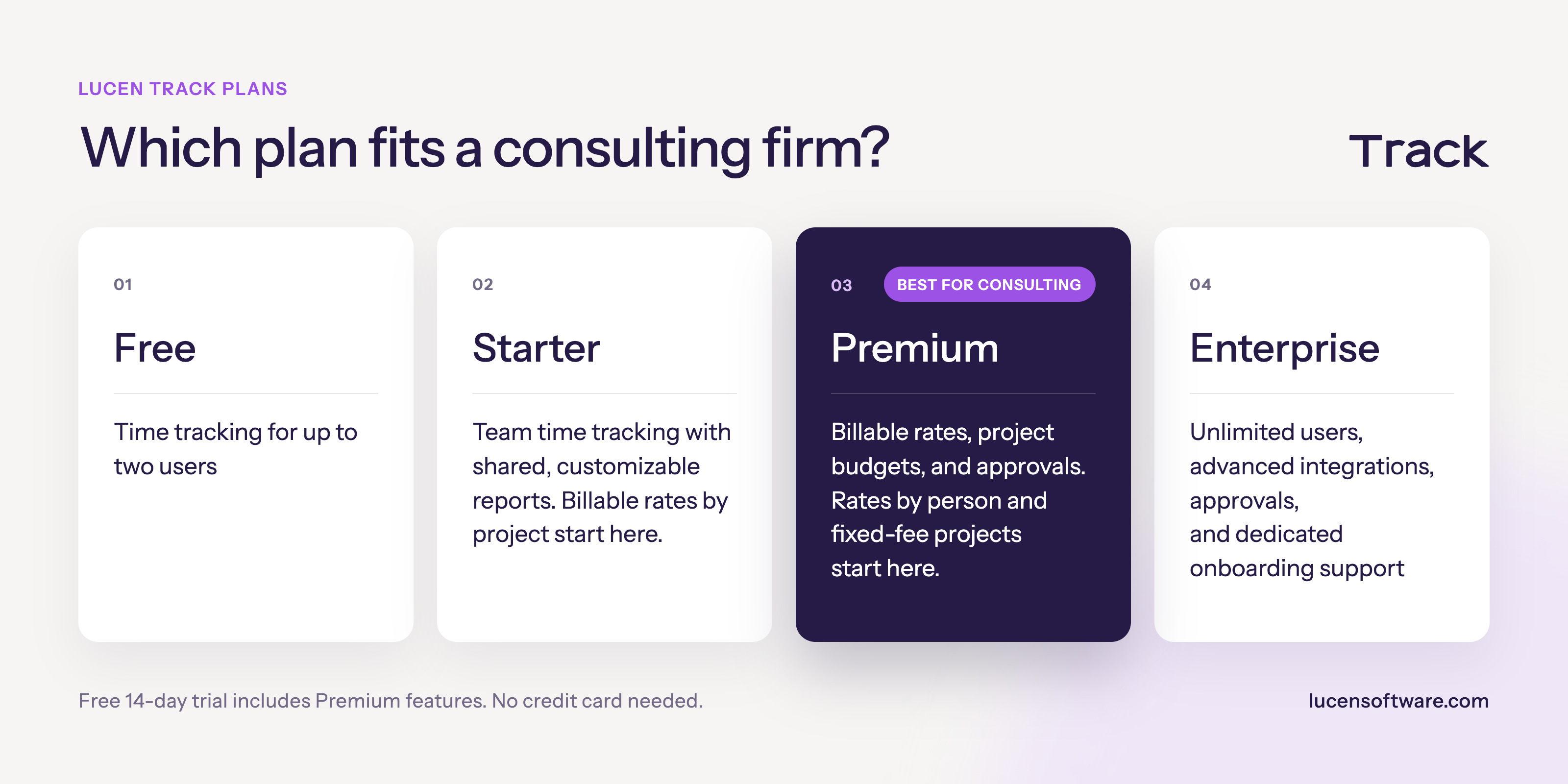
For a consulting firm that bills by person or on fixed fees, Premium is the plan that covers the billing checks in this guide. Start your free 14-day trial of Lucen Track. The trial includes Premium features, and no credit card is needed. Start your free trial.
Frequently asked questions
Consultants log time against each client and project in the tool the firm already uses, with a time code for each phase. Billable hours are then compared with invoiced hours each month.
Yes. Lucen Track lets teams log hours without leaving Microsoft Teams, so time is captured as the work happens.
Billable time is work that a client pays for, usually at an agreed rate. Non-billable time is internal work, such as training or admin. Both should be logged, so utilization can be measured accurately.
Yes. Lucen Track's free plan lets up to two users try time tracking. A 14-day free trial of Premium is also available, with no credit card needed.
Start your free 14-day trial of Lucen Track
Log billable and non-billable hours in Microsoft Teams and Outlook. The trial includes Premium features, and no credit card is needed.


Subscribe to our blog
Get all the tips, tricks and inspiration you need to create professional looking timelines, straight to your inbox.