
Unbilled Hours: Where Service Firms Lose Margin, and How to Find It
Unbilled hours are billable work that is never invoiced or never logged. Learn the five common causes and how to find the gap in your own firm.


Unbilled hours are billable work your team performs but never invoices, or never records at all. Service firms commonly lose margin in five predictable places, and the gap is easy to miss because it hides inside normal-looking utilization numbers. To find it, compare hours logged against hours invoiced for the same period, then break the gap down by person, project, and cause.
What are unbilled hours?
Unbilled hours are hours spent on client work that could be billed but are not. They come in two forms: time that is logged but never invoiced, and time that is worked but never logged. The second form is harder to find because no record exists to review. Some firms also use the term for time that is logged and waiting for the next invoice run, and this article covers hours that never reach an invoice.
Utilization alone will not reveal this. High utilization can coexist with weak realization when a team logs hours the firm never invoices. Realization is the share of billable value that actually gets invoiced, calculated as value invoiced divided by expected or recorded billable value.
How big is the problem?
Billable utilization across professional services fell to 66.4% in 2025, the lowest level in SPI Research's 19-year history, according to SPI Research's 19th annual Professional Services Maturity Benchmark. The study covered 509 firms. Deltek's write-up of the benchmark defines billable utilization as the share of work time billed to clients, so roughly a third of work time went to something other than billable client work, and some of that may be client time that never reached an invoice.
The benchmark does not measure unbilled hours directly. Treat 66.4% as context for how much time is at stake, not as an unbilled-hours rate.
Where do service firms lose billable time?
Service firms commonly lose billable time in five places: late or missing time entries, scope creep that never gets logged, hours coded to the wrong project or internal code, write-offs made without a recorded reason, and stale billing rates.
| Source | What it looks like | A simple fix |
|---|---|---|
| Late or missing entries | Hours worked in a week but logged days later, or not at all | Set a daily logging habit and a fixed weekly submission deadline |
| Unlogged scope creep | Extra requests handled over email or calls with no time entry | Log a short entry for every change request, even if it is 15 minutes |
| Miscoded hours | Client work logged to internal codes, or the reverse | Tie time codes to project phases and review them monthly |
| Unrecorded write-offs | Hours removed at invoice time with no reason on file | Require a reason for every write-off |
| Stale rates | Hours billed at a rate that no longer matches the current rate card | Review rate cards at least once a year |
How do you find unbilled hours in your firm?
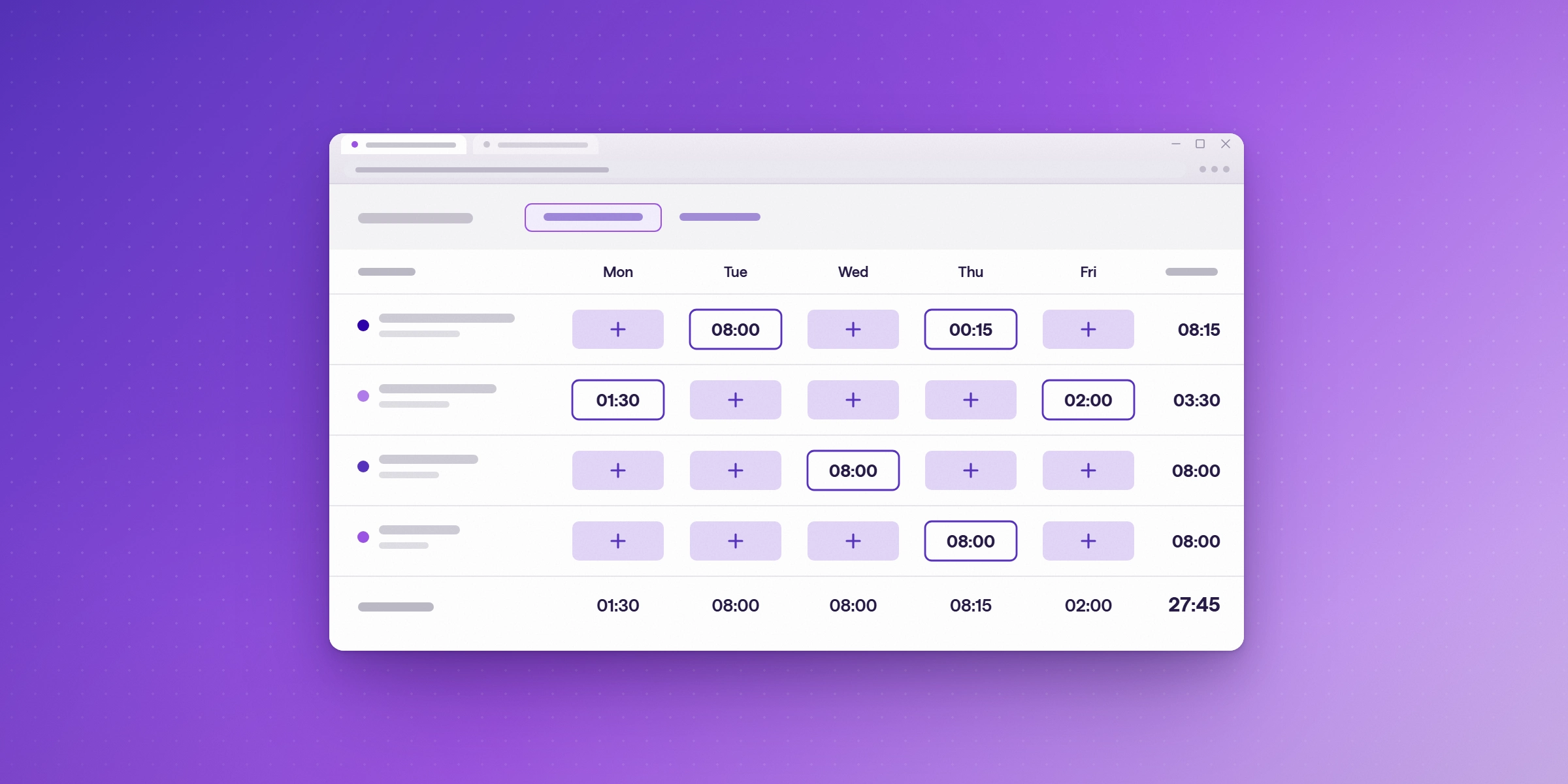
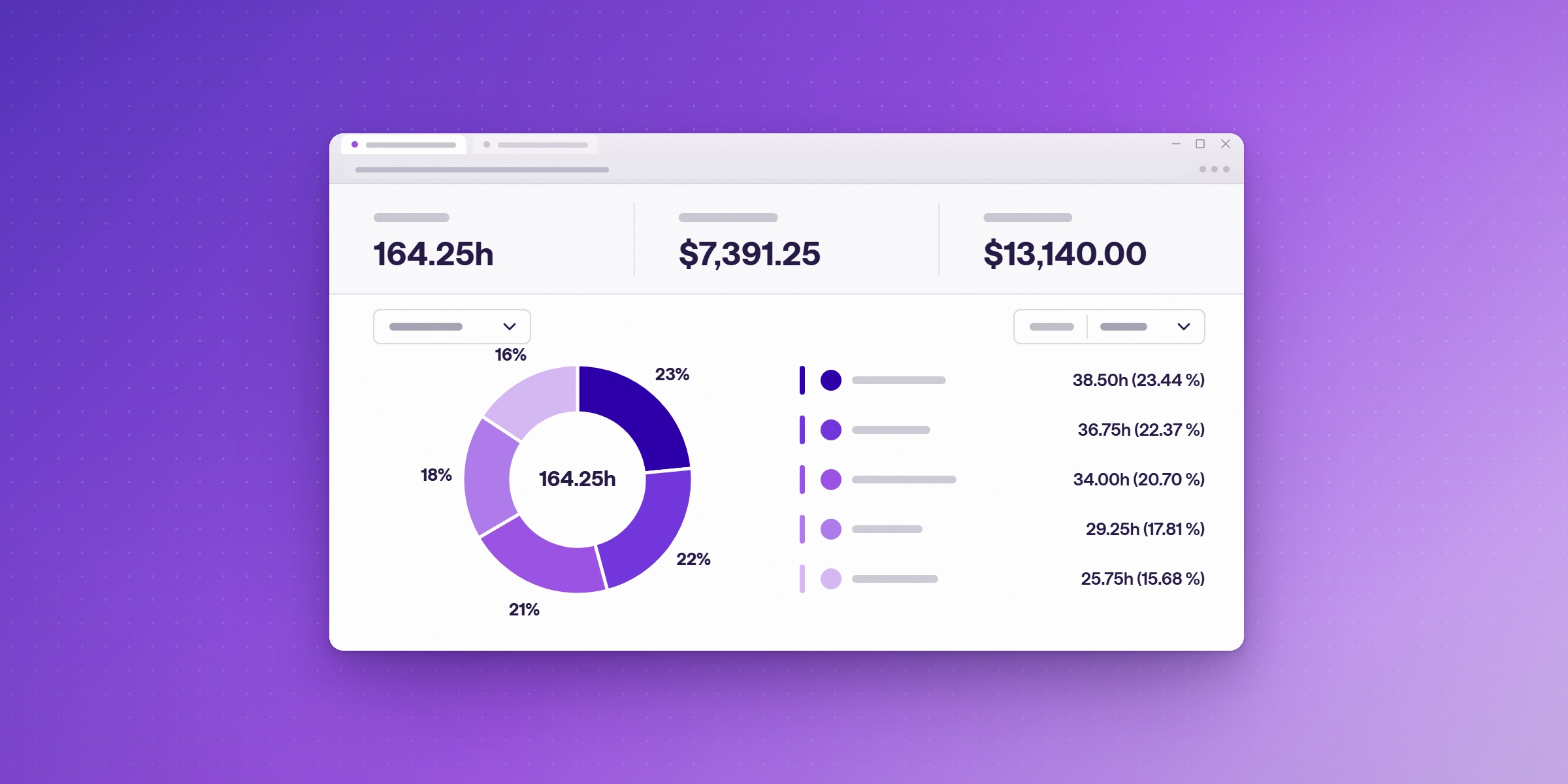
Start by comparing the hours your team logged with the hours you invoiced for the same period, then break the gap down by project, person, and time code. A gap that shows up across the whole team usually points to a process problem, while a gap concentrated on a few projects usually points to scope.
The denominator you use for utilization changes what you see. Everhour's consulting utilization calculator notes that dividing billable hours by total logged hours can inflate utilization when consultants under-record non-billable work. As a hypothetical, a consultant who bills 30 hours in a 40-hour week but records only 32 hours shows about 94% on recorded hours, and 75% on a 40-hour capacity.
- Pull logged hours and billed hours for the same month.
- Calculate the gap for each person and each project.
- Sort the projects by the size of the gap and review the top ten.
- For each large gap, identify the cause: missing entries, unlogged work, miscoding, or write-offs.
- Assign one owner per cause and check the trend the following month.
If your team is unsure which hours count as billable in the first place, our guide to billable vs non-billable work covers the difference.
How much unbilled time is normal?
No single benchmark fits every firm. The 66.4% figure above is a utilization benchmark, not an unbilled-hours target. Appropriate targets depend on role, service line, and how capacity is counted. The more useful measure is your own trend: a gap that shrinks month over month means your fixes are working, and a gap that grows needs a closer look at the causes above.
Why do late entries make the gap harder to see?
A late entry moves hours from the week they were worked into the week they were logged. That makes monthly reviews less accurate, and it makes it harder to tell which projects are actually absorbing unbilled time. Locking closed periods keeps reviewed numbers stable, so a figure checked in one review does not change later.
How does Lucen Track help firms catch unbilled hours?
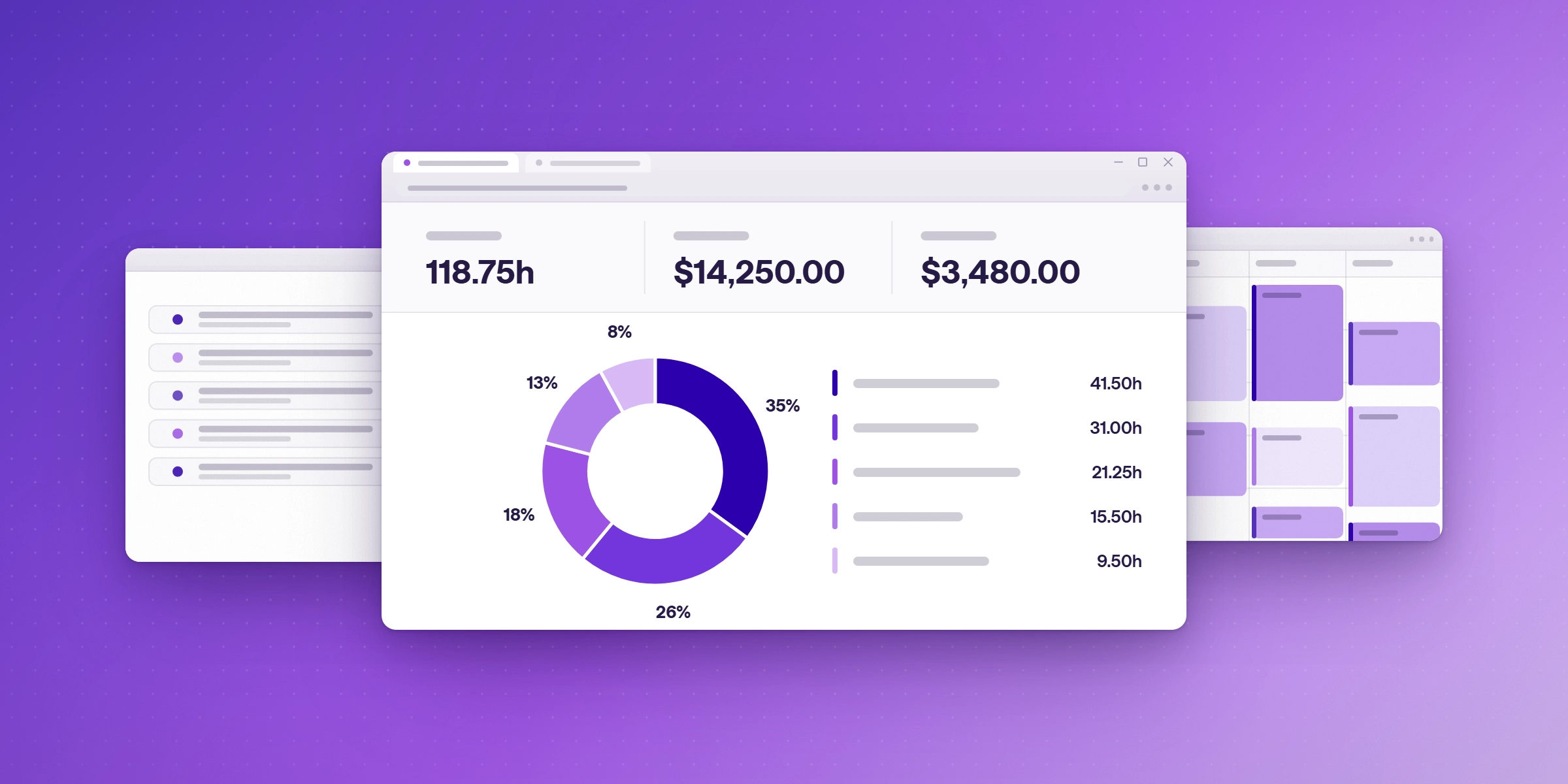
Lucen Track (formerly Timeneye) helps by getting time logged where the work happens, so fewer hours are rebuilt from memory at the end of the week, and by reporting billable time by project, client and team, so the gap against your invoices is easier to see. It is a time tracking app built for Microsoft 365 that runs in Microsoft Teams and syncs with Planner, To Do, Azure DevOps and Outlook.
Outlook meetings show up as suggested time entries, and people accept each one, so a person still decides what gets logged. Outlook sync is available on Starter and above. Billable rates can be set by project and by person, billable and non-billable time are reported separately, and reports export to PDF, CSV and XLS or connect to Power BI. Track covers the logged side of the comparison, and your invoices cover the other side.
Firms that run many projects per client have more places for hours to go missing. Pure Company, an IT agency, manages between five and fifteen projects for each client, and its CEO, Wlodek Bielski, says that makes tracking profitability challenging. At the end of each month he runs a report for every project, and he first checks "if everyone on the team has entered their hours" before making adjustments. (Pure Company customer story)
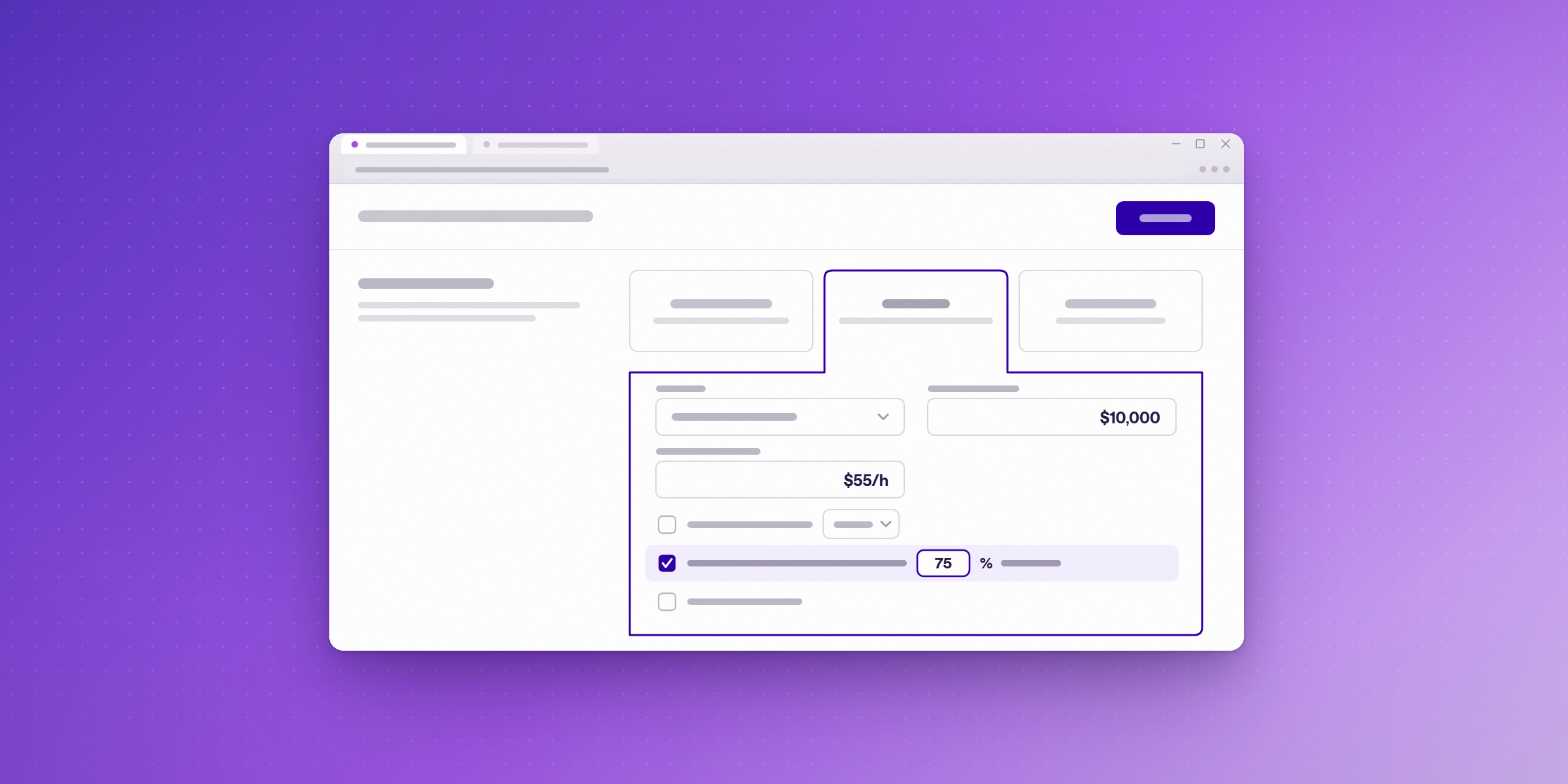
See your logged and billable hours in Lucen Track
Lucen Track is free for up to 2 users, and you can try Premium free for 14 days with no credit card. Explore Lucen Track.
Frequently asked questions
Common causes include late or missing time entries, unlogged scope changes, miscoded hours, unrecorded write-offs, and billing rates that have not been updated. Check which cause accounts for the largest share of your gap first.
Monthly is a practical default. During busy periods, a weekly check on the largest projects can catch problems before they reach an invoice.
It depends on the client agreement and how quickly the gap is found. Recovering hours after an invoice has gone out is harder, which is why regular reviews matter.
Not necessarily. Some write-offs are deliberate client relationship decisions. The problem is write-offs that nobody recorded. A written reason for each one keeps the decision visible and reviewable.

Subscribe to our blog
Get all the tips, tricks and inspiration you need to create professional looking timelines, straight to your inbox.