


Microsoft 365 Time Tracking With Invoicing: How Teams Log Time and Bill From It
See how Microsoft 365 teams log time in Outlook, Teams and Planner, approve it, and bill clients from the same hours in Lucen Track.

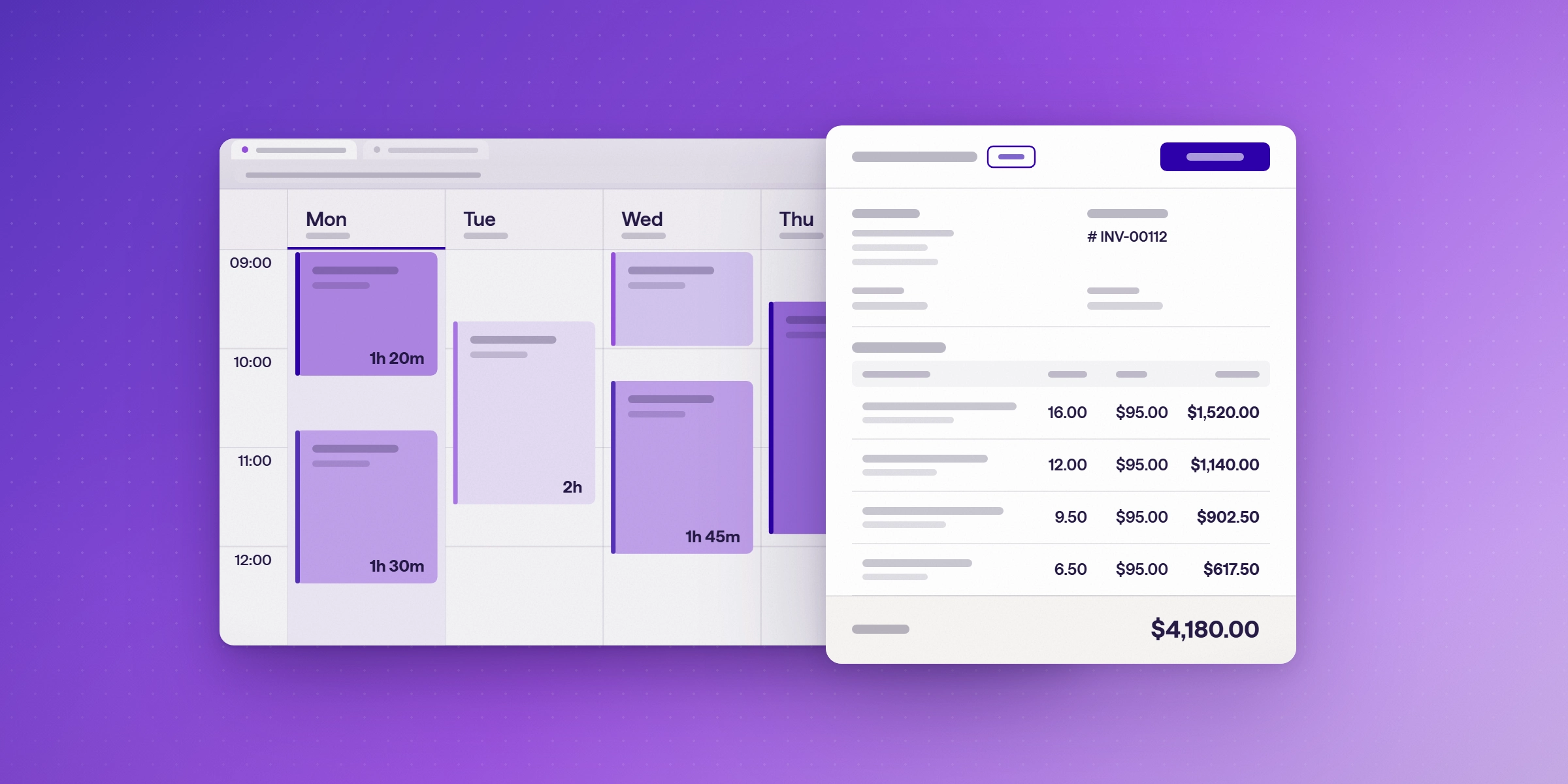
Microsoft 365 teams can log time where they already work, in Outlook, Teams and Planner, and then invoice clients from that same approved time. Lucen Track (formerly Timeneye) does both in one tool, so billable hours don't have to be exported, cleaned up and re-entered in a separate invoicing system. This guide covers how the process works, who does each step, and which plans include it.
How do teams log time in Microsoft 365?
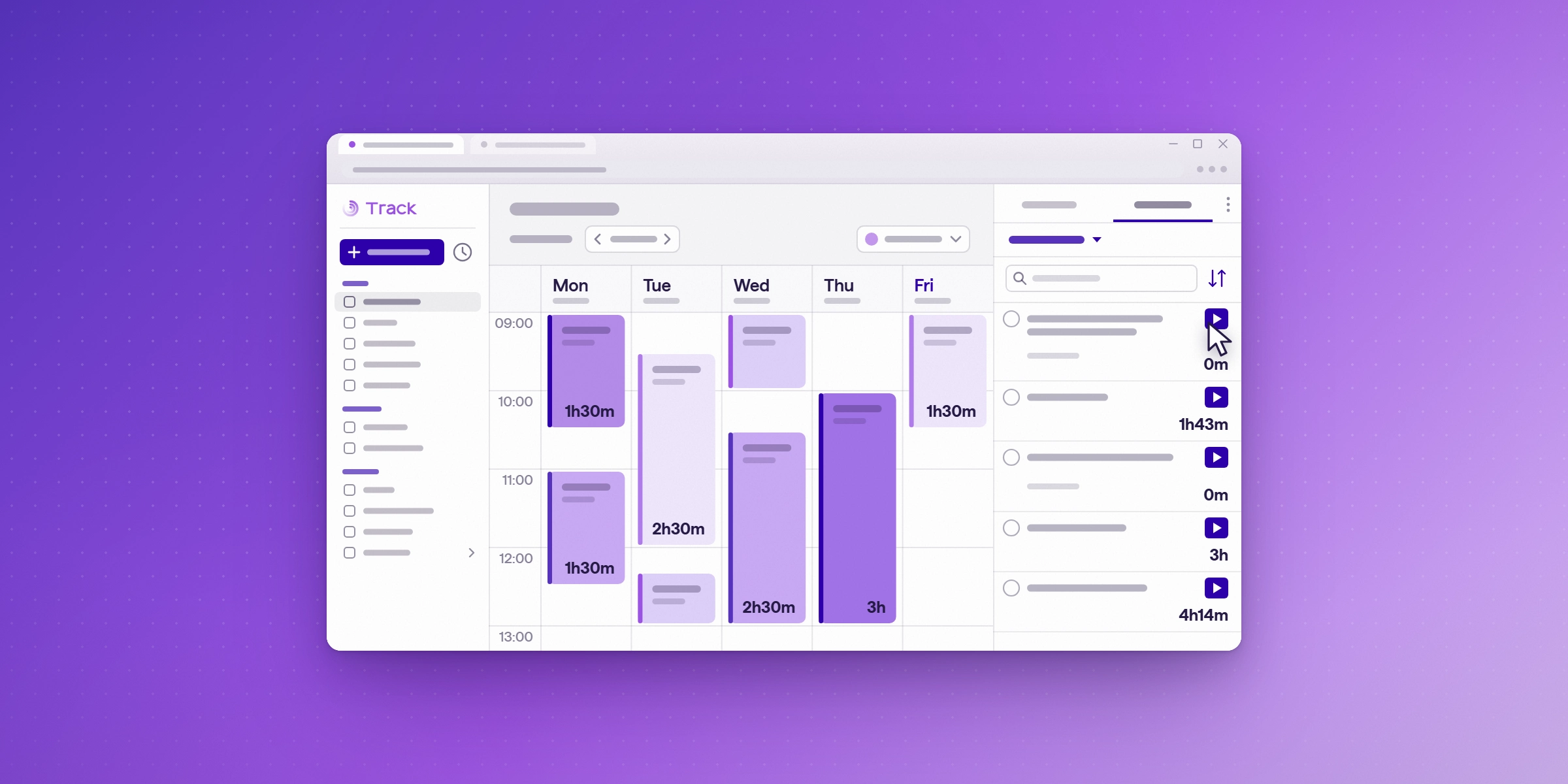
Teams can log time in three places. Client meetings from Outlook come into Lucen Track as suggested entries, so people confirm them instead of typing them from memory. Team members can log hours directly in the Microsoft Teams app, and Planner tasks can be logged from the Planner web app and tracked against the project they belong to. Every entry lands on the same project, so the invoice draws from one source. For every connection, see Track integrations.

How does approval work before invoicing?
Approvals sit between logging and billing. A manager reviews the hours and expenses on each project and approves them. Only approved time becomes invoice material, so the client receives the work the team agreed to bill. Approvals are included on Premium and Enterprise plans. Check the Track pricing page for current plan details.
How do you bill clients from approved time?
Owners and admins create the invoice from approved time, or start from a blank invoice for charges that are not tied to tracked time. Billable entries become line items automatically, and expenses can go on the same invoice. Download the client-ready PDF, send it yourself, and mark the invoice as paid once payment arrives. For the full set of invoicing features, see the billing and invoicing page, or read Lucen Track now includes invoicing.
What does the workflow look like from logged hours to a paid invoice?
| Step | Who | What happens in Track |
|---|---|---|
| 1 | Team members | Log billable and non-billable time, including Outlook meetings |
| 2 | Team members | Add expenses to the same project |
| 3 | Managers | Review and approve hours and expenses |
| 4 | Owners and admins | Create and issue the invoice, download the PDF, mark it as paid |
Which plans include invoicing and approvals?
| Plan | Invoicing | Approvals |
|---|---|---|
| Free | No | No |
| Starter | Yes | No |
| Premium | Yes | Yes |
| Enterprise | Yes | Yes |
Check the Track pricing page for current prices.
What does Track not do with invoices?
Lucen Track does not send invoices or collect payments. You download the PDF and send it to your client yourself. Billable hours that are logged but never invoiced are a common leak, so see where unbilled hours hide.
How does sign-in work for Microsoft 365 teams?
Lucen Track supports Microsoft sign-in through Microsoft Entra ID, so people can use the Microsoft 365 accounts your organization already manages. Your IT admin may need to authorize the Lucen app in your Microsoft tenant before the first sign-in.
Where does profitability fit?
Billing from approved time shows what each project earns. To see how that connects to margin and budget, read project profitability and cost control for professional services. For a wider view of tools, read the best time tracking software for Microsoft 365.
See how profitability is tracked on every project.
Read how billing from approved time connects to margin and budget. Then start a free 14-day trial of Lucen Track with no credit card required.
Read the profitability guideFrequently asked questions
Yes. Approved billable entries become invoice line items, and you download a client-ready PDF.
They come in as suggested entries, which the person confirms before they count.
Yes, through the Microsoft Teams app.
Premium and Enterprise include approvals. Invoicing starts on Starter.
No. You download the PDF and send it yourself. Track does not collect payments.
Yes. Lucen Track supports Microsoft sign-in through Microsoft Entra ID. Your IT admin may need to authorize the Lucen app in your Microsoft tenant first.
See how profitability is tracked on every project.
Read how billing from approved time connects to margin and budget. Then start a free 14-day trial of Lucen Track with no credit card required.


Subscribe to our blog
Get all the tips, tricks and inspiration you need to create professional looking timelines, straight to your inbox.