Best Time Tracking Software with Invoicing for Microsoft 365 (2026)
Compare time tracking tools with Microsoft 365 integrations and invoicing.

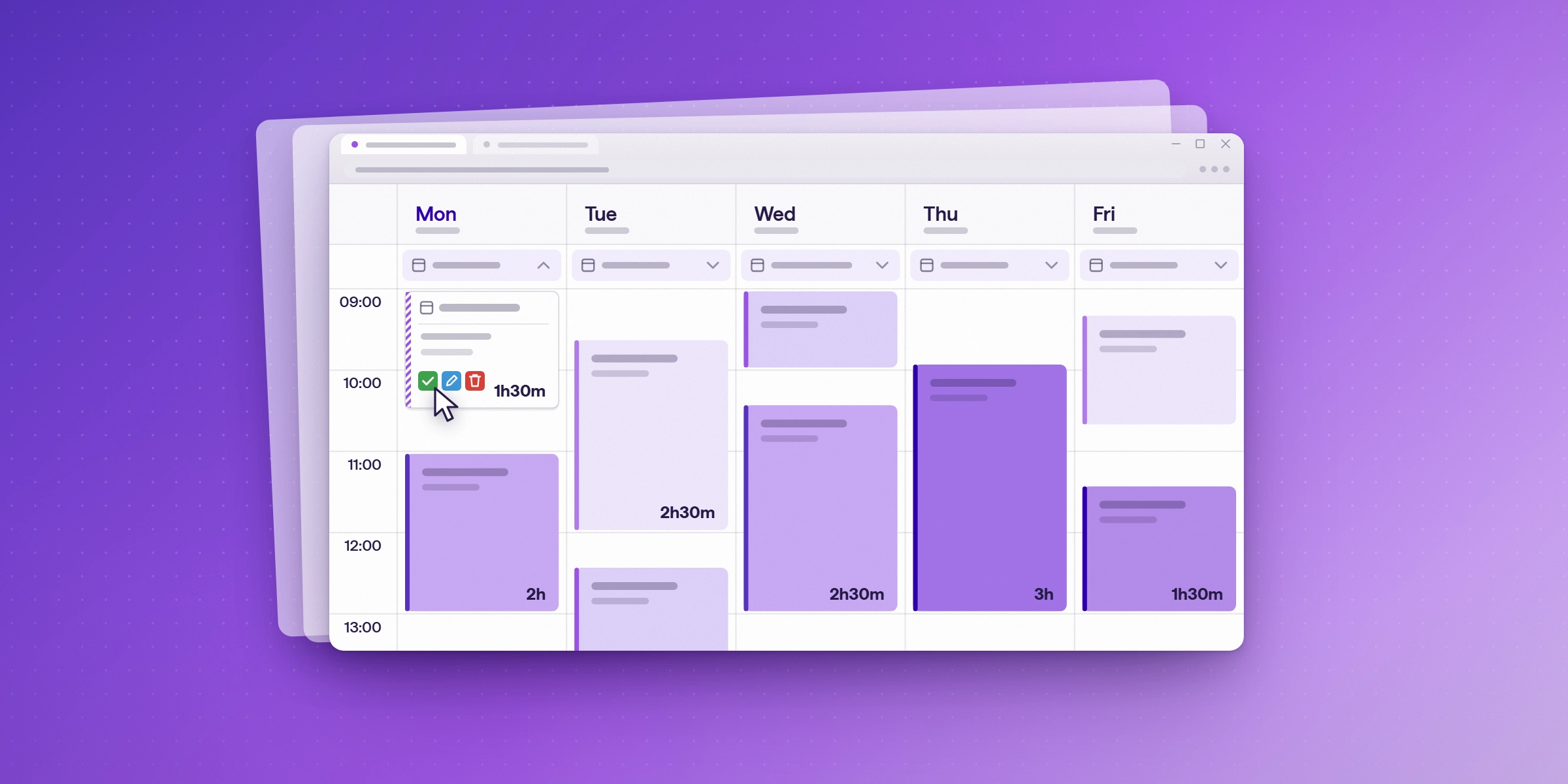
If your team works in Microsoft 365, it already keeps a record of where time goes: meetings in Outlook, calls in Teams, tasks in Planner. The right time tracking software for Microsoft 365 teams captures hours from those apps and, if you bill clients, turns approved hours into invoices without re-entry.
Of the 12 tools compared here, Lucen Track is the only one with native integrations for all four: Outlook, Teams, Planner, and Azure DevOps. Lucen Track also adds invoicing now, on its Starter, Premium, and Enterprise plans. Lucen Track is our product, and we hold it to the same standard as the others.
Microsoft Project Online, Microsoft's timesheet tool, retired on September 30, 2026, according to industry reports. Teams that need a replacement are choosing between a native integration, a browser extension, and a tool built around attendance for the first time.
Does Microsoft 365 have built-in time tracking?
Not for project time. Microsoft 365 does not include a timesheet for tracking hours against projects or clients. Microsoft's own options are listed below.
| Microsoft option | What it does for time tracking | Who it's for | Price |
|---|---|---|---|
| Microsoft Planner | Effort and duration fields estimate how long a task will take. There are no timesheets or logged actual hours, including on premium plans. | Task planning | Planner Plan 1 £7.70, Planner and Project Plan 3 £23.10 per user per month, paid yearly (UK prices, excluding VAT) |
| Project Online timesheets | Full timesheets, but Project Online retired on September 30, 2026 | Existing Project Online customers | Retired |
| Dynamics 365 Project Operations | Time entry with approvals, tied to project costing and billing | Larger project-based services firms running Dynamics 365 | $135 per user per month (annual) |
| Teams Shifts time clock | Clock in and out, with breaks; manager-exported timesheet reports | Frontline and shift workers | Not confirmed in this check |
| Excel timesheet templates | Weekly or biweekly templates with automatic totals | Individuals and small teams | Included with Microsoft 365 |
Excel templates work for a few people but depend on manual entry. They don't connect to Outlook or Planner. Dynamics 365 Project Operations suits firms already running Dynamics. Former Project Online customers need a replacement now that it has been retired. That is the gap dedicated tools fill, especially ones that turn Outlook meetings and Planner tasks into time entries without manual logging.
For project costs, Microsoft Project is the closest built-in option. It combines resource rates with task progress and compares actual cost against a baseline budget (Microsoft support: track your project costs). That covers cost control for scheduled work. It doesn't give individuals a quick way to log hours day to day, which is where a time tracking app connected to Teams, Outlook, and Planner comes in.
How did we compare these tools?
Integrations fall into three types, and the difference matters when you roll a tool out across a team:
- Native: the tool connects to the Microsoft app through Microsoft Graph or an official app, so it works without a browser add-on. Examples: calendar events appearing as time-entry suggestions, or an app in the Teams Store.
- Browser extension: a timer button appears inside the Microsoft app's web version, but only for users who have installed the vendor's Chrome or Edge extension. It doesn't work in the Outlook or Teams desktop apps.
- Via third party: the connection runs through Zapier, Make or a similar automation tool.
We compared 12 dedicated time tracking tools that have at least one Microsoft 365 integration, plus the options Microsoft itself offers.
Which time tracking tools integrate with Microsoft 365?
This is how each tool connects to Outlook, Teams, Planner, To Do, Azure DevOps, Excel, and Power BI, and to Microsoft sign-in. Native means it works without a browser add-on. Extension means a Chrome or Edge extension timer, in web apps only. None listed means the vendor's documentation lists no integration.
| Tool | Outlook calendar | Microsoft Teams | Planner | To Do | Azure DevOps | Excel / Power BI | Microsoft sign-in / SSO |
|---|---|---|---|---|---|---|---|
| Lucen Track | Native (suggested entries) | Native app | Native | Native | Native | Power BI connector | Entra ID SSO |
| timeghost | Listed, type not specified | Native app | Listed, type not specified | Not documented | Not documented | Excel, CSV and PDF export | Microsoft 365 SSO, all plans |
| Timely | Native (calendar import) | Workspace connection, not an app (page marked Coming Soon; confirm live) | None listed | None listed | None listed | XLS and CSV export | Microsoft sign-in |
| Toggl Track | Native (calendar view) plus extension | None listed | Extension | Extension | Extension | CSV and XLSX export | SSO on Premium and above |
| Clockify | Native (calendar) plus extension | Web tab only | Extension | Extension | Extension | Excel and CSV from Basic | Microsoft sign-in; SSO on Enterprise |
| Harvest | Native (events in timesheet) | Listed, type not specified | Listed, type not specified | Listed, type not specified | Listed, type not specified | CSV export | SSO on Enterprise |
| TMetric | Native agenda (Professional) plus extension | None listed | None listed | Extension | Extension | CSV and PDF export | Not documented |
| Jibble | Extension only | Teams app (bot) | None listed | None listed | Extension | XLS and CSV export | Microsoft account sign-up |
| Timeclock 365 | Not documented | Teams app | None listed | None listed | None listed | Excel export | SAML SSO with Entra ID |
| Beebole | Native (events in a side panel) | None listed | None listed | None listed | None listed | Excel add-in | Microsoft sign-in; custom SSO from Essential |
| 7pace Timetracker (Azure DevOps edition) | Not documented | None listed | None listed | None listed | Native (inside Azure DevOps) | OData API for Excel and Power BI | Entra ID authorization |
| Timesheet Pro 365 | Listed, method not documented | None listed | None listed | None listed | None listed | Power BI listed; export formats not documented | Not documented |
Notes: Timeghost also lists Teams calls, SharePoint, and Jira. Timely captures Teams calls through a workspace connection. Timeclock 365's Teams app is a free add-on. Beebole shows Outlook events in a side panel that you drag onto the timesheet.
What the matrix shows:
- Outlook is the most common integration. Seven of the 12 tools read Outlook calendar events natively. They differ in what happens next: some turn events into suggested entries, and others only show them next to the timesheet.
- Teams support splits three ways. Lucen Track, timeghost, Jibble, and Timeclock 365 have Teams apps. Timely captures calls through a workspace connection. Clockify offers only a web tab. Toggl Track has no Teams integration, and Harvest's Microsoft 365 page lists Teams without specifying the integration type.
- Planner is where most tools stop. Only Lucen Track is confirmed as a native Planner integration; timeghost lists Planner without specifying the type. Toggl Track and Clockify support Planner through browser extensions, which are not yet verified.
- None of these tools export to PowerPoint directly. For executive reporting, the usual path is an Excel export or a Power BI dashboard. Lucen Track has a native Power BI connector, and 7pace and Beebole connect through an API or an Excel add-in.
How does tracked time get into Excel and PowerPoint reports?
Most of these tools reach Excel and PowerPoint through exports, not through a PowerPoint add-in. Jibble exports XLS and CSV, Toggl Track exports CSV, XLSX, and PDF, timeghost exports Excel, CSV, and PDF, and Lucen Track has a Power BI connector for dashboards. For an executive update, the usual route is to export the hours, build the chart in Excel or Power BI, and paste it onto a slide. That keeps a weekly status deck a manual job.

A project timeline in PowerPoint is a different job from time tracking. Lucen Timeline builds Gantt charts from plan data, and we compare the routes for plans, hours, and budgets in project visualization software for time tracking and budgeting. Teams that bill clients or manage to margin can also read our comparison of project tracking and time budgeting software for margin protection. To see how the Lucen products fit together, read Lucen Software for project visualization, time tracking and budgeting.
How much do Microsoft 365 time tracking tools cost?
The table lists entry-level paid plan prices per user per month, billed annually unless noted, in US dollars unless marked €. Prices for Lucen Track, Toggl Track, Clockify, Harvest and Timely were checked against each vendor's pricing page. We couldn't verify the other prices in this check, so confirm them before you buy. Features such as SSO, budgets, and approvals often sit on higher tiers, so check the plan you need.
| Tool | Free plan | Entry paid plan (annual) | Monthly billing | Notes |
|---|---|---|---|---|
| Lucen Track | Up to 2 users | Starter $7 | $9 | Premium $13 ($16 monthly) adds budgets and approvals; 14-day Premium trial |
| Toggl Track | Up to 3 users | Starter $9 | $12 | Premium $16 adds approvals and SSO; 30-day trial |
| Clockify | Up to 5 users | Basic $3.99 | $4.99 | CSV and Excel export from Basic; SSO on Enterprise |
| Harvest | 1 seat, 2 projects | Teams $9 ($108 per year) | $11 | Approvals and SSO on Enterprise; 30-day trial |
| Timely | None (14-day trial) | Starter $9 | $11 | Starter capped at 5 users |
| TMetric | Up to 2 seats | Professional $5.83 | $7 | Outlook calendar sync on Professional; 14-day trial (prices unverified) |
| timeghost | None (14-day trial) | €7.90 | €8.90 | Single plan, excluding VAT; Microsoft 365 SSO included |
| Jibble | Unlimited users | See vendor | See vendor | Free plan includes the Teams app |
| Timeclock 365 | None (14-day trial) | Attendance $3.90 (billing period unconfirmed) | Not listed | Attendance and workforce focused; price from vendor's blog |
| Beebole | Up to 5 users | Not confirmed | Not listed | Prices not confirmed; 30-day trial; currency set by account country |
| 7pace Timetracker | Free tier (size not stated) | Not confirmed | Not listed | Start capped at 19 users; 28-day trial (prices not confirmed) |
| Timesheet Pro 365 | None (free trial) | Professional $499 per year | Yearly billing only | Unlimited users; Enterprise $1,499 per year plus customization |
Which time tracking tools include invoicing?
Harvest includes built-in invoicing, and Lucen Track adds invoicing now. Invoicing matters most to teams that bill by the hour, because it turns tracked time into revenue without an export step.
Lucen Track invoicing uses the hours your team has already tracked. Approved billable time and expenses become invoice line items, so nothing is re-entered. You can issue an invoice, track it from draft to issued to paid, void it when needed, and download a client-ready PDF. Lucen Track does not send invoices or collect payments, so you send the PDF to your client yourself. Workspace owners turn invoicing on in settings, and owners and admins create invoices by default.
For the full feature announcement, read Lucen Track now includes invoicing.
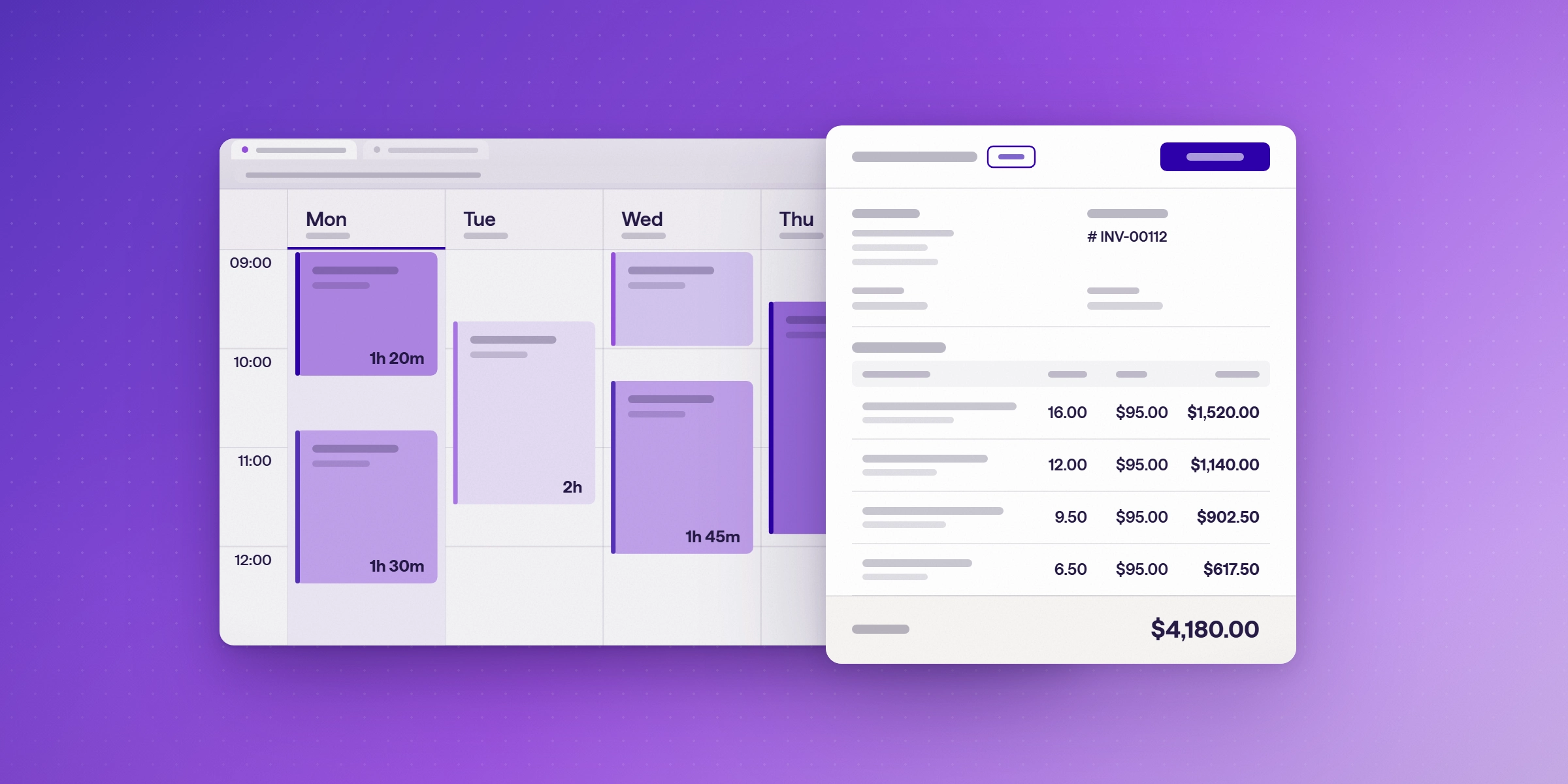
Harvest bundles invoicing with time tracking, and its integrations page lists Outlook calendar events in the timesheet. Its Microsoft 365 page also lists Teams, Planner, To Do, and Azure DevOps, but it doesn't say whether those are native integrations, so confirm them in a trial before relying on them.
| Tool | Invoicing | Microsoft 365 integrations |
|---|---|---|
| Lucen Track | Available now. Starter, Premium and Enterprise. | Native: Outlook (suggested entries), Teams app, Planner, To Do, Azure DevOps; Power BI connector |
| Harvest | Built-in, with expenses | Outlook calendar events; Teams, Planner, To Do and Azure DevOps listed on vendor's Microsoft 365 page (integration type not specified) |
How do I track project hours and budgets in Microsoft 365?
Use Microsoft Project or Planner for the schedule and budget, and a connected time tracking app for the hours. Lucen Track logs time from the Teams app, Outlook calendar entries and Planner task cards. On Premium, it adds project budgets, billable and non-billable time, and profitability reporting.
- Set up the project and budget. Use Microsoft Project for baseline cost, or set a project budget in Lucen Track Premium.
- Connect calendars. The Track Outlook integration turns meetings into time entries, so hours spent with clients and stakeholders aren't lost.
- Log time where the work happens. People log time on Planner task cards, in Teams, or against Azure DevOps work items. For more on Planner, read what Microsoft Planner is.
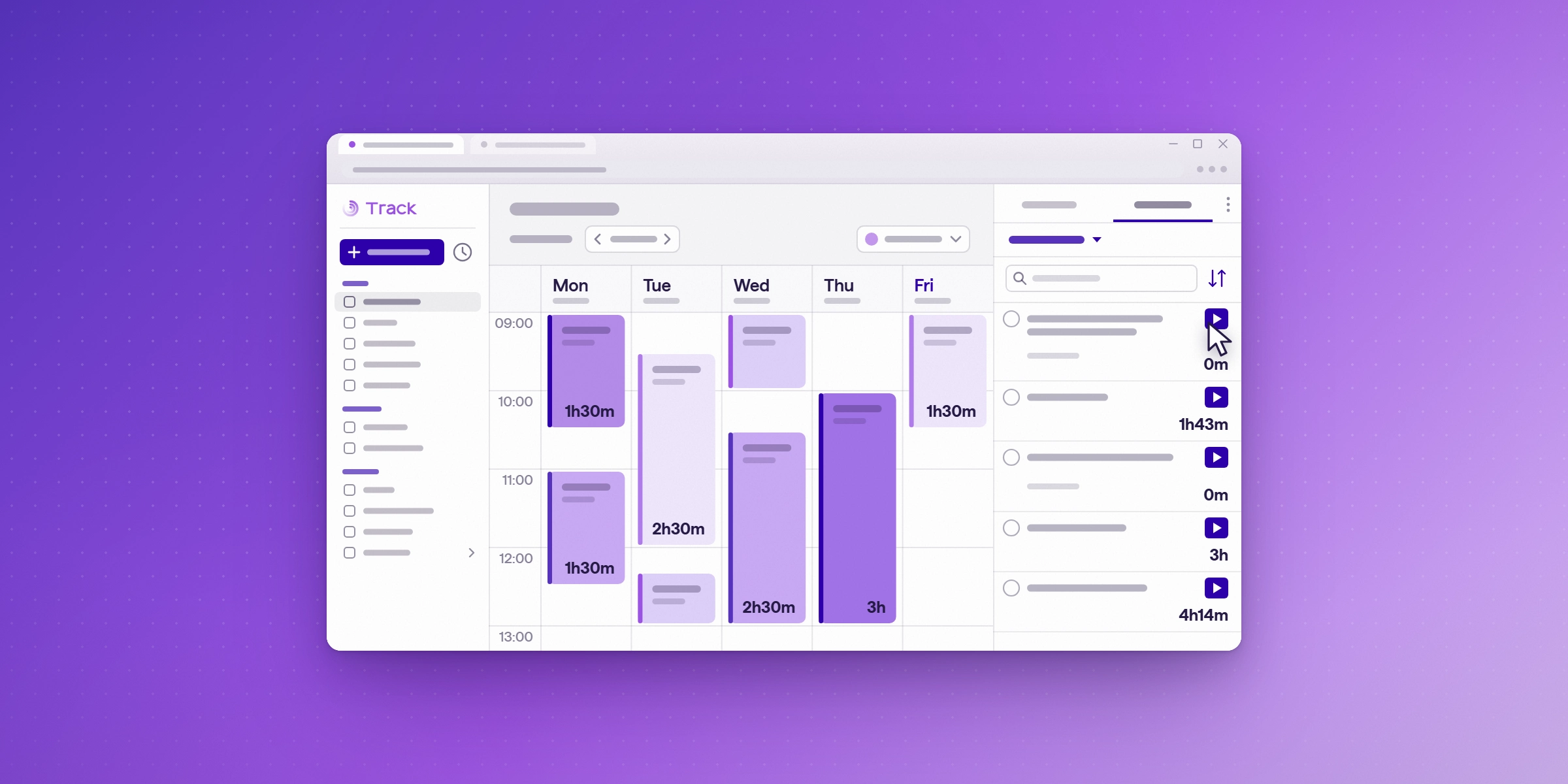
- Report on hours against budget. Use Track's profitability views, or the Power BI connector for leadership dashboards. For status updates to leadership, pair those numbers with a Gantt chart in PowerPoint.
What is each time tracking tool best for?
Lucen Track
Time tracking built for Microsoft 365. Outlook meetings, Planner tasks, To Do items, and Azure DevOps work items all become time-entry suggestions. There is a native Teams app that also logs call and meeting durations, and a Power BI connector for reporting. Invoicing from approved billable hours and expenses is available now, on Starter, Premium, and Enterprise.
- Strengths: native coverage of Outlook, Teams, Planner, To Do and Azure DevOps; Power BI connector; Entra ID SSO; billable and non-billable tracking, project budgets and invoicing (available now).
- Worth knowing: Starter is $7 and Premium $13 per user a month billed annually, or $9 and $16 billed monthly. Starter and Premium cover up to 30 users, with larger teams moving to Enterprise. The free plan covers 2 users.
- Pick it if: your team plans in Planner and meets in Outlook and Teams, and you want time captured from those apps rather than typed in, with invoices from the same tool.
timeghost
A Microsoft 365-focused tracker that surfaces Teams calls, Outlook appointments, Planner tasks and Azure DevOps work items as time-entry suggestions.
- Strengths: Teams app; Microsoft 365 SSO on its single plan; exports to Excel, CSV and PDF.
- Worth knowing: no free plan, only a 14-day trial; priced in euros, excluding VAT; To Do support isn't documented.
- Pick it if: you want Microsoft-native capture and prefer a single-plan product.
Timely
Automatic time capture: it records activity and calendar events into a private timeline, then turns them into timesheets.
- Strengths: Office 365 calendar import; captures Teams calls through a workspace connection; time and money budgets on every plan.
- Worth knowing: no Planner, To Do or Azure DevOps integrations; no free plan; Starter is capped at 5 users.
- Pick it if: you want activity-based capture and your work is mostly meetings and documents.
Toggl Track
A widely used general-purpose time tracker with a large integration library.
- Strengths: Outlook calendar view; timer buttons across many web apps through its browser extension; free plan for up to 3 users.
- Worth knowing: no Teams integration; Planner, To Do and Azure DevOps work only through the browser extension; SSO and approvals require Premium.
- Pick it if: your team uses many non-Microsoft tools and the web versions of Microsoft apps.
Clockify
A low-cost tracker with a generous free plan.
- Strengths: one of the lowest entry prices among the project time trackers here ($3.99); free plan for 5 users; Microsoft sign-in.
- Worth knowing: Teams support is a web tab, not an app; Planner, To Do and Azure DevOps work through the extension only; SSO is Enterprise-only.
- Pick it if: cost is the deciding factor and light Microsoft integration is enough.
Harvest
Time tracking paired with invoicing and expenses, popular with agencies.
- Strengths: Outlook calendar events in the timesheet; built-in invoicing.
- Worth knowing: Harvest's Microsoft 365 page lists Teams, Planner, To Do and Azure DevOps, but doesn't say whether they are integrations; approvals and SSO are Enterprise-only.
- Pick it if: invoicing inside the time tracker matters more than Microsoft integration.
TMetric
A budget-friendly tracker for small teams with timer buttons for many web apps.
- Strengths: Outlook calendar agenda; extension support for To Do and Azure DevOps.
- Worth knowing: no Teams or Planner integration; calendar sync needs the Professional plan; Microsoft SSO isn't documented.
- Pick it if: you need an inexpensive tracker and your team works in the web versions of Outlook and To Do.
Jibble
Attendance and time clock software with a free plan for unlimited users.
- Strengths: a Teams app with a clock-in bot; free for unlimited users.
- Worth knowing: Outlook support is a Chrome extension only; no Planner or To Do integration.
- Pick it if: you mainly need clock-in and clock-out attendance inside Teams.
Timeclock 365
Workforce attendance software built around Microsoft 365, with a door access product.
- Strengths: a free Teams app for clocking in, task time, and the attendance report; Entra ID sign-in over SAML; user sync from Azure AD.
- Worth knowing: focused on attendance rather than project time; no Planner, To Do or Azure DevOps integration; the pricing page doesn't mention Outlook.
- Pick it if: you need attendance, shift, and time-off management inside Teams.
Beebole
Timesheet software with strong Excel reporting.
- Strengths: Outlook events in a side panel next to the timesheet; an Excel integration for reporting; Microsoft sign-in.
- Worth knowing: Outlook events are dragged onto the timesheet by hand, not logged automatically; no Teams, Planner, or Azure DevOps integration.
- Pick it if: your reporting lives in Excel.
7pace Timetracker
Time tracking that runs inside Azure DevOps, made by Appfire.
- Strengths: a native timer in work items; timesheet approvals; budgets; an API for Excel and Power BI.
- Worth knowing: the Azure DevOps edition doesn't document Outlook, Teams or Planner support.
- Pick it if: your team works entirely in Azure DevOps.
Timesheet Pro 365
A SharePoint-based timesheet app from Ignatiuz with project-based tracking, custom approval workflows, and customizable reports. It is a different product from Timesheet 365, which another vendor sells under a similar name.
- Strengths: unlimited users on a flat yearly price (Professional is $499 per year); approvals; SharePoint, Outlook, and Power BI integrations listed by the vendor.
- Worth knowing: no Teams app is listed on the vendor's site; export formats and SSO aren't documented; there is no free plan, only a free trial.
- Pick it if: your organization is centered on SharePoint and wants approvals at a predictable yearly cost.
Which Microsoft 365 time tracking tool fits your team?
| If your team… | Look at | Why |
|---|---|---|
| Plans in Planner, meets in Outlook and Teams, and bills or budgets by project | Lucen Track | The only tool here with native Outlook, Teams, Planner and Azure DevOps integrations |
| Bills clients by the hour and wants invoices from the same tool | Lucen Track (available now), Harvest | Lucen Track adds Outlook, Teams and Planner capture to invoicing; Harvest bundles invoicing with Outlook events |
| Is a project manager or PMO that reports to executives in Excel or Power BI | Lucen Track, 7pace, Beebole | Native Power BI connector (Track), OData API (7pace) or an Excel add-in (Beebole) |
| Is a software team working in Azure DevOps | 7pace, Lucen Track | Native Azure DevOps time entry |
| Needs attendance and clock-in inside Teams | Timeclock 365, Jibble | Teams apps built around clocking in, time off and schedules |
| Runs on SharePoint and wants approvals at a flat yearly price | Timesheet Pro 365 | SharePoint-based, with unlimited users on a yearly price |
| Wants automatic capture of all computer activity | Timely | Activity-based timeline plus calendar import |
| Uses many non-Microsoft web tools and wants a free start | Toggl Track, Clockify | Browser extensions cover a wide range of web apps; free plans for 3 and 5 users |
| Is migrating off Project Online timesheets | Lucen Track, timeghost, Dynamics 365 Project Operations | Microsoft-native alternatives for teams already standardized on Microsoft 365 |
A project manager who runs delivery in Teams and Planner and needs hours against budget should shortlist Lucen Track first. A software team that plans in Azure DevOps should confirm the work item connection in a trial. For executive reporting, the useful question is which tool exports cleanly or connects to Power BI, since the slide itself is built outside the tracker. Whichever tools you shortlist, run two of them on one real project for two weeks and build one real status report from each.
Start your free 14-day trial of Lucen Track
See billable and non-billable hours by person, team, and client from the time your team logs in Microsoft Teams and Outlook. Start invoicing from your tracked hours. No credit card is needed.
Frequently asked questions
Eight of the 12 tools compared here read Outlook calendar events natively. Lucen Track and timeghost turn events into suggested time entries. Others show events next to the timesheet or require an extension.
No. Planner estimates effort and duration for a task, but it has no timesheets or logged actual hours. Use a connected time tracking tool to record the hours spent.
Most export to Excel or CSV, and then the chart is built in Excel, Power BI or PowerPoint. Lucen Track has a native Power BI connector for dashboards.
Lucen Track, timeghost, Jibble and Timeclock 365 have Teams apps. Timely captures Teams calls through a workspace connection, and Clockify offers a web tab only.
Project Online retired on September 30, 2026. Teams can choose a dedicated time tracking tool with Microsoft 365 integrations, a full project costing tool such as Dynamics 365 Project Operations, or Microsoft Project for baseline cost alongside a time tracker for the hours.
Eight of the 12 tools read Outlook calendar events natively. Lucen Track, timeghost and Harvest turn them into entries in the timesheet.
Yes. Lucen Track has native integrations for Outlook, Teams, Planner, To Do and Azure DevOps, and a Power BI connector. Sign-in uses Entra ID SSO.
Yes, with a connected time tracking tool. Set the budget in Microsoft Project or in Lucen Track Premium, log hours from Outlook, Teams and Planner, and compare hours against budget in the tool or in Power BI.
Lucen Track (up to 2 users), Toggl Track (up to 3 users), Clockify (up to 5 users), TMetric (up to 2 seats), Jibble (unlimited users), Beebole (up to 5 users) and 7pace (free tier). Timely, timeghost, Timeclock 365 and Timesheet Pro 365 offer trials instead.
Lucen Track includes invoicing on its Starter, Premium and Enterprise plans now. Harvest includes built-in invoicing, and its Microsoft 365 page lists Teams, Planner and Azure DevOps without specifying the integration type.
Start your free 14-day trial of Lucen Track
See billable and non-billable hours by person, team and client from the time your team logs in Microsoft Teams and Outlook. No credit card is needed.


Subscribe to our blog
Get all the tips, tricks and inspiration you need to create professional looking timelines, straight to your inbox.