
How to Set Billable Rates for 2027 Using This Year's Time Data
How to set billable rates for 2027: calculate your effective rate, set utilization targets by person, and build a minimum rate from cost and target margin.

To set billable rates for 2027, start from this year's time data rather than last year's rate card. Calculate the effective rate each client actually paid per hour, set a utilization target for each person, then work out the minimum rate that covers next year's cost at your target margin. Compare that minimum with your effective rate: the gap tells you how much rates need to move. This guide walks through each step with a worked example, and the free template does the calculations for you.
What is a billable rate?
A billable rate is the price a client pays for one hour of your team's work. It is different from a cost rate, which is what that hour costs your business to deliver. A rate card lists the billable rates you intend to charge. Your effective rate is what you actually earn per hour once discounts and write-offs are taken off.
Setting a rate means getting two numbers right: the cost of an hour, and the number of hours you can realistically bill. Your time data holds both.
How do you calculate your effective billable rate?
Your effective billable rate is billable revenue divided by billable hours worked. It is usually lower than the rate card once discounts and write-offs are counted, so it is the number to start from.
Effective rate = billable revenue invoiced ÷ billable hours worked
An illustrative client:
| Input | Figure |
|---|---|
| Billable revenue invoiced this year | $48,000 |
| Billable hours worked | 400 |
| Effective rate | $120 an hour |
| Rate card rate | $150 an hour |
| Realization (effective rate ÷ rate card) | 80% |
Realization shows how much of the rate card you actually collected. Here, one hour in every five was effectively given away. Raising the rate card will not fix that on its own; the discounts and write-offs will follow the new rate.
Calculate the effective rate for each client or project, not only for the business as a whole. A single average hides the accounts that are pulling it down.
What should you check in your time data first?
Check that the data is complete before you trust any rate built from it. Three checks cover most problems:
- Entries are complete. Look for days, weeks or people with missing or unusually low totals. Work that was done but never logged makes every hour look more valuable than it was. Our guide to unbilled hours covers how to find it.
- Non-billable work is labelled. Internal meetings, admin and training should be tagged as non-billable, so they do not inflate billable totals.
- Write-offs have a reason. If hours were written off, you need to know whether it was scope, quality or a pricing decision before you set next year's rate.
How do you set utilization targets by person?
Utilization is billable hours divided by available hours. Available hours are contracted hours minus holiday, leave and training. Set each person's 2027 target from their own history, then adjust by role.
An illustrative consultant had 1,760 available hours this year and billed 1,180 of them: a utilization of 67%. A 2027 target of 70% on the same 1,760 hours gives 1,232 billable hours to plan around.
For reference, SPI Research's analysis found that utilization between 70% and 80% has historically maximized profitability, while firms above 80% tend to see higher burnout and attrition. (SPI Research, "The Truth About Billable Utilization") Across benchmarked professional services firms, utilization averaged 66.4% in 2025, the lowest reading in the study's history. (SPI Research 19th annual benchmark)
When someone sits well below the team average, the cause is usually one of three things: unclear scope, too much admin time, or work that never gets logged. Fix the cause before you raise the target.
Get the free 2027 rate and target template
Enter your email to download the Excel workbook. It calculates your effective rate, utilization by person and minimum 2027 rate.
We'll email occasional product updates. Unsubscribe anytime.
How do you build a 2027 rate from your costs?
Work backward from what an hour costs and the margin you want to keep. Four steps:
- Add up the annual cost to deliver for 2027: salaries, employer taxes and benefits, tools, and overhead.
- Divide by the billable hours you expect at your 2027 utilization targets. This is your cost per billable hour.
- Divide the cost per billable hour by one minus your target margin. This is your minimum 2027 rate.
- Compare the minimum rate with this year's effective rate.
Using the illustrative consultant above:
| Step | Figure |
|---|---|
| Salary | $80,000 |
| Employer taxes and benefits | $16,000 |
| Tools and software | $2,000 |
| Share of overhead | $8,000 |
| Total cost to deliver | $106,000 |
| Expected billable hours at 70% utilization | 1,232 |
| Cost per billable hour | $86.04 |
| Target margin | 35% |
| Minimum 2027 rate | $132.37 an hour |
| This year's effective rate | $120.00 an hour |
The 35% target margin in this example matches the minimum project margin benchmark in Deltek's summary of the SPI benchmark, where average project margins were 37.7% in 2025. (Deltek, 5 KPIs from the SPI Professional Services Maturity Benchmark)
The minimum rate is about 10% above the $120 this consultant's hours actually earned this year. But the rate card is already $150. The gap is not the rate card; it is the 80% realization. If discounts and write-offs are brought under control, the effective rate can clear the minimum without changing the rate card at all.
One more sanity check from the same Deltek summary: revenue per consultant should be at least twice their fully loaded cost to sustain healthy margins. At $132.37 across 1,232 hours, this consultant would bring in about $163,000, roughly 1.5 times their $106,000 cost. That clears the 35% margin floor, but it is short of the 2x rule of thumb, which needs a target margin closer to 50%.
If the gap between your minimum rate and your effective rate is large, you have a pricing problem, not a time problem.
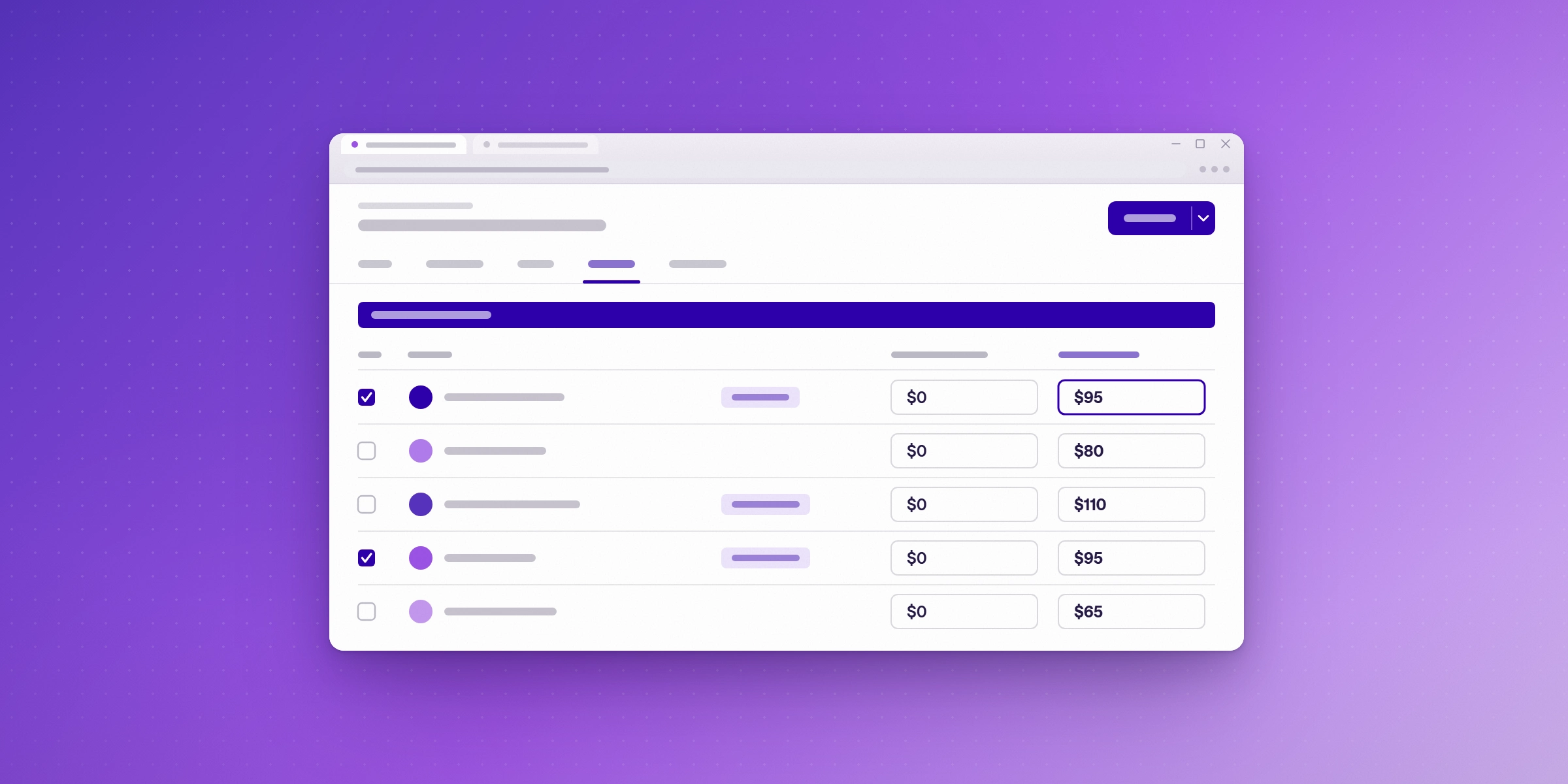
How do you keep 2027 rates on track?
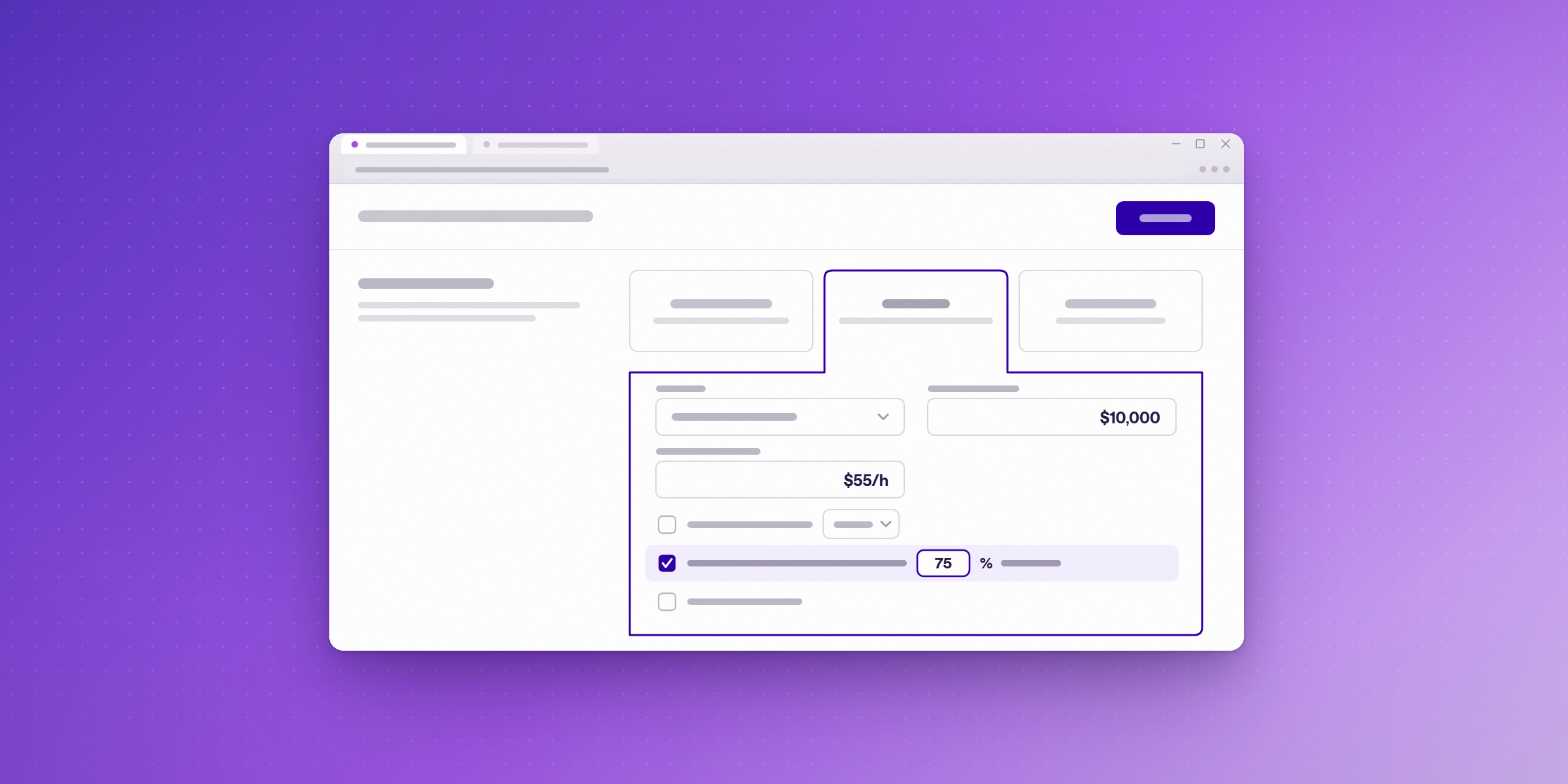
Rates only hold if projects stay within their estimated hours. Set a budget for every project and an alert threshold, such as 75% of budgeted hours, so a team lead hears about an overrun while there is still time to change scope or pricing.
Then review three numbers each quarter:
- Effective rate by client, against the 2027 rate card.
- Utilization by person, against their 2027 target.
- Hours written off, and the reason for each.
Change a target only when a pattern holds for at least two quarters. One quiet month is not a trend.
Year-to-date reports work for bigger decisions too. Pure Company, a Warsaw data consultancy that bills mostly on time and materials, runs monthly or year-to-date reports in Lucen Track to judge the health of the business and decide when to hire. (Pure Company customer story)
How does Lucen Track help you set and hold billable rates?
Lucen Track is a time tracking tool built for Microsoft 365, so your team logs hours in Microsoft Teams and Outlook, and the data behind your rates is complete. For the steps in this guide, Track offers:
- Billable and non-billable hours, reported separately, so utilization is measured from real data.
- Billable time-and-materials projects with rates, from the Starter plan, and billable rates by person and fixed-fee projects on Premium.
- Labour costs, so hours convert to cost and margin by client and project. Included on Premium.
- Project budgets and alerts in hours, from Starter, and monetary budgets on Premium.
- XLS/CSV exports and saved reports, from Starter, so you can drop this year's hours straight into the template.
- Microsoft Power BI, on Premium, for teams that report rates and margin to leadership.
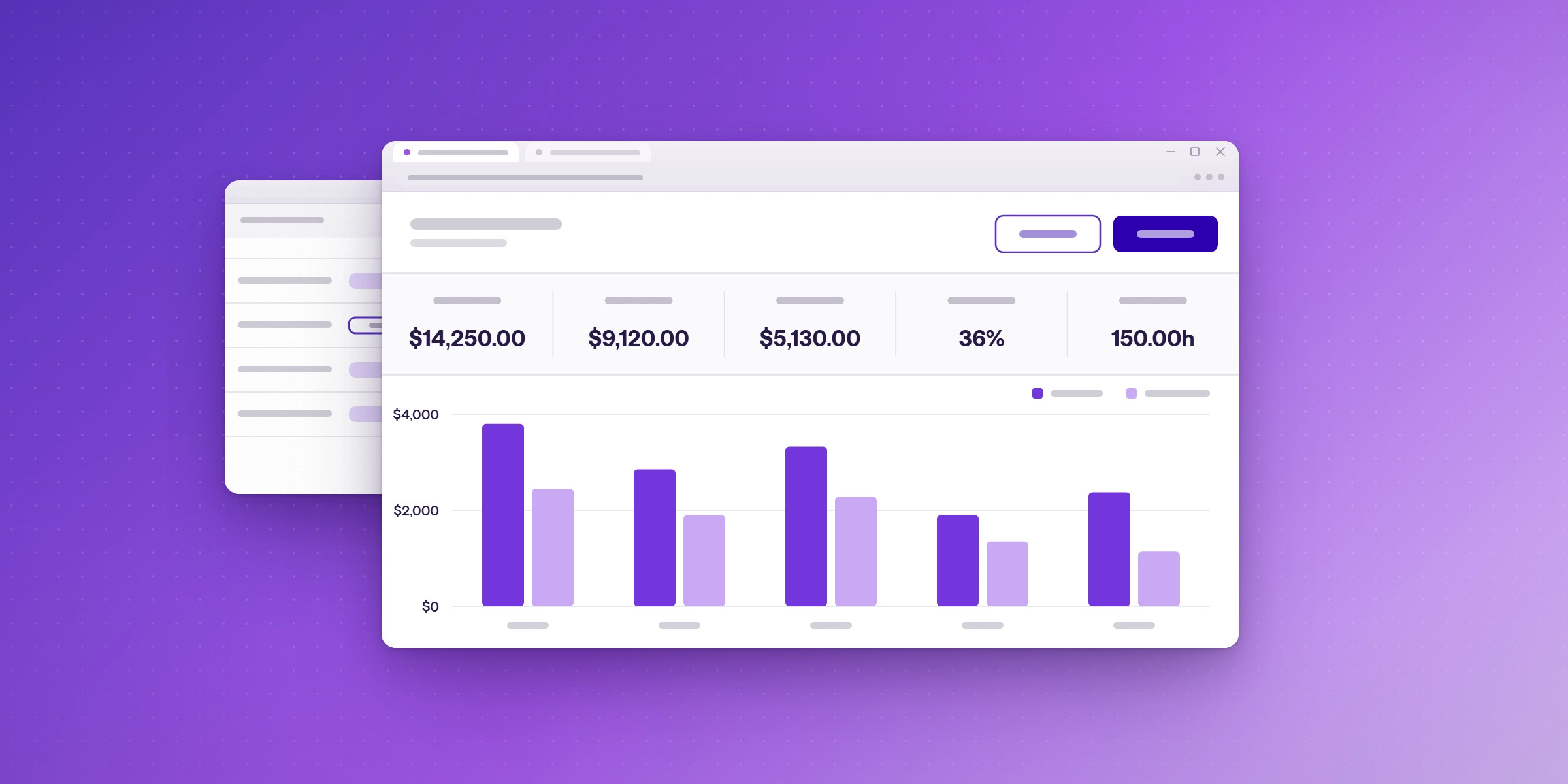
For consulting firms, see Lucen Track for consultants.
Start your free 14-day trial of Lucen Track. Log billable and non-billable hours in Microsoft Teams and Outlook, and see cost and margin by client and project. The trial includes Premium features, and no credit card is needed. Start your free trial.
What does Lucen Track cost?
Track's plans are:
| Plan | Users | Price (billed annually) | Highlights on the pricing page |
|---|---|---|---|
| Free | Up to 2 | $0, free forever | Time tracking for individuals getting started |
| Starter | Up to 30 | $7 per user per month | Shared reporting and transparency |
| Premium | Up to 30 | $13 per user per month | Profitability, approvals and budgets |
| Enterprise | Unlimited | Custom pricing | Governance, integrations and planned vs. actual tracking |
Get the free 2027 rate and target template
The template calculates your effective rate by client, utilization by person, and minimum 2027 rate from your costs and target margin, all in one workbook. Each tab includes an example row and a legend showing which cells to edit.
Get the free 2027 rate and target template
Enter your email to download the Excel workbook. It calculates your effective rate, utilization by person and minimum 2027 rate.
We'll email occasional product updates. Unsubscribe anytime.
Frequently asked questions
Add up the annual cost to deliver the work, divide it by the billable hours you expect at your utilization target, then divide by one minus your target margin. That gives the minimum rate. Compare it with your effective rate, which is billable revenue divided by billable hours worked.
It depends on role and business model. SPI Research found that utilization between 70% and 80% has historically maximized profitability, and that firms above 80% see higher burnout and attrition. Start from each person's own history, set the 2027 target a few points higher, and review it each quarter.
Use the effective rate to see how your work is actually priced. Use the rate card to set new prices. Compare the two before you change either: a low realization means discounts and write-offs need fixing before the rate card does.
Review them quarterly against your time data. Change a target only when a pattern holds for at least two quarters.
Start your free 14-day trial of Lucen Track
Log billable and non-billable hours in Microsoft Teams and Outlook, and see cost and margin by client and project. No credit card is needed.


Subscribe to our blog
Get all the tips, tricks and inspiration you need to create professional looking timelines, straight to your inbox.