


Blank timeline template
A blank PowerPoint timeline template with milestone markers alternating above and below the timeline, ready to be filled with your own dates and labels.



Map phases, highlight milestones, and present progress with clarity. Use timeline templates to communicate updates, track changes, and keep teams aligned at every stage.
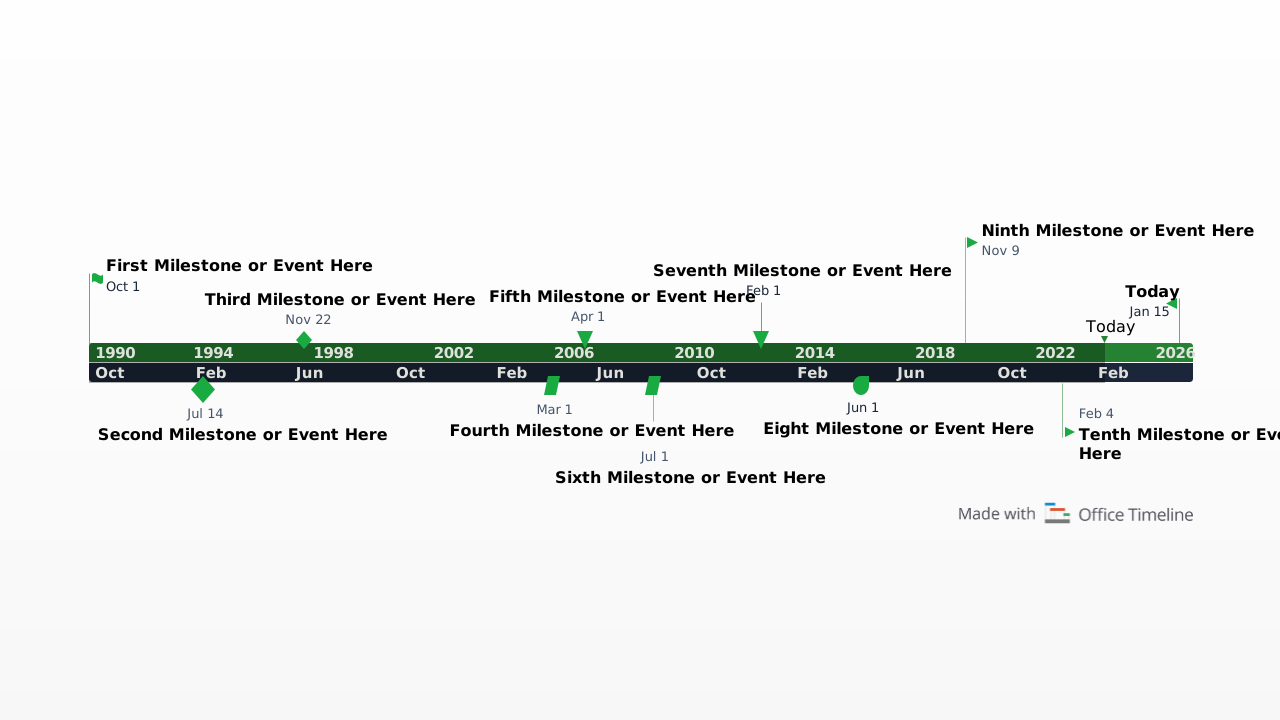
A blank PowerPoint timeline template with milestone markers alternating above and below the timeline, ready to be filled with your own dates and labels.
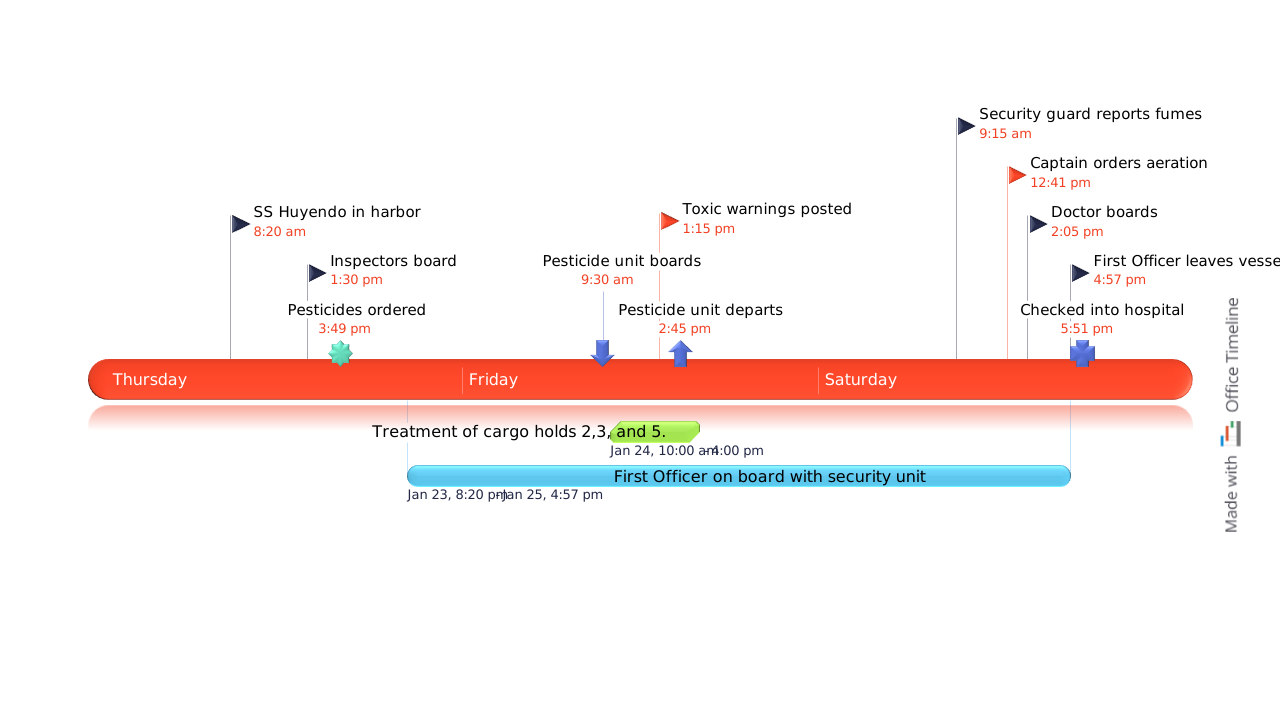
A legal litigation timeline for PowerPoint showing a three-day sequence of case events, with color-coded milestones, timestamped entries and a swimlane bar illustrating overlapping activities - all on a single presentation slide.
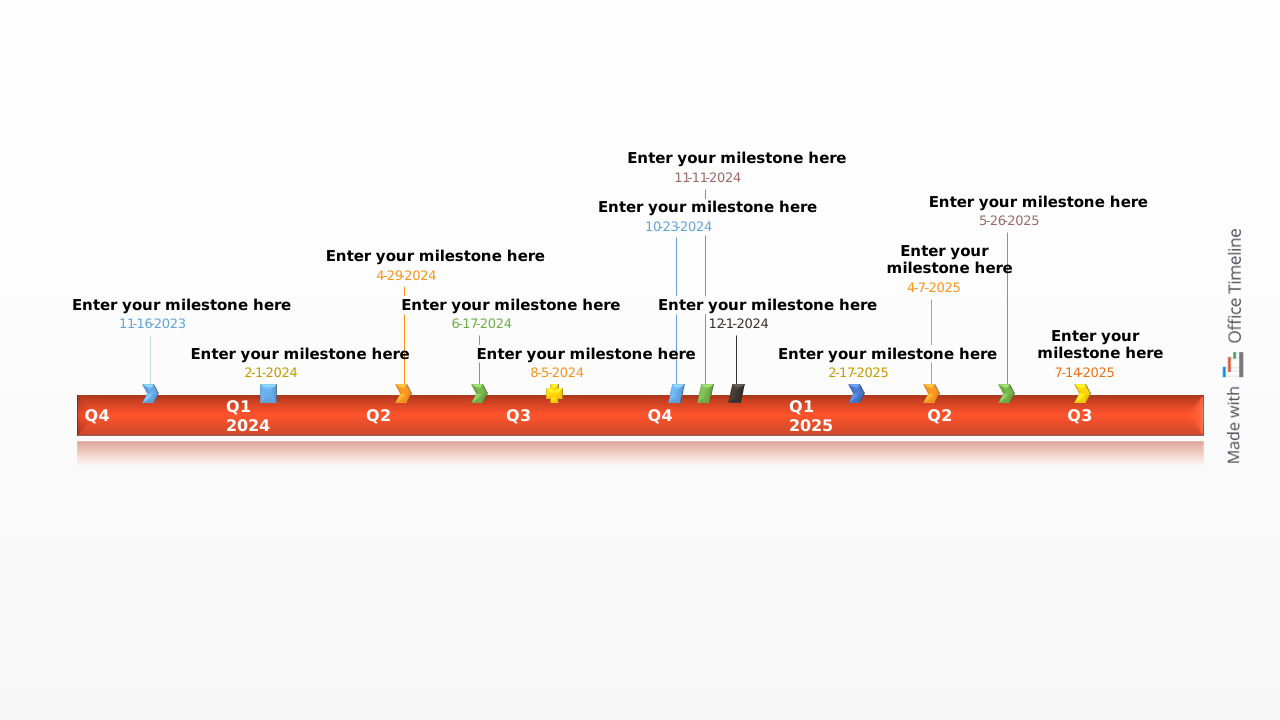
A blank example timeline for PowerPoint with ten color-coded milestones, a Today marker and an elapsed time indicator - ready to fill in with your own project dates
Adapt any timeline template to your project in minutes. With Lucen Timeline, you can update schedules, refine visuals, and keep every version clear, consistent, and ready to present - all directly in PowerPoint.
Try Lucen Timeline for free and streamline how you build and share timelines.


Your download should start now. If it doesn’t start click here and check your inbox for tips to get started.