


Hourly schedule template
Simple template with timeband in hours and layout that accommodates overlapping items.



Get a clear view of your timeline with templates to map phases, set milestones, and keep projects moving forward.

Simple template with timeband in hours and layout that accommodates overlapping items.

A project schedule template for PowerPoint showing a Gantt-style layout with five color-coded swimlane rows, task bars with start and end dates, and key milestones spanning a five-month project timeline.
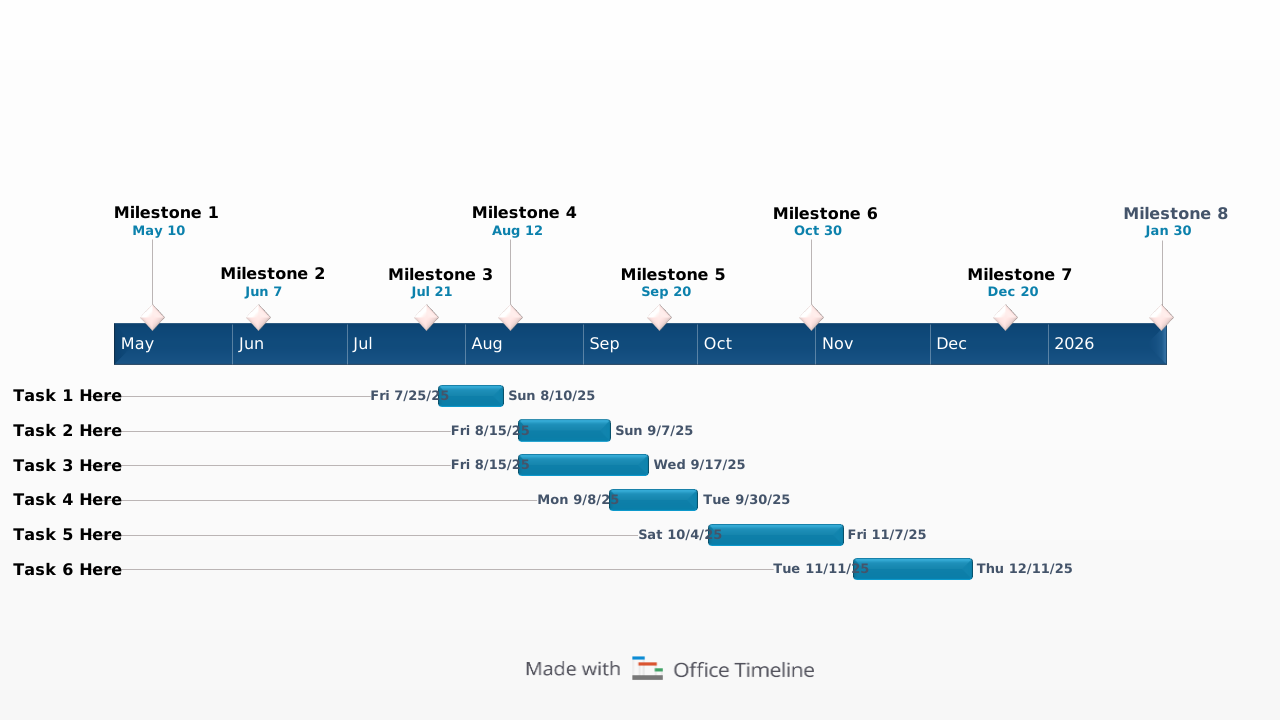
Visual work plan timeline showing key tasks and milestones to help teams present project activities and progress at a glance.
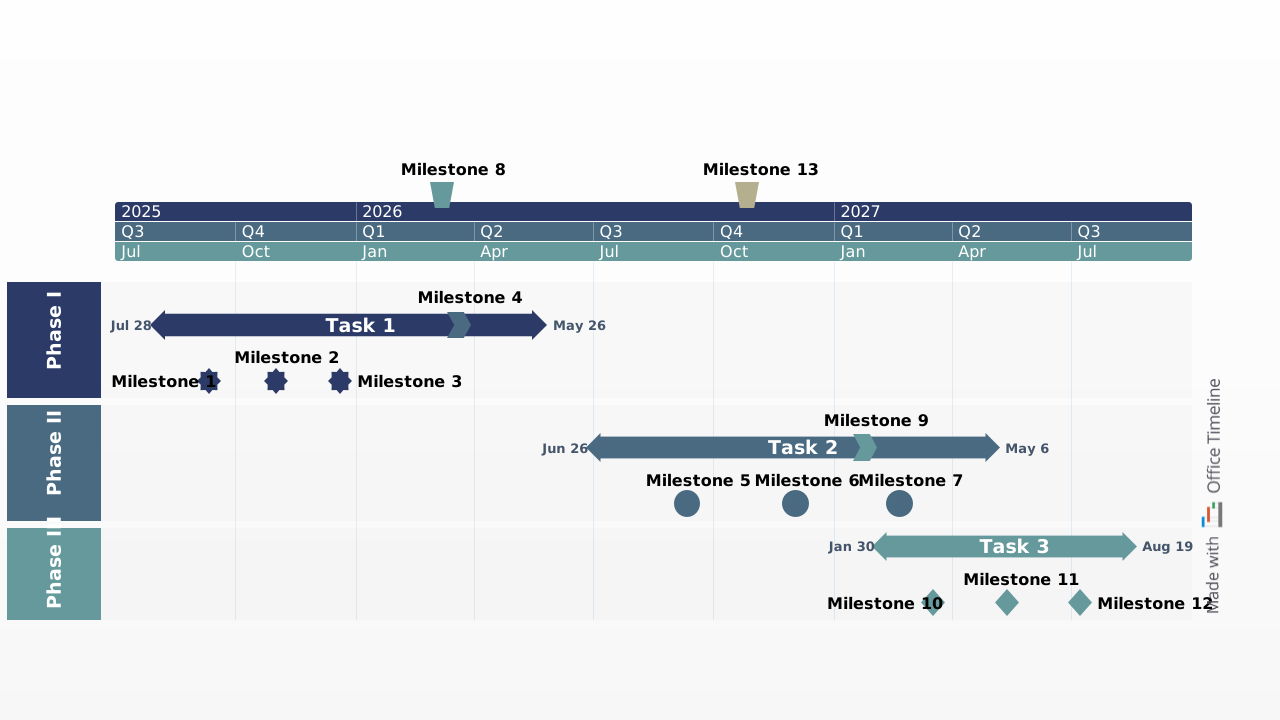
Visual project chart timeline showing key tasks, milestones, and deliverables to help teams present project progress and deadlines at a glance.
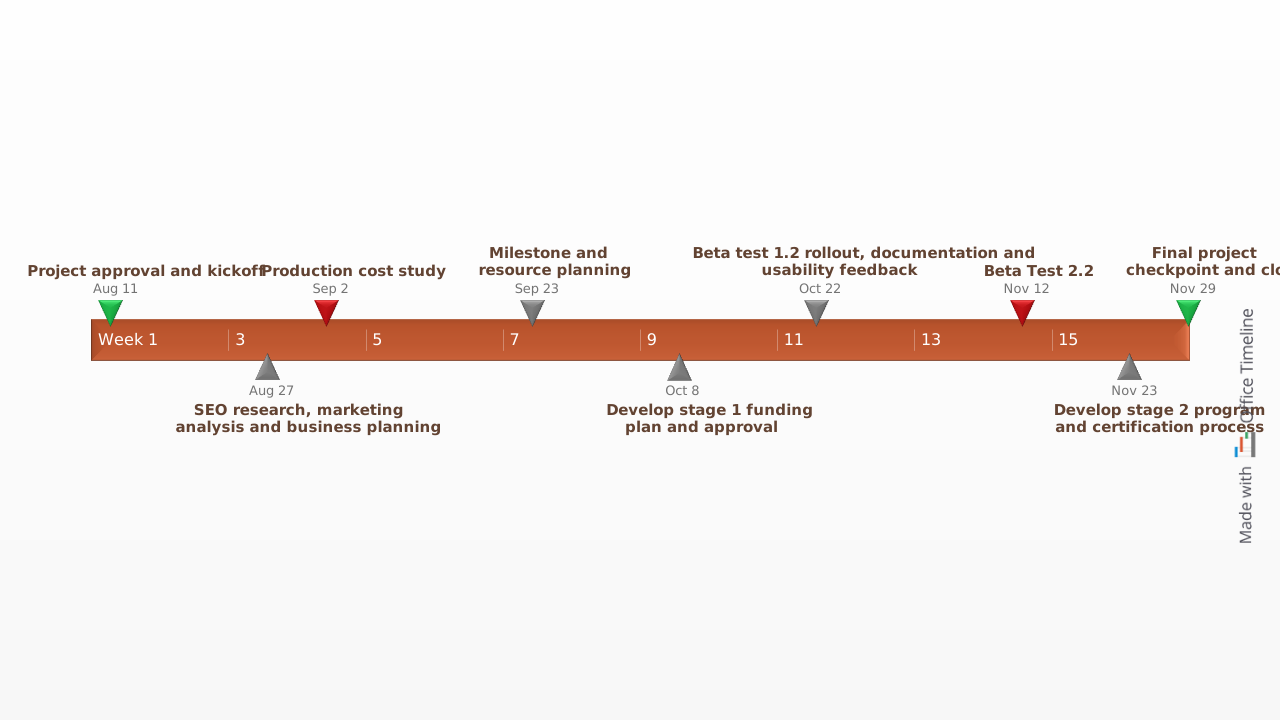
Visual timeline template with multi-shaped and -colored milestones to easily create high-level graphic charts that are simple to understand by audiences.

Here is a professional PowerPoint timeline slide designed to present project plans, milestones and schedules clearly. Fully customizable and ready to use in presentations.

PowerPoint event planning timeline template showing key milestones such as venue booking, vendor coordination, promotion, and final event preparation on a single visual schedule.
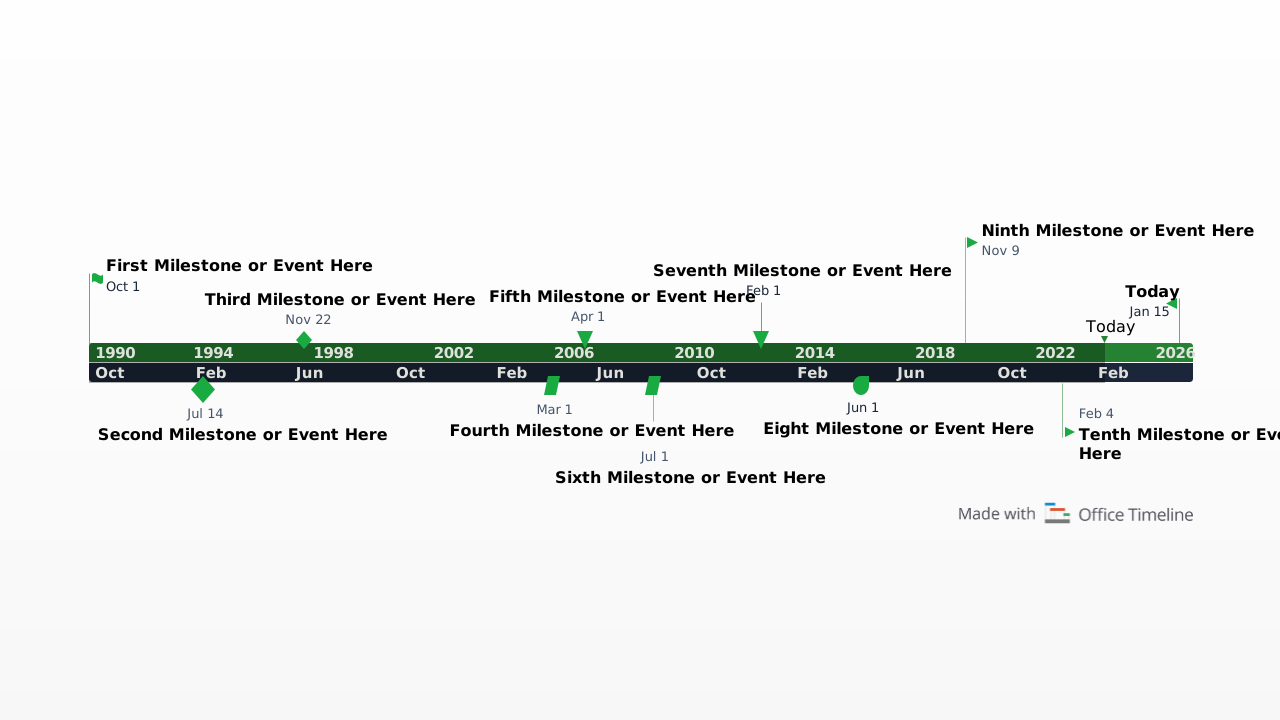
A blank PowerPoint timeline template with milestone markers alternating above and below the timeline, ready to be filled with your own dates and labels.
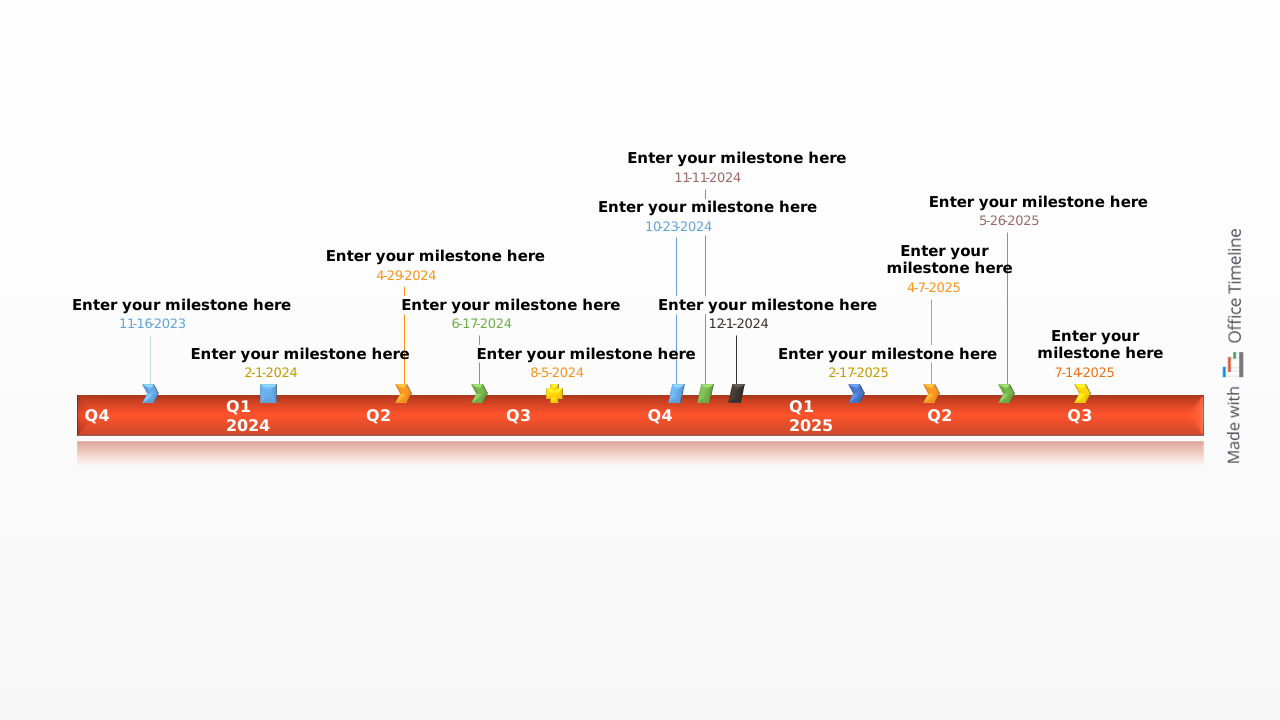
A blank example timeline for PowerPoint with ten color-coded milestones, a Today marker and an elapsed time indicator - ready to fill in with your own project dates
A well-structured project plan template keeps your team aligned and your timeline on track. These core elements provide the clarity you need to manage progress and communicate effectively:

Break your work into stages for easier tracking.

Highlight major checkpoints and deliverables.

List action items with deadlines, assignees, and priorities.

Visualize relationships between tasks to prevent delays.

Visualize the flow of work with a clear schedule.

Assign people, tools, and materials where needed.

A template helps you plan faster and execute more confidently. Here’s how to get the most value from it:
Try out Lucen Timeline to easily customize templates, apply branding, and bring in data from tools like Excel or Smartsheet – all right inside PowerPoint. Create polished, presentation-ready visuals in minutes.

Your download should start now. If it doesn’t start click here and check your inbox for tips to get started.