


Does Toggl Track Have Invoicing? Limits and Alternatives (2026)
Toggl Track makes PDF invoices from reports but can't mark them as paid. See its limits, plan details and alternatives that invoice from approved hours.

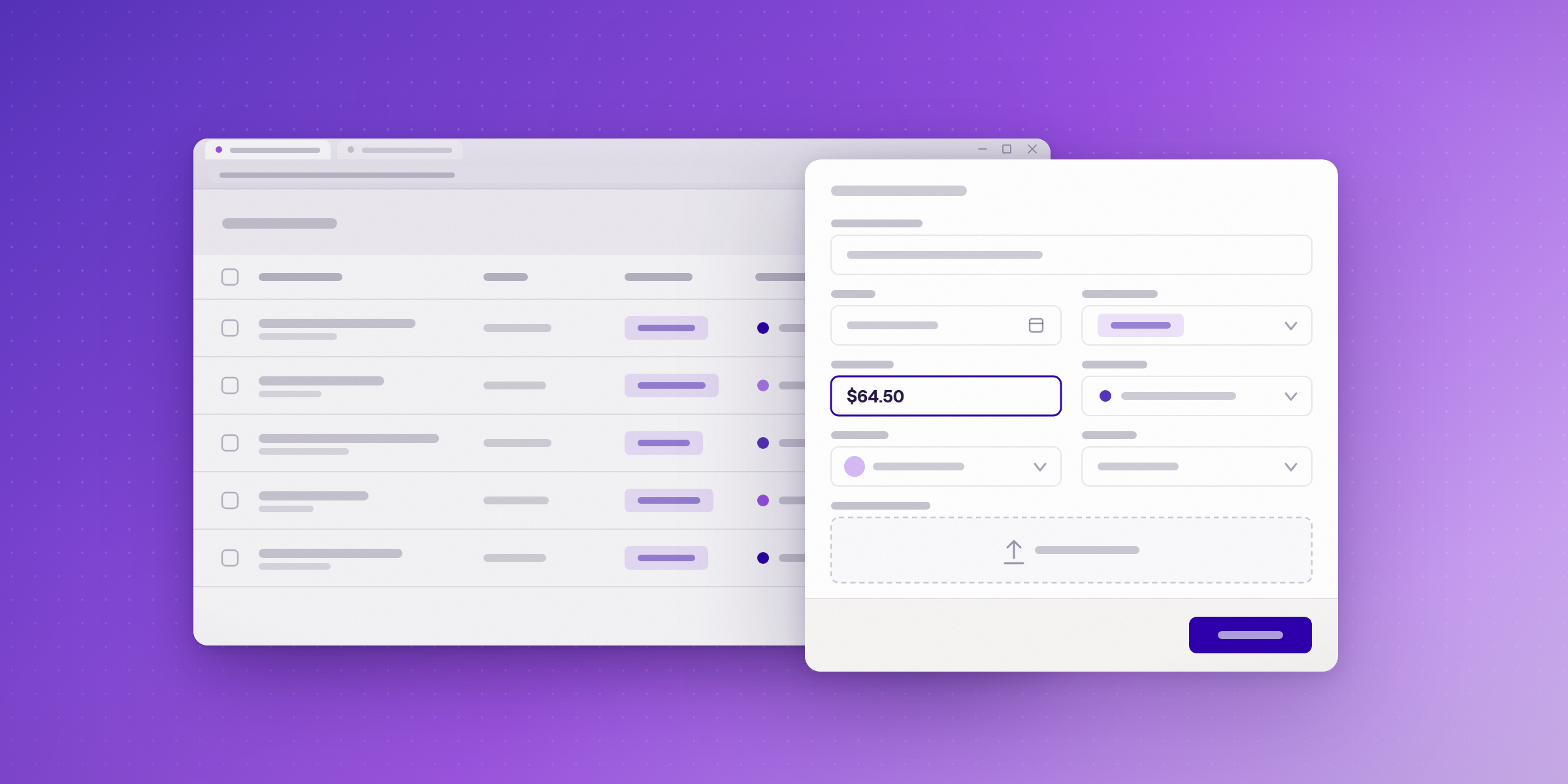
Yes. Toggl Track can turn tracked time into an invoice, and any workspace user can create one. The invoice is a PDF built from a report, though. Toggl's help article describes downloading that PDF. It doesn't describe emailing it to clients, recording payment, or keeping the invoice in the app. Those limits matter most for teams that bill from approved hours, bill several clients, or need a record of what was paid. This guide covers what Toggl's invoicing does and doesn't do, which plans include what, and which alternatives invoice from approved time.
Does Toggl Track have invoicing?
Yes. Any workspace user can create an invoice from a report. Invoices from the Free plan include the Toggl logo, and removing the logo requires a paid plan. The help article doesn't tie invoice creation to one plan, so check your workspace before you rely on it.
How do you create an invoice in Toggl Track?
- Open a Summary or Detailed report.
- Filter the report so only the entries you want appear.
- Click Export in the top right, then choose Create Invoice. You can also open the three-dot menu on a dashboard chart and choose create invoice.
A Summary report gives one line per project. A Detailed report lists each time entry separately, so choose the one that matches how your client wants to be billed. The help article doesn't mention an approval step before invoicing.
What are the limits of Toggl Track invoicing?
Based on Toggl's help article:
- Invoices are downloaded as PDFs. The article doesn't describe sending them to clients from Toggl.
- There's no built-in way to mark an invoice or its entries as paid. Toggl's suggested workaround is to tag billed entries as paid and filter them out of future reports.
- Generated invoices aren't saved in the Toggl app, so the downloaded PDF is the only copy.
- You can't change the invoice layout, template or font.
- Edits apply only to the current invoice and don't carry over to the next one.
- QuickBooks syncing is a Starter feature. The article doesn't mention Xero.
The help article doesn't publish limits on the number of invoices, clients or users for invoicing. Billable hours that are logged but never invoiced are a common leak, so see where unbilled hours hide.
Which Toggl Track plans include what?
Approvals start on Premium. Invoice creation isn't tied to a single plan in the help article. The table shows each plan's listed features.
| Plan | Annual, per user per month | Monthly, per user per month | Billing and invoicing | Approvals | Other features listed |
|---|---|---|---|---|---|
| Free | Free for a limited number of users | Free | PDF invoices with the Toggl logo | No | Outlook calendar integration |
| Starter | $9 | $12 | Logo removed from invoices, QuickBooks sync, billable rates | No | Outlook calendar integration |
| Premium | $16 | $24 | Profitability reports, team lead and project lead roles | Yes | SSO, Jira and Asana integrations |
| Enterprise | Contact sales | Contact sales | Not described on the pricing page | Yes, includes Premium | SSO |
Prices are per user per month, from Toggl's pricing page, checked 6 November 2026. The page doesn't label annual and monthly prices, so this table treats the lower figure as annual. Confirm the billing options at checkout.
Which time tracking tools invoice, and which have approvals?
Toggl's invoicing has no approval step in its help article. Approval means a manager signs off on hours before they can be billed. If you need that step, compare these tools:
| Tool | Lowest plan with invoicing | Timesheet approvals | QuickBooks or Xero sync | Price per user per month, billed annually |
|---|---|---|---|---|
| Lucen Track (formerly Timeneye) | Starter (not on Free) | Premium | Not on the integrations page | Starter $7, Premium $13 |
| Clockify | Standard | Standard | QuickBooks from Standard | Standard $5.49 |
| Harvest | Free | Enterprise | QuickBooks Online and Xero on Teams and Enterprise | Teams $9, Enterprise $14 |
- Lucen Track creates branded PDF invoices from approved billable entries, and you mark invoices paid in Track. See how invoicing works in Lucen Track and billing and invoicing.
- Clockify issues invoices from tracked time and sends time to QuickBooks from Standard. Read Best Clockify alternatives for Microsoft 365 teams.
- Harvest lists invoicing on its Free plan, and its invoicing page says it helps you send invoices and track their status. It supports card and bank payments through Stripe and PayPal. Read Harvest alternatives for Teams on Microsoft 365.
Sources: Lucen Track pricing, Clockify pricing, Harvest pricing and Harvest invoicing, checked 6 November 2026.
How should you choose between them?
Start with three questions:
- Do invoices have to come from approved hours? Approval means a manager signs off on hours before they can be billed. If yes, Toggl's Free and Starter invoicing doesn't cover that, because approvals start on Premium.
- Do you need to send invoices and record payment in the tool? Toggl's help article describes PDF downloads only, with no built-in paid status.
- Does your accounting system need to sync? Toggl lists QuickBooks from Starter. Lucen Track's integrations page doesn't list QuickBooks or Xero, so check before you trial it.
Toggl Track is a reasonable fit when you need time tracking first and occasional PDF invoices built from reports. If invoices must come from approved, tracked hours, start with the alternatives above. If your team logs time in Outlook and Teams, read Microsoft 365 time tracking with invoicing.
What does Toggl Track invoicing cost for a team of 10?
On annual billing, Toggl Track Starter costs $90 a month for 10 users at $9 per user. Premium, which adds approvals, costs $160 a month at $16 per user. Both figures are list prices per seat, before any add-ons. See Lucen Track pricing for every plan. Lucen Track Starter costs $70 a month for the same team at $7 per user, and Premium costs $130 at $13 per user, both billed annually.
Ready to invoice from your tracked hours?
Start a free 14-day trial of Lucen Track. No credit card is needed.
Start free trialFrequently asked questions
Yes. Any workspace user can create a PDF invoice from a report, and invoices from the Free plan include the Toggl logo. The help article describes downloading the PDF, not sending it or recording payment.
The help article describes PDF downloads only. It has no built-in way to mark invoices or entries as paid. Toggl suggests tagging billed entries as paid and filtering them out of future reports.
Premium, at $16 per user a month billed annually. Enterprise includes the Premium features.
Lucen Track includes invoicing from Starter and approvals on Premium. Clockify includes both from Standard. Harvest includes invoicing on its Free plan, with approvals on Enterprise.
Toggl's help article says QuickBooks syncing is a Starter feature. It doesn't mention Xero.
On annual billing, Starter costs $90 a month at $9 per user, and Premium, which adds approvals, costs $160 a month at $16 per user.
See how profitability is tracked on every project.
Read how billing from approved time connects to margin and budget. Then start a free 14-day trial of Lucen Track with no credit card required.


Subscribe to our blog
Get all the tips, tricks and inspiration you need to create professional looking timelines, straight to your inbox.