


Invoicing From Timesheets for Service Firms
Invoice clients from approved billable hours in Lucen Track. See how consulting, agency, professional services and IT firms bill, with plans and pricing.

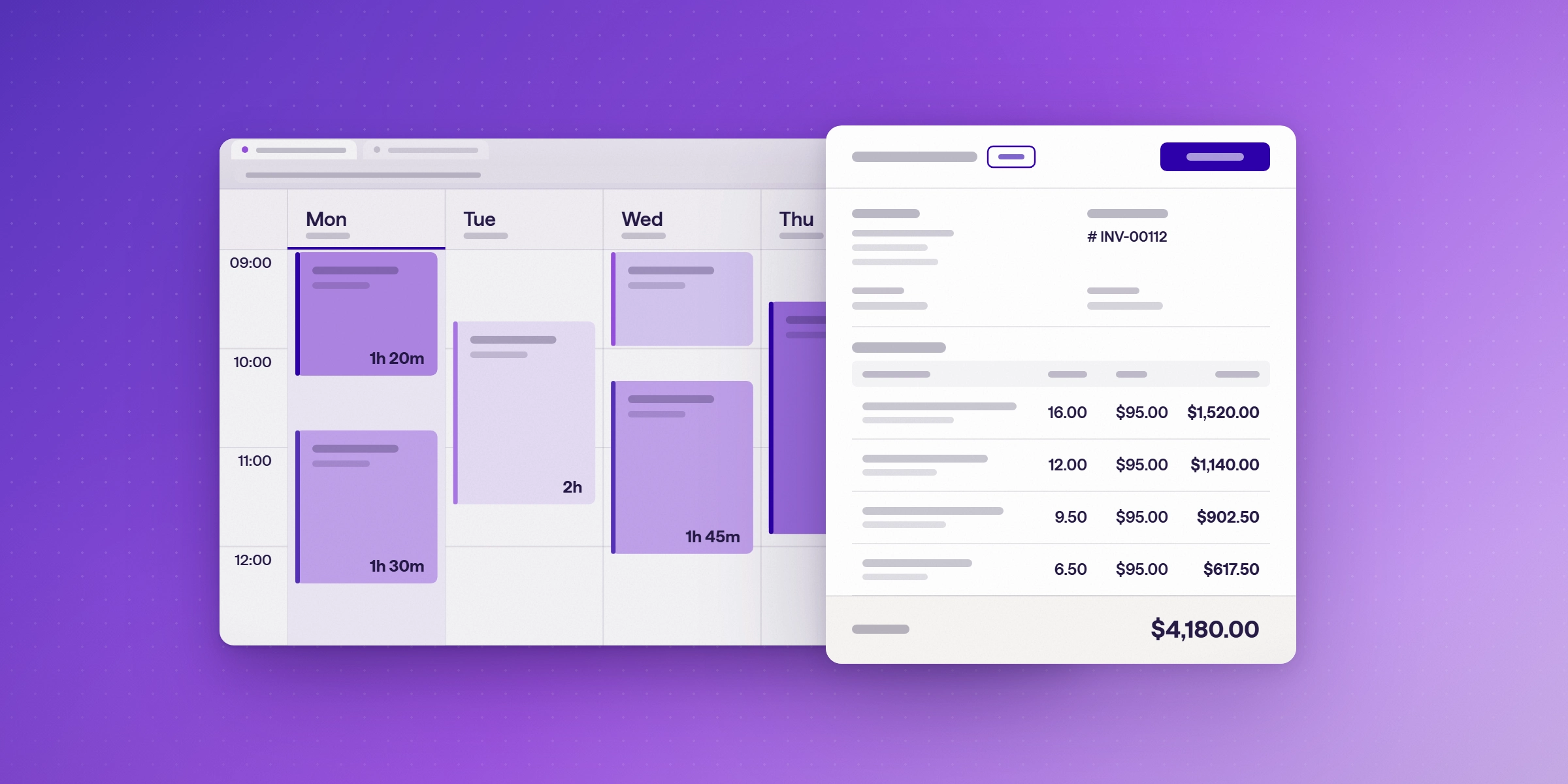
Growing past guessing at project hours starts with billing from the hours your team logs. Lucen Track (formerly Timeneye) turns logged hours into client-ready invoices inside Microsoft 365, so consulting, agency, professional services and IT services firms can bill for all the work they do. Approved billable entries become a branded PDF invoice that you download and send yourself, and you mark it paid in Track. Invoicing is included on Starter and Premium. Approvals, which stop unreviewed hours from being billed, are included on Premium.
This guide covers invoicing. To see how billed hours feed margin on each project, read Project profitability and cost control for professional services. For setting up time tracking across Microsoft 365, read Time Tracking for Consulting Firms: A Playbook for Microsoft 365.
How do you find billable hours that were never invoiced?
Hours that never reach an invoice are work the firm has already done and not been paid for. Before each billing run, review the approved entries for each client and check that everything billable has been invoiced.
The unbilled hours guide explains where those hours usually hide. The same check works at year end. See How to bill outstanding hours before December 31.

How does invoicing from timesheets work?
Invoicing in Lucen Track starts from approved time, not from raw entries. Billable time becomes invoice line items automatically, so nobody has to re-key hours into a separate tool. The flow has four steps. Numbering, tax rates and branding are already applied, so each invoice goes out client-ready in a few clicks.
- Log billable time against client projects in Track. The Outlook Calendar integration turns calendar events into time entries, so meetings can be logged without retyping them. See How to turn your Outlook calendar into a timesheet. Teams users can follow How to track time in Microsoft Teams.
- Submit and approve the timesheet. On Premium, a manager reviews the hours before they can be billed.
- Choose the approved billable entries for one client and one period.
- Create the invoice, download the branded PDF, and send it to the client yourself.
The client and period filters matter most at step 3. Check the entries before you create the invoice, because a wrong period is easier to catch before the PDF is sent than after.
How do consulting, agency, professional services and IT firms each use invoicing?
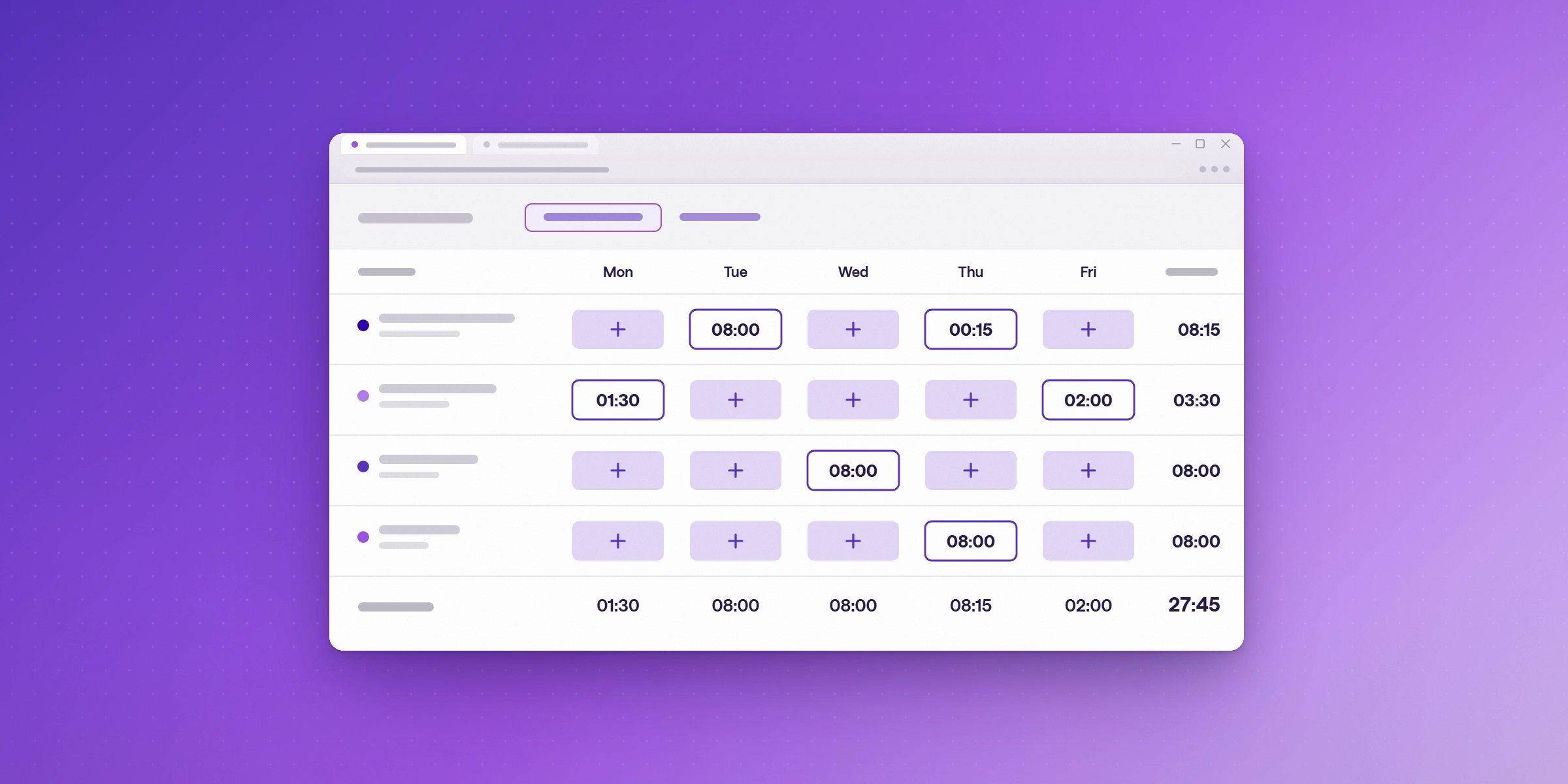
The invoicing steps are the same for every firm type. What changes is what each firm needs from the invoice.
Consulting firms
Consulting firms often mix hourly and fixed-fee work across many clients. Track bills approved hours against each client's projects, and fixed-fee work can be compared with its budget before the invoice goes out, so each invoice matches both the work and the estimate. Track sets billable rates by project and by person, and it handles fixed-fee projects. For how to set rates for the year ahead, read How to Set Billable Rates for 2027 Using This Year's Time Data.
Agencies
Agencies bill many clients and projects, and each client expects an invoice that looks like it came from the agency. Track creates invoices from approved hours for one client and period, with numbering, tax rate and branding already set, so the team doesn't rebuild invoices from timesheets. Each invoice is a branded PDF. For how agencies measure the time they bill, read Utilization Rate for Agencies: How to Calculate and Improve It.
Professional services firms
Firms that bill by the hour need approved hours to become accurate invoices. The unbilled view shows which approved hours are ready to invoice, client by client, so billable time is less likely to be missed. Approvals on Premium stop unreviewed hours from being billed. For how billed hours affect margin on each project, read Project Tracking and Time Budgeting Software for Margin Protection.
IT services firms
IT services firms work inside Microsoft 365 every day. Track runs in that environment, and Outlook Calendar and Microsoft Teams are both connected, so time can be logged where the work already happens. Invoices come from the same approved hours, with no separate invoicing tool to set up. For how IT and R&D teams handle project cost and chargeback, read Time Tracking for IT and R&D Teams: Project Cost, Chargeback and Capitalization.
Who can turn on invoicing and create invoices?
Workspace owners turn invoicing on under Settings, then Features. They also set invoice numbering, the tax rate and branding for the invoices the firm sends. Owners and admins issue invoices by default, and project managers can be given invoicing access.
Billing can stay with finance or partners, while the rest of the team logs time from Outlook and Teams.
Which firms need timesheet approvals?
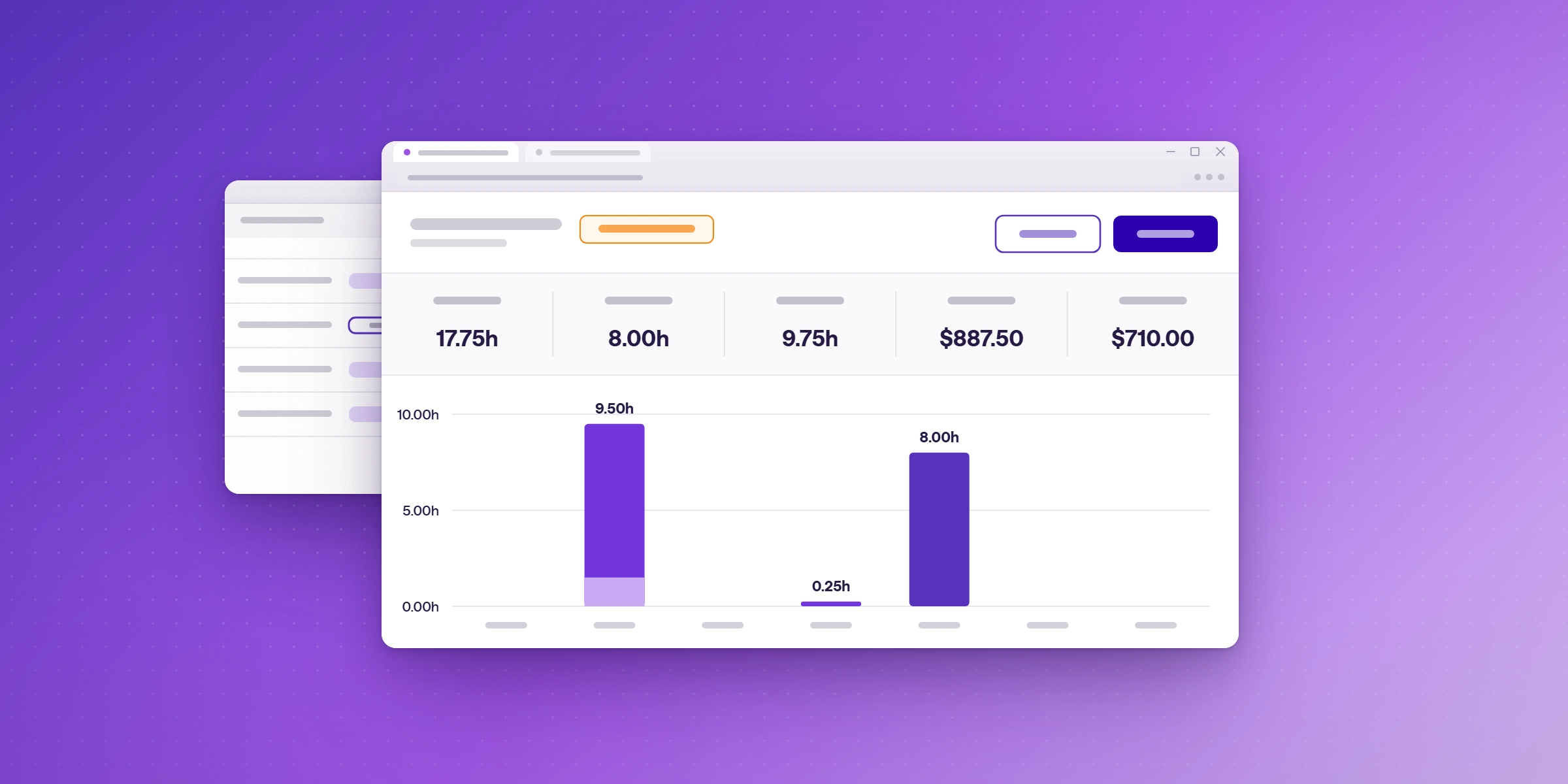
Approval means a manager signs off on hours before they can be billed. A billable entry is a logged time entry for work the firm charges to a client, and approval confirms those entries before they reach an invoice. A firm needs approval when clients should only be billed for reviewed time, or when project managers must confirm the hours their teams log.
Approvals are included on Premium. A firm that bills directly from logged time, with no review step, can start on Starter. For how approvals work in the product, read How to streamline time and expense approvals with Lucen Track.
Which Lucen Track plans include invoicing and approvals?
Invoicing is included on Starter and Premium. It is not available on the Free plan. Approvals are on Premium only. The Free plan supports up to 2 users, and Starter and Premium support up to 30.
| Plan | Annual, per user per month | Monthly, per user per month | Users | Invoicing | Timesheet approvals |
|---|---|---|---|---|---|
| Free | Free | Free | Up to 2 | No | No |
| Starter | $7 | $9 | Up to 30 | Yes | No |
| Premium | $13 | $16 | Up to 30 | Yes | Yes |
Source: Lucen Track pricing. The billing page also lists Enterprise among the plans that include invoicing. Enterprise pricing is on request.
What does invoicing cost for a 10-person team?
A 10-person team fits within the 30-user limit on both paid plans. On annual billing, Starter costs $70 a month and Premium costs $130 a month. Billed monthly, the same team pays $90 on Starter and $160 on Premium. These are list prices per seat, before any add-ons.
Does Lucen Track sync with QuickBooks or Xero?
Yes. Track's QuickBooks and Xero integrations are included on Premium and Enterprise. If your firm sends invoices into an accounting system, confirm the setup with Lucen before you start a trial.
What does Lucen Track invoicing not do?
Track creates the invoice and tracks its status, but it does not send invoices for you. You send the PDF the way you do today, then mark the invoice paid in Track. The billing page does not describe collecting payment through Track, so do not promise clients online payment from the tool. For a full walkthrough, read the billing and invoicing page or How invoicing works in Lucen Track.
When should a service firm look at other tools?
If clients must pay online through the tool, or an accounting sync is essential, compare tools before you commit. Harvest's invoicing page describes card and bank payments through Stripe and PayPal, and its Teams plan includes QuickBooks Online and Xero. See Harvest alternatives for Teams on Microsoft 365 for how the options compare.
Ready to invoice from approved hours?
Read how billed hours feed project margin first, or start a free 14-day trial of Lucen Track on Premium, with approvals included. No credit card is needed.
Frequently asked questions
Yes. Starter and Premium include invoicing. Approved billable entries for a client and period become a branded PDF invoice that you download and send yourself.
Premium. Approval means a manager signs off on hours before they can be billed.
No. You download the PDF and send it yourself, then mark the invoice paid in Track.
Yes. Track's QuickBooks and Xero integrations are included on Premium and Enterprise. Confirm the setup with Lucen before you start a trial.
Yes. Numbering, tax rate and branding are set in Settings, and each invoice is created as a branded PDF for the client.
Yes. Track runs inside Microsoft 365, and its Outlook Calendar and Microsoft Teams integrations can be used to log time. Invoices come from the approved hours for each client and period.
No. Invoicing starts on Starter, which is $7 per user a month billed annually.
On annual billing, Starter costs $70 a month and Premium costs $130 a month for 10 users, before any add-ons.
See how profitability is tracked on every project.
Read how billing from approved time connects to margin and budget. Then start a free 14-day Premium trial of Lucen Track. No credit card is needed.


Subscribe to our blog
Get all the tips, tricks and inspiration you need to create professional looking timelines, straight to your inbox.