


Free PowerPoint timeline templates

Free PowerPoint timeline templates you can edit in minutes

Download the free Lucen Timeline add-in and get access to these templates inside PowerPoint. Pick one, add your dates and have a clear timeline ready to share.
Formerly Office Timeline.

30-day money-back
No credit card
Installs in under a minute
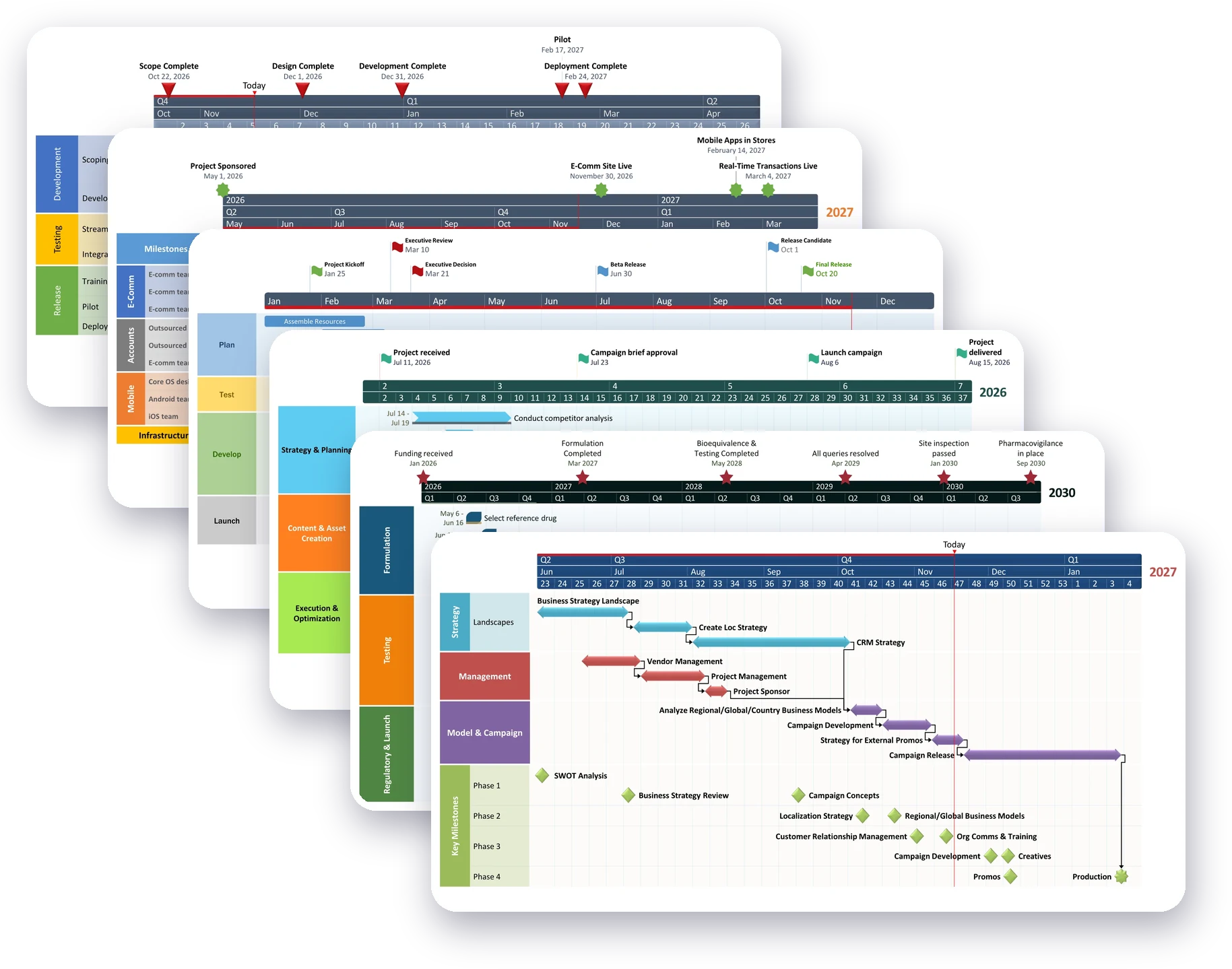
Six Lucen Timeline template slides stacked in a cascade: executive roadmap, migration roadmap, development roadmap, marketing campaign, pharmaceutical development and strategic roadmap.
WINDOWS 10/11 · MICROSOFT 365, 2019 & 2021
SOC 2 Type 2
No design skills needed
Template gallery

Start from a ready-made timeline template

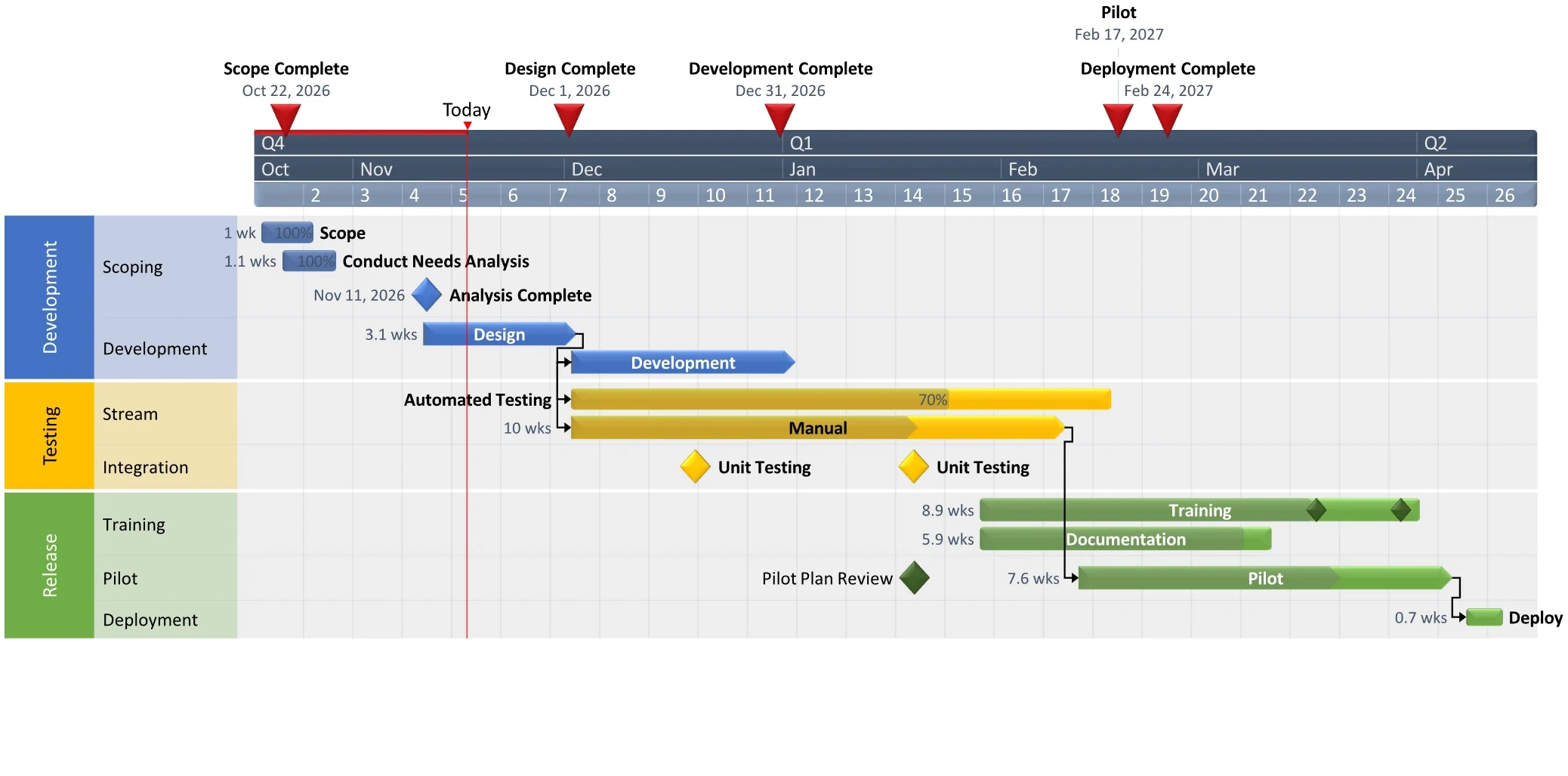
Executive roadmap timeline template with milestones above a Gantt chart split into Development, Testing and Rollout swimlanes.
Executive roadmap
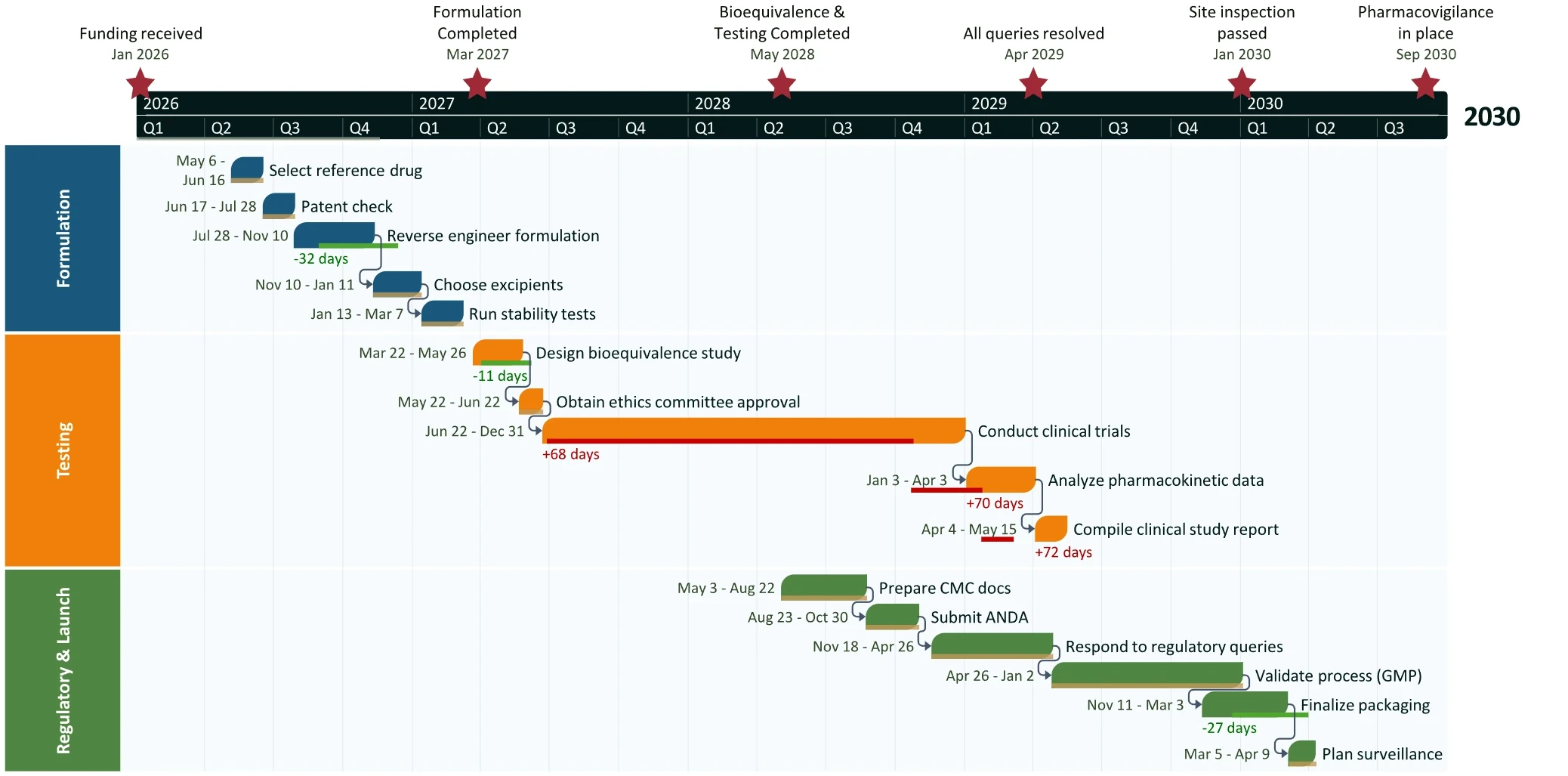
Pharmaceutical development timeline template with Formulation, Testing and Regulatory and launch swimlanes across several years.
Pharmaceutical development
Strategic roadmap timeline template with Strategy, Management, Model and campaign, and Key milestones swimlanes by week.
Strategic roadmap
Marketing campaign timeline template with Strategy and planning, Content and asset creation, and Execution and optimization phases.
Marketing campaign
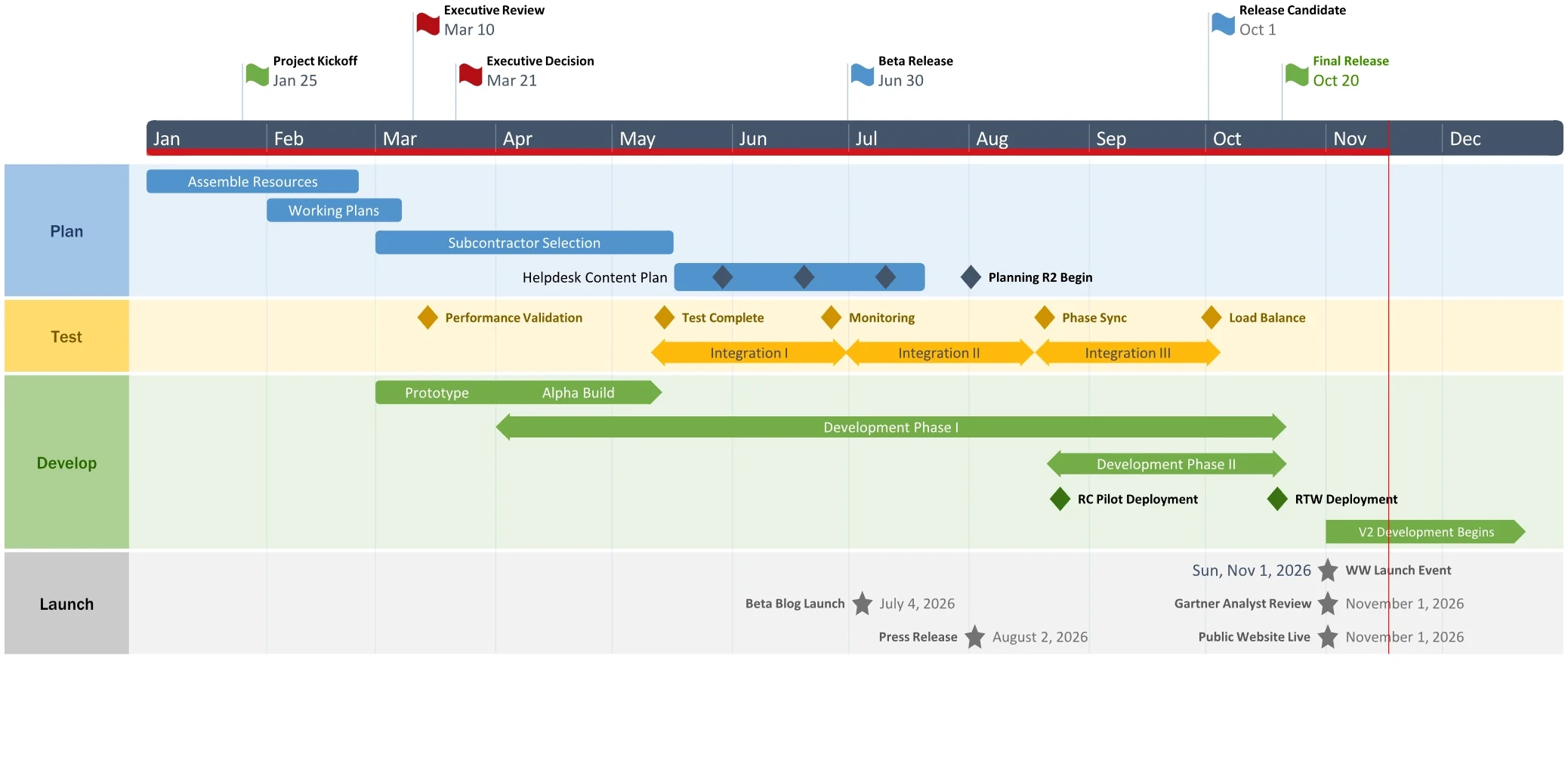
Development roadmap timeline template with Plan, Test, Develop and Launch swimlanes and release milestones across a year.
Development roadmap
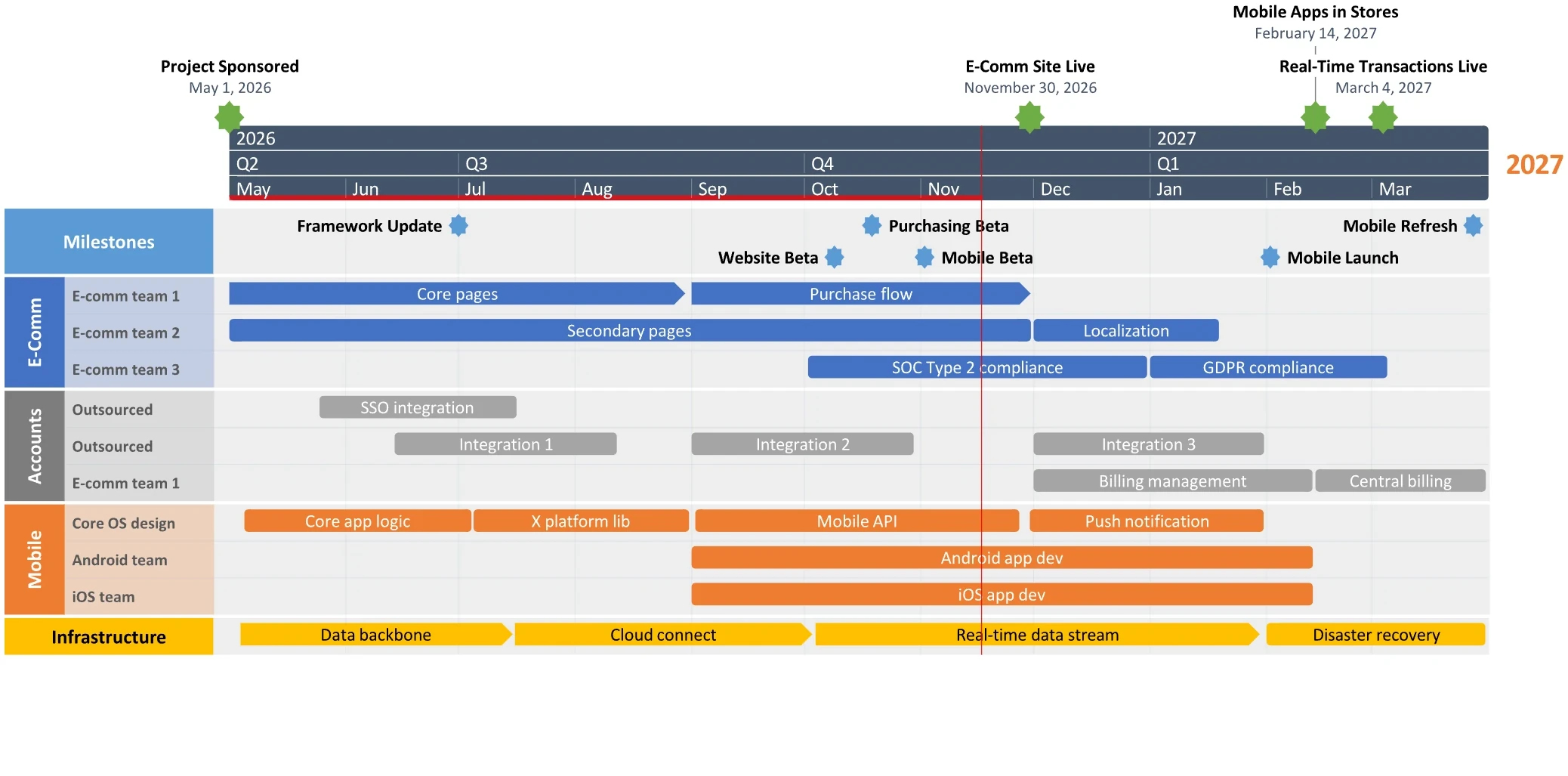
Migration roadmap timeline template with Milestones, E-Comm, Data and Mobile swimlanes and an infrastructure bar.
Migration roadmap
How it works

From template to finished slide in three steps

Pick a template

Start from a timeline, roadmap or Gantt layout and match it to your brand in a click.

Add your dates

Type in your milestones and tasks, or bring in data from Excel and other tools on paid plans.

Edit and share in PowerPoint

Your timeline lives natively in PowerPoint, so you can change a date and update the slide in seconds.

Before and after

From a spreadsheet to a slide people read

Pick a template, add your dates and Lucen Timeline builds the slide for you, in minutes.

Trusted by the majority of the Fortune 500.
215k+
Individual users
200+
Hours saved /
user / year
9/10
Satisfied customers
4.0
trustpilot 5,580
reviews · 92% at 4★+
Why Lucen Timeline

Built for the way you already present

Reporting shifts from hours to minutes

Stop rebuilding slides every week. Update the plan and your timeline refreshes itself.

200+ hours saved / user / year

Slides stay up-to-date, 
automatically

Sync with your data so every update is one click, not one evening.

Update once. Refresh instantly.

Milestones and risks read at a glance

Give leaders the phases, dependencies, and status they need to act.

Executive-ready in half the time

Enterprise-ready:
WINDOWS 10/11 · MICROSOFT 365, 2019 & 2021
SOC 2 Type 2
IT ADMIN DEPLOYMENT
Simple, transparent pricing

Start free. Scale with confidence.

Free
For individuals getting started
‍
Free
free forever
Simple timelines & roadmaps
Pre-designed themes
Build directly in PowerPoint
Lite
For professionals who present regularly.
$9
/ user / mo
billed annually
Everything in Free, plus:
More templates & themes
Styling & color control
Copy & paste from Excel
Plus
For teams managing projects & programs.
$17
/ user / mo
billed annually
Everything in Lite, plus:
Swimlanes & sub-swimlanes
Dependencies & critical path
Import from Excel
Multiple timescales
MOST ADVANCED
Expert
For organizations with advanced needs.
$21
/ user / mo
billed annually
Everything in Plus, plus:
Integrations: Jira, Smartsheet, MS Project
Custom themes & templates
Planned vs. actual tracking
30-day money-back guarantee
Free updates within your plan
Cancel anytime
support

Frequently asked questions.

Are the PowerPoint timeline templates free?

Yes. The Free plan includes simple timelines and roadmaps and pre-designed themes, with no credit card required. Paid plans add more templates and themes, styling control and Excel import.

Is my data secure?

Lucen Timeline is SOC 2 Type 2 audited, hosted on Microsoft Azure, and encrypted in transit over HTTPS. Our security FAQ has the full details.

Do I need PowerPoint? Which versions are supported?

Use Lucen Timeline as a PowerPoint add-in on Windows, or as an online tool in your browser. It works as part of Microsoft 365.

Can I edit a template after I create it?

Yes. The timeline is native PowerPoint, so you can change dates, text, colors and layout at any time and update the slide.

Can I import from Excel, Microsoft Project, Jira, or Smartsheet?

Yes, on paid plans. Lite lets you copy and paste from Excel, Plus adds Excel import, and Expert adds Jira, Smartsheet and Microsoft Project.

Free PowerPoint timeline templates

Start with a free PowerPoint timeline template

Free plan
No credit card
30-day money-back
See system requirements