


Best Software for Documenting Standard Operating Procedures in Microsoft 365
Compare ways to document SOPs in Microsoft 365 — from text documents to visual process maps — and see why Lucen Flowchart keeps procedures current without leaving PowerPoint.

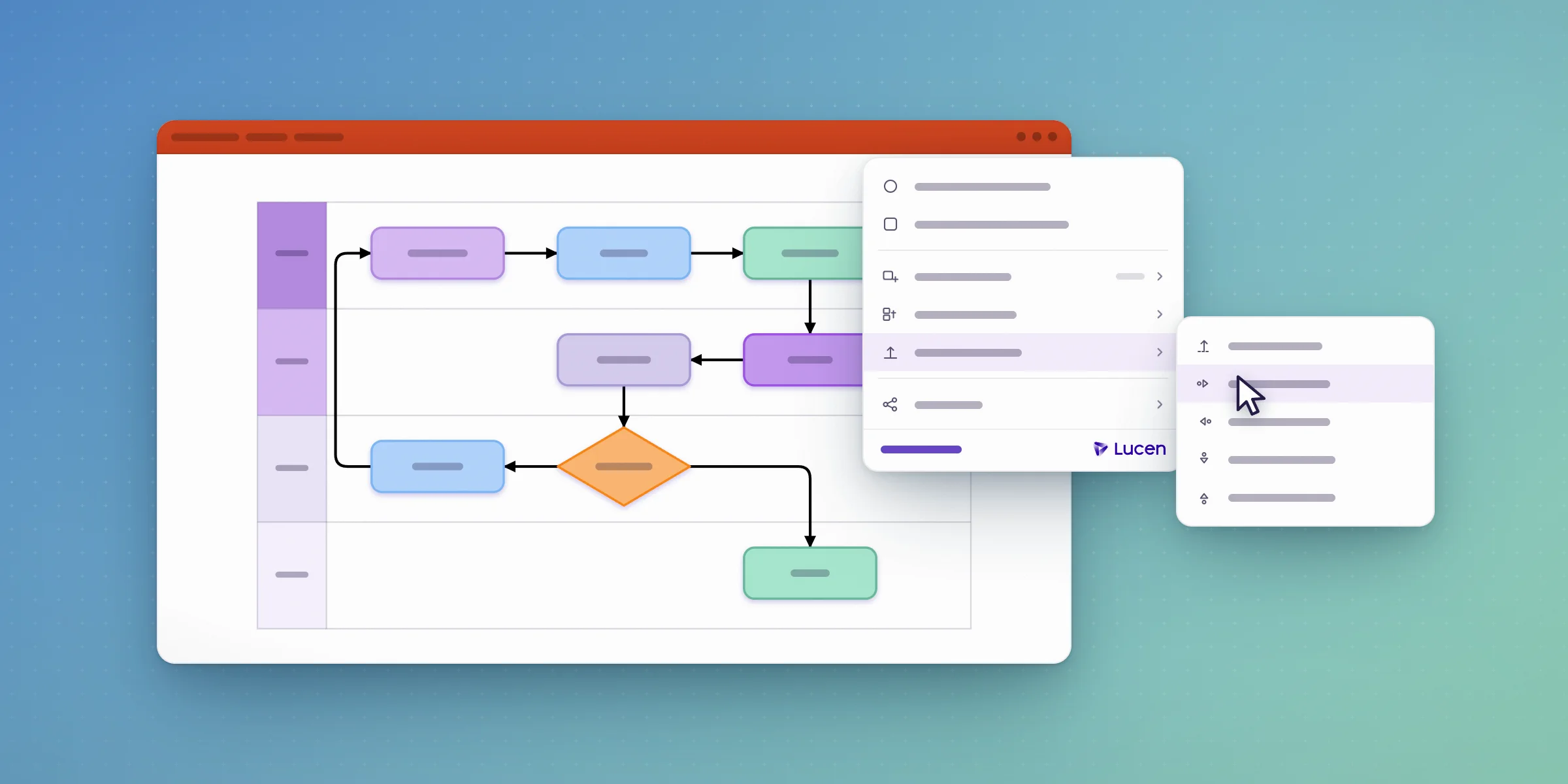
For teams documenting standard operating procedures inside Microsoft 365, Lucen Flowchart is the most direct fit: it builds an SOP as a process map using native, editable PowerPoint shapes, so the same deck that documents the procedure is the one you update when the procedure changes. No separate diagramming tool, export, or rebuild required.
What Is a Standard Operating Procedure, and Why Does Documentation Format Matter?
A standard operating procedure (SOP) is a documented, repeatable set of steps that tells someone exactly how to carry out a task the same way every time, regardless of who's doing it. The format an SOP is documented in matters because procedures change: a step gets added, an owner changes, a tool gets replaced. An SOP that's hard to update tends to drift out of date quietly, until someone follows a step that no longer applies. The right documentation format is the one that's easiest to keep current, not just the one that looks best on day one.
What Makes SOP Documentation Software "Microsoft 365-Native"?
Microsoft 365-native means the software runs inside apps your team already has open, rather than requiring a separate account, a new interface, or an export step to get the SOP in front of the people who need it. For Lucen Flowchart, that means PowerPoint for Windows, version 2016 or later, including Microsoft 365. The procedure lives on the slide, not in a file you have to convert first. Anyone can open and edit the deck without installing Lucen or holding a Lucen account; only the person creating or updating the SOP needs to sign in.
Comparing Ways to Document SOPs in Microsoft 365
Lucen Flowchart's advantage is specific to procedures that involve more than one step type or more than one owner: a swimlane diagram shows who's responsible for each step, where a decision point branches the process, and where a handoff happens, all of which a numbered text list in Word can describe but can't show at a glance.
How to Turn an SOP Into a Process Map in PowerPoint
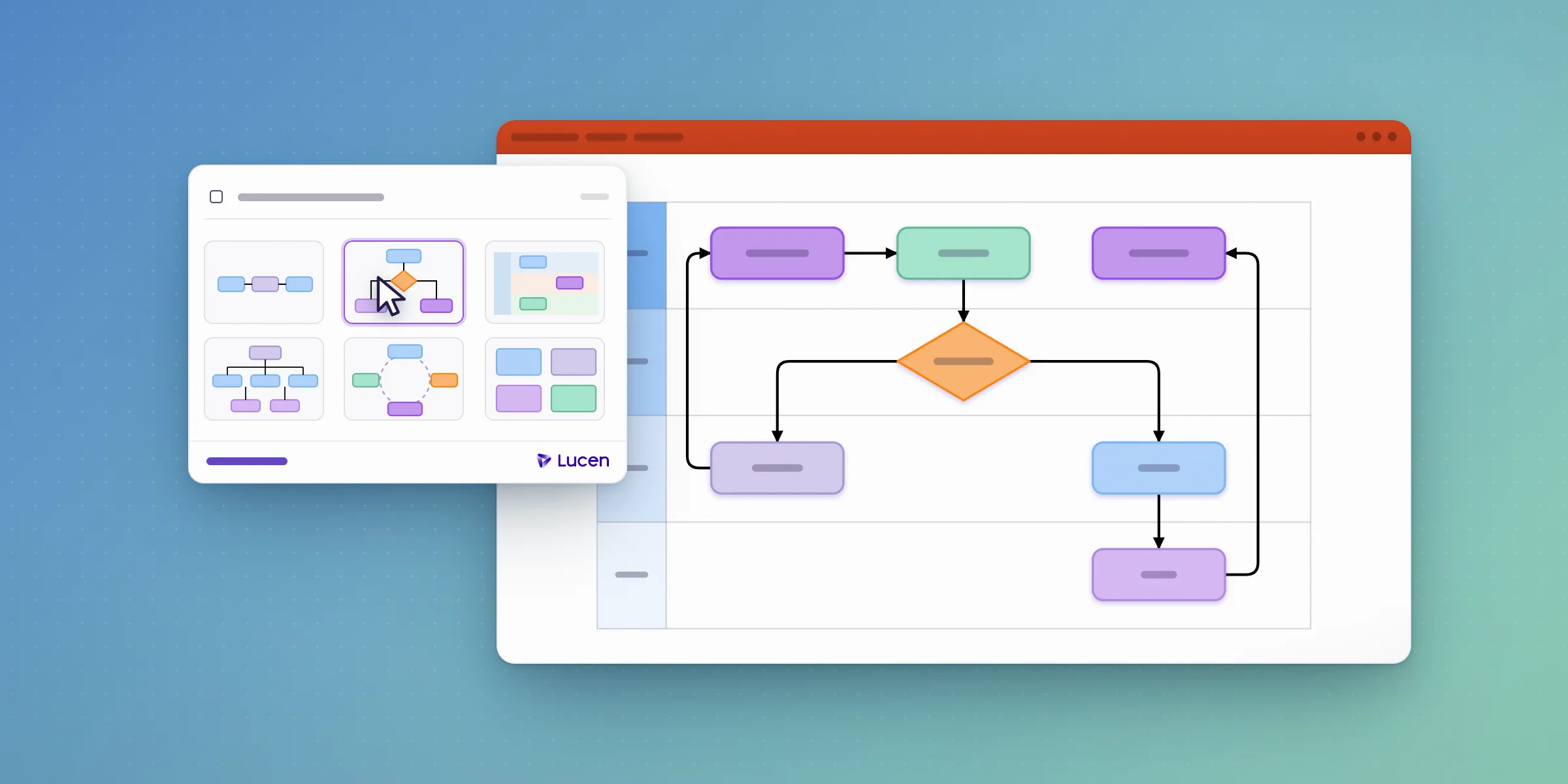
Describe the procedure in plain language, and Lucen AI drafts it on the slide as native shapes. From there, auto layout keeps the diagram clean as you add steps, reassign owners, or reroute a decision path. It realigns shapes and reconnects the flow automatically instead of requiring a manual redraw. Swimlanes group steps by owner or department, which is the piece most SOPs need once more than one team is involved. Saved as a template with your brand theme, the same structure can be reused for every new procedure your team documents.
When to Move an SOP From a Text Document to a Visual Process Map
Move from a text-based SOP to a visual process map once a procedure crosses more than one owner, includes a decision point ("if X, do Y; otherwise, do Z"), or gets referenced often enough that people need to scan it quickly rather than read it top to bottom. A single-owner, linear checklist rarely needs a diagram. A procedure with handoffs between roles almost always benefits from one, because a swimlane view makes the handoff—usually the point where procedures break down—visible in a way a numbered list can't.
Why Keeping SOPs Current Is the Harder Problem
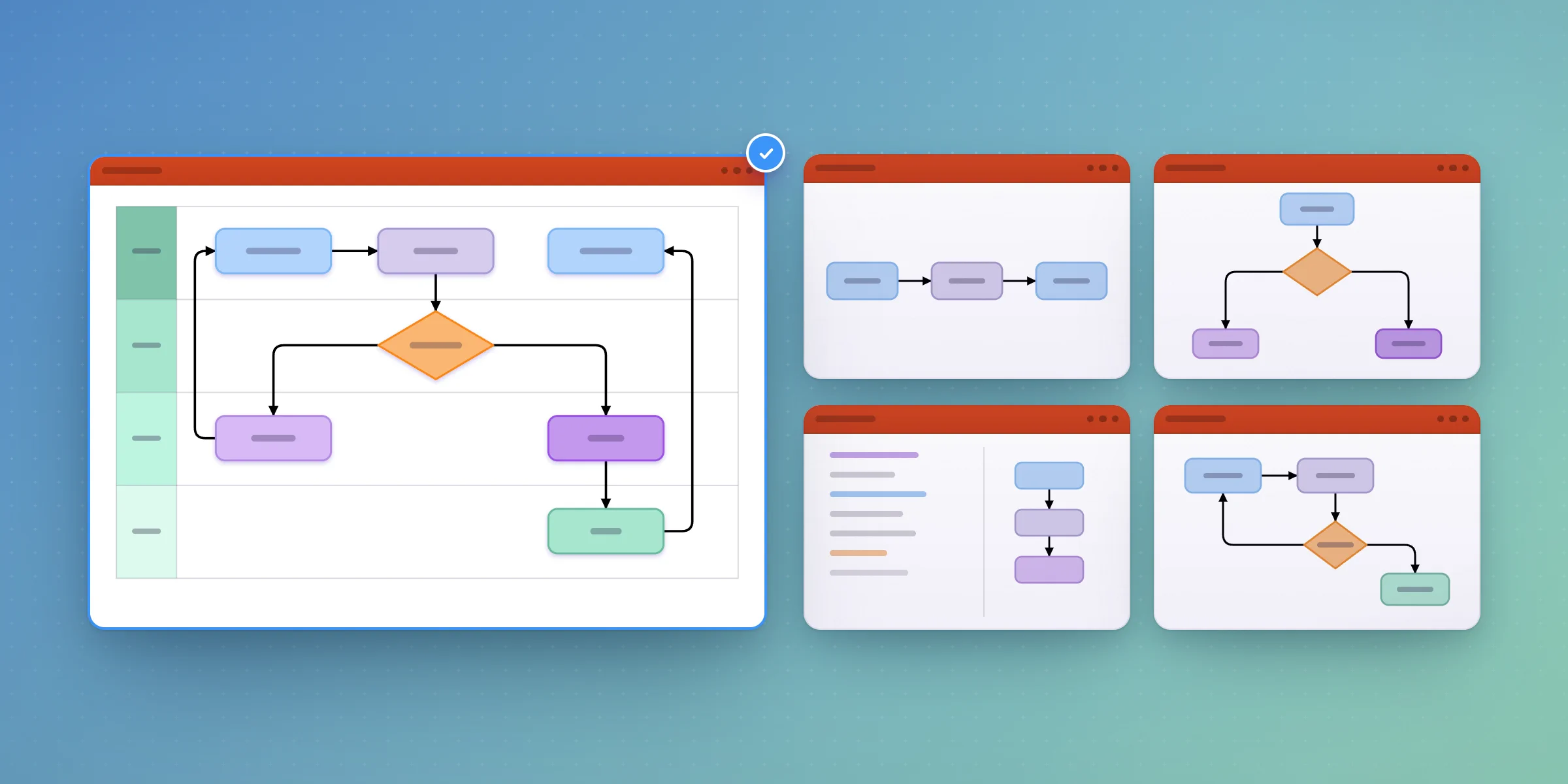
Writing an SOP once is rarely the issue; keeping it accurate is. Building from scratch is the top frustration both for teams already using a diagramming tool (55%) and for those without one (72%), and manual updating ranks second for both groups (41% and 60%, respectively).[1] A stale SOP is a wrong SOP, and if updating the diagram means rebuilding it, it tends not to get updated. A dedicated diagramming-tool user loses an average of 5.6 hours a week to creating, editing, and presenting diagrams.[1] Lucen Flowchart's AI drafting and auto layout are built to cut that time by an estimated 40%, or 100+ hours a year.[2]
[1] 2025 Lucen Software survey, April 2025 PPT Strategy research, N=308, self-reported.
[2] Estimate based on dedicated diagramming-tool users averaging 5.6 hours a week creating, editing and presenting diagrams (2025 Lucen Software survey, N=308, self-reported), with a projected 40% time reduction using Lucen Flowchart's AI drafting and auto layout, over 46 working weeks. Individual results vary.
Frequently asked questions
Lucen Flowchart, for procedures that benefit from a visual process map rather than a text list. It runs natively inside PowerPoint for Windows (2016 or later, including Microsoft 365), so the SOP stays in the deck you present and share, and swimlanes show ownership and handoffs across teams. For a simple, single-owner checklist, a Word or SharePoint document may still be the faster choice.
A standard operating procedure is a documented set of steps for carrying out a task consistently, regardless of who performs it.
A linear, single-owner procedure usually works fine as text. A procedure with more than one owner, a decision point, or a handoff between teams is easier to follow—and easier to spot problems in—as a visual process map with swimlanes.
No. Lucen Flowchart supports process flows, decision trees, and swimlane diagrams rather than formal BPMN notation.
Not currently. Lucen Flowchart runs on PowerPoint for Windows, 2016 or later, including Microsoft 365.
Lucen Flowchart has a free plan (10 shapes) and a Plus plan at $9 per month, billed yearly ($108/year), which includes Lucen AI and swimlanes.
Project management visualization: tips and tricks

Subscribe to our blog
Get all the tips, tricks and inspiration you need to create professional looking timelines, straight to your inbox.