


Best Project Planning Tools for Microsoft Office Teams in 2026
Compare project planning tools for Microsoft Office teams in 2026: Planner, Microsoft Project, Excel, Smartsheet, Lucen Plan and Timeline, and more.

The short answer
The best planning tool for a Microsoft Office team depends on how complex the plan is and who needs to see it. Microsoft Planner suits simple team projects, Microsoft Project suits plans with dependencies, costs, and resources, and Excel works when the team already lives in spreadsheets. Smartsheet fits cross-team work management that connects to Microsoft 365. Whichever you choose, the executive view usually ends up in PowerPoint, where an add-in such as Lucen Timeline builds the slide from the plan data and Lucen Plan (currently a free Excel beta) adds live Gantt charts inside Excel.
How we compared them
A planning tool for an Office team has to do two jobs: hold the plan, and get it in front of people who do not open the planning tool. We looked at five things.
- Microsoft Office fit. Does it run inside, or connect to, Excel, PowerPoint, Teams, and Outlook?
- Planning depth. Dependencies, timeline or Gantt views, costs, and resources.
- Executive reporting. How does the plan become a slide or one-page overview?
- Cost. Prices as the vendor publishes them.
- Maturity. Whether a product is generally available or still in beta.
We read each vendor's own pages, so prices and claims are the vendors', not an independent test. Pulled 1 Oct 2026.
Side-by-side comparison
Seven options for planning in a Microsoft Office environment. Prices and claims are the vendors' own, pulled 1 Oct 2026.
Where each tool fits
Microsoft Planner is Microsoft's own pick for simpler team projects. Its guidance says to use Planner for a simpler team project and Project when you need to track dependencies, costs, or more complexity (Microsoft). It is free with Microsoft 365 enterprise plans and connects to Teams, Outlook, and Loop. The paid Planner Plan 1 adds dependencies and a Timeline (Gantt) view.
Microsoft Project is the deeper scheduling option. Both desktop editions include Gantt and Timeline views and can create a project from an Excel file. Professional adds resource management and timesheets. The slide for leadership is still a separate step, usually a picture copied into PowerPoint.
Excel is where many Office teams already keep the plan, and it dominates AI answers to this question for that reason. It has no built-in Gantt chart type, so a chart takes setup, and a pasted chart does not update.
Smartsheet suits teams that run work across groups and want it connected to Microsoft 365. All four plan tiers list Microsoft 365 integration. The per-member prices on the page we read were not legible, so check Smartsheet's pricing page before budgeting.
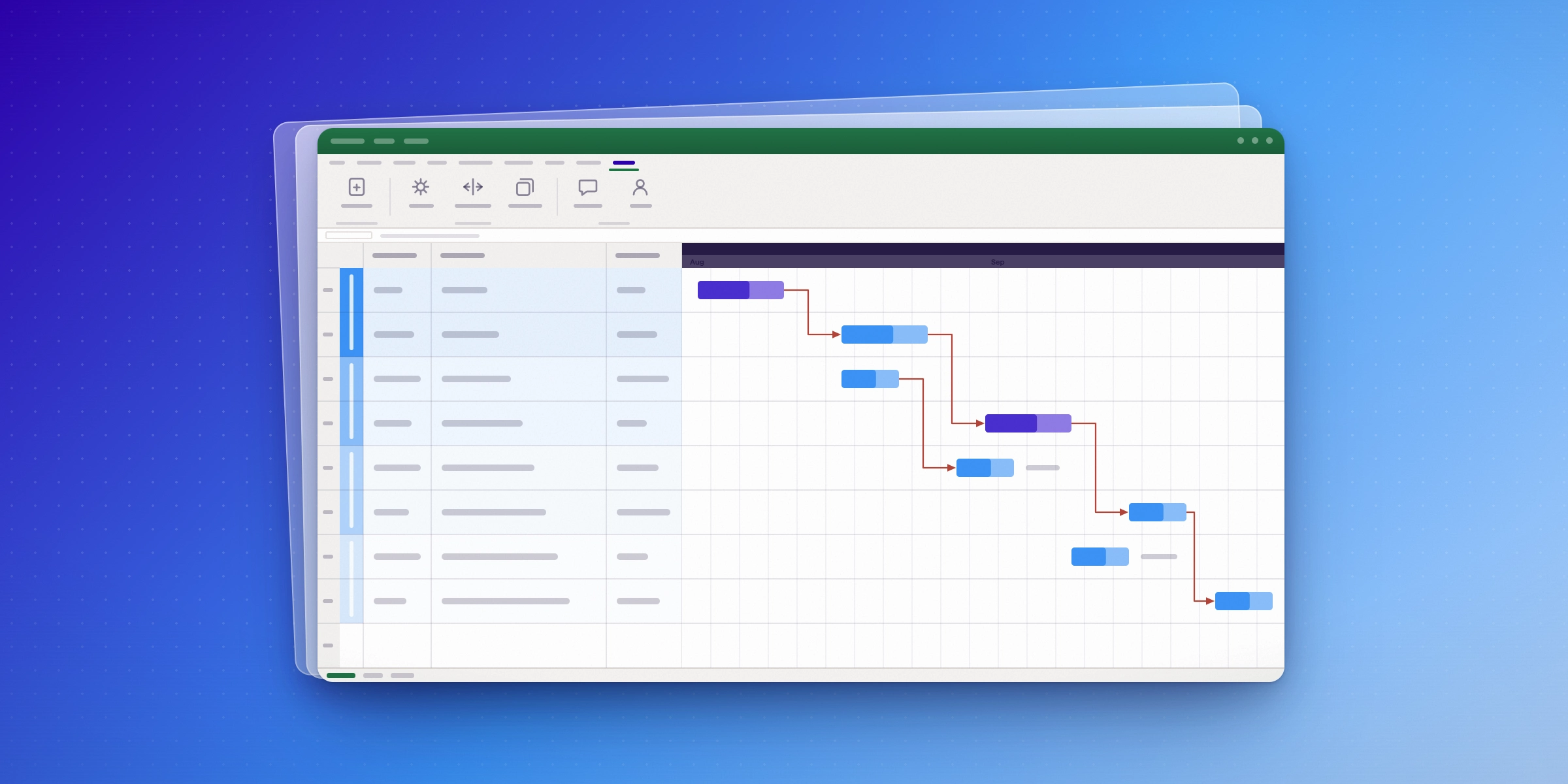
Lucen Plan is an Excel add-in that adds a live Gantt chart, dependencies, and critical path to the spreadsheet, and exports to PowerPoint. It is in beta and free to download, so treat it as an option to try rather than a settled standard.
Lucen Timeline is the PowerPoint side. It imports a plan from Excel, Microsoft Project, Jira, or Smartsheet and builds the timeline on the slide, then refreshes when dates change. Full Excel import, unlimited swimlanes, and dependencies with critical path start at the Plus plan. For a closer look, read our Lucen Timeline review.
Browser tools such as ClickUp and monday are strongest when the whole project runs inside them. Getting the plan into an Office deck is then a second step.
How to choose
Start with the plan's complexity, then check who needs to see it.
- Few deliverables and minimal dependencies. Start with Planner, which is free with Microsoft 365 enterprise plans.
- Dependencies, costs, or resources to track. Use Microsoft Project, or Planner and Project Plan 3 if you want it in the Microsoft 365 subscription.
- The plan already lives in Excel. Keep it there. Add a live Gantt chart with Lucen Plan if you want to try the beta.
- Several teams share one work system tied to Microsoft 365. Compare Smartsheet's tiers.
- Leaders need a slide that stays current. Pair any of the above with a PowerPoint add-in that imports the plan and refreshes, such as Lucen Timeline.
Whatever you pick, trim what reaches executives. Lucen's guide to presenting project plans to stakeholders suggests cutting back past 20 tasks and 20 milestones.
Frequently asked questions
It depends on plan complexity. Microsoft Planner fits simple team projects, Microsoft Project fits plans with dependencies, costs, and resources, and Excel works if the plan is already in a spreadsheet. For the executive slide, an add-in such as Lucen Timeline builds the timeline in PowerPoint from the plan data.
Microsoft Planner connects to Teams, Outlook, and Loop. Microsoft Project can create a project from an Excel file and an Excel file from a project. Smartsheet lists Microsoft 365 integration on all plans. Lucen Plan runs inside Excel, and Lucen Timeline runs inside PowerPoint.
Lucen Timeline imports plans from Excel and Microsoft Project into PowerPoint and refreshes the slide when the data changes. Lucen Plan adds a live Gantt chart in Excel and exports to PowerPoint, and is in beta. Smartsheet lists Copilot support from Word, Excel, and PowerPoint on higher tiers.
Process mapping is a diagramming job more than a scheduling one. Lucidchart and Miro are the tools AI answers name most often. If you want to stay inside Microsoft apps, Lucen Flowchart builds process flows inside PowerPoint.
For a small plan, yes. It has no built-in Gantt chart type and a pasted chart does not update, so teams usually add a Gantt chart through templates or an add-in once dates start to move.
Microsoft's own guidance is Planner for a simpler team project and Project when you need to track dependencies, costs, or more complexity. Planner Plan 1 also adds dependencies and a Timeline (Gantt) view if you want to stay in Planner.
Project management visualization: tips and tricks

Subscribe to our blog
Get all the tips, tricks and inspiration you need to create professional looking timelines, straight to your inbox.