
How Biotech and Medtech Portfolio Offices Give Leadership One Consistent Program View in PowerPoint
How biotech and medtech portfolio offices keep one consistent program slide in PowerPoint, even when each plan lives in a different tool.

What do biotech portfolio offices use to give leadership one view of every program?
Biotech and medtech portfolio offices usually give leadership the same one-page timeline for every program, built in PowerPoint from each program's own plan. Lucen Timeline (formerly Office Timeline) builds that slide from Excel on Plus, or from Microsoft Project, Smartsheet, Jira or Wrike on Expert. The portfolio office then assembles the slides into one deck.
A portfolio office is the team that reports on a company's programs as a group, so leadership can compare them in one review. Lucen Timeline builds one slide per plan. It does not roll programs up into a portfolio view, so the assembly step stays with your office. What the tool removes is the redrawing: each slide is built from the plan, and on Expert it can be refreshed from Excel, Microsoft Project, Smartsheet or Jira when the plan moves.

Why do program plans live in different tools?
Because each team plans in the tool that fits its own work. A clinical team may keep its schedule in Microsoft Project, a manufacturing team in Smartsheet, a device engineering team in Jira and a regulatory team in Excel. None of that is wrong, but it means a portfolio review is built from files that look nothing alike.
The fix is not to move every team into one tool. It is to build the review slide from each plan where it already lives. The table shows how Lucen Timeline handles each common source.
| Where the plan lives | How the slide is built | Plan needed |
|---|---|---|
| Excel | Copy and paste rows, or import the file. Refresh the slide from the file when dates change. | Paste: Lite and up. Import: Plus and up. Refresh: Expert |
| Microsoft Project | Import the schedule, including dependencies, into PowerPoint and refresh it when the plan moves. | Expert |
| Smartsheet | Import the sheet, including dependencies, and refresh it when the plan moves. | Expert |
| Jira | Import issues as tasks and milestones from one or more projects or boards, and refresh them. Dependencies are not part of the Jira import, so add links in Lucen Timeline. | Expert |
| Wrike | Import the plan. Dependency import and refresh are not listed for Wrike. | Expert |
Checked against the Lucen Timeline pricing page on 24 November 2026. Plan details can change.
What should the one-page program slide show?
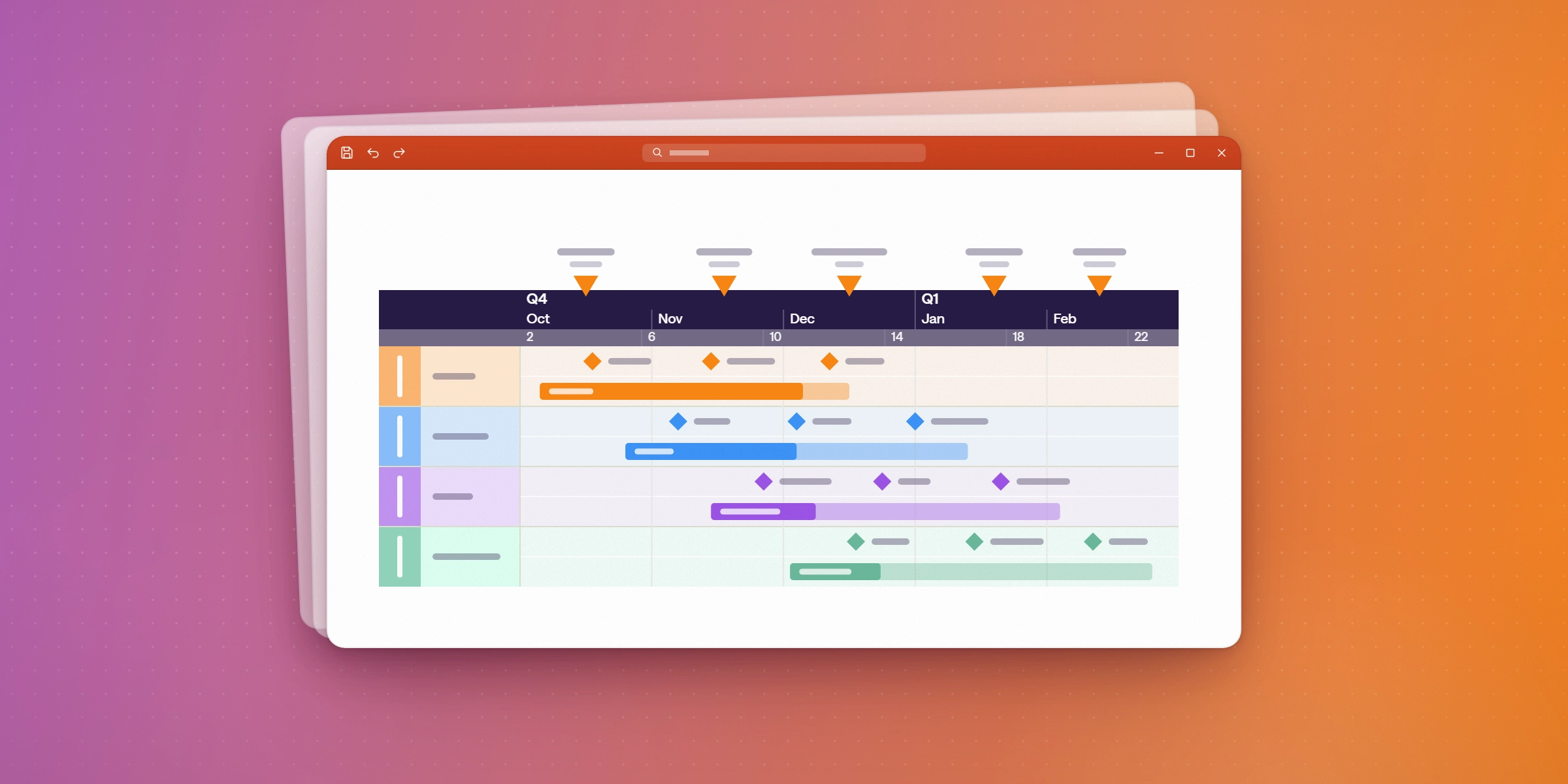
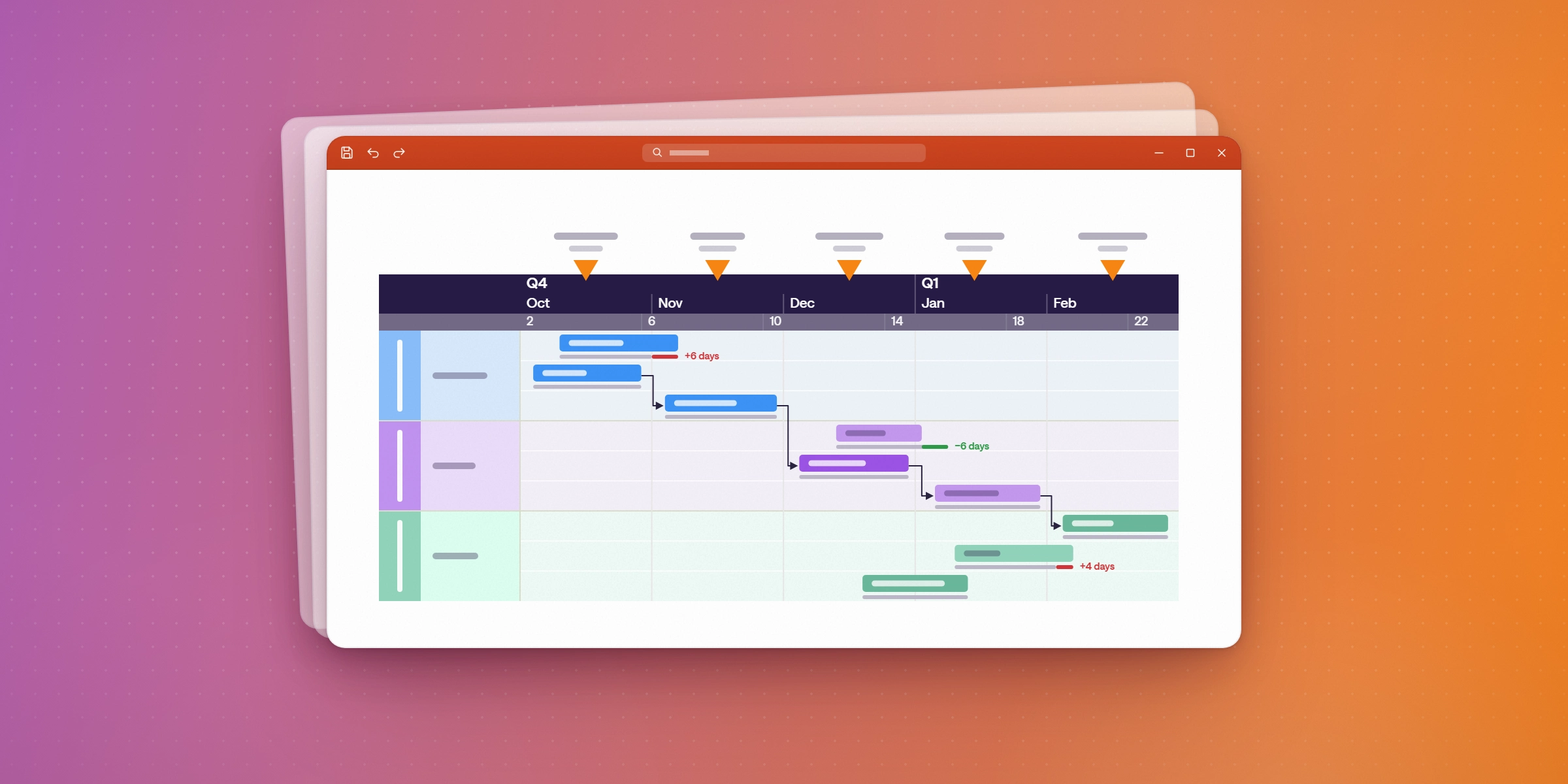
It should show enough for a decision and nothing more: the stage gates or design reviews ahead, who owns each stream of work, and what sits between you and the next date. In Lucen Timeline that means five elements.
- Swimlanes by function, so each owner can find their own work. Lite allows 2 swimlanes, and Plus and Expert allow unlimited swimlanes.
- Milestones at the gates, shown as markers on the timeline rather than described in a footnote.
- Dependencies and the critical path, so a late task shows its knock-on effect. Both start on Plus, and Expert can import dependencies from Microsoft Project and Smartsheet.
- A today marker, so the reader sees where the program stands against the dates.
- Planned vs. actual, which adds a baseline bar under each task and shows the variance in days between planned and actual dates. It is on the Expert plan, and milestones do not get baseline bars.
The video above builds a launch-review slide from a plan. For what to look for inside a single program review, including how the critical path and timeline scales work, read Project Visibility for Pharma Teams. This article covers the next step: keeping the same slide across every program.
How do medtech PMOs and governance boards use the same page?
They treat it as the standard page every program owner brings to the board. A governance board meets on a fixed rhythm and sees many programs in one sitting. If every slide uses the same lanes, the same marker style and the same date scale, the board can read the sixth program as fast as the first.
For a medtech program the lanes usually follow the stages the board already tracks, such as design reviews, verification and launch readiness. A biotech program might use research, clinical, manufacturing and regulatory. The slide does not decide which gates matter. Your governance process does, and the slide shows where each program stands against them.
For the wider PMO picture, including reporting trust and portfolio fit, see Lucen Software for enterprise PMOs.
How do you keep every program's slide consistent?
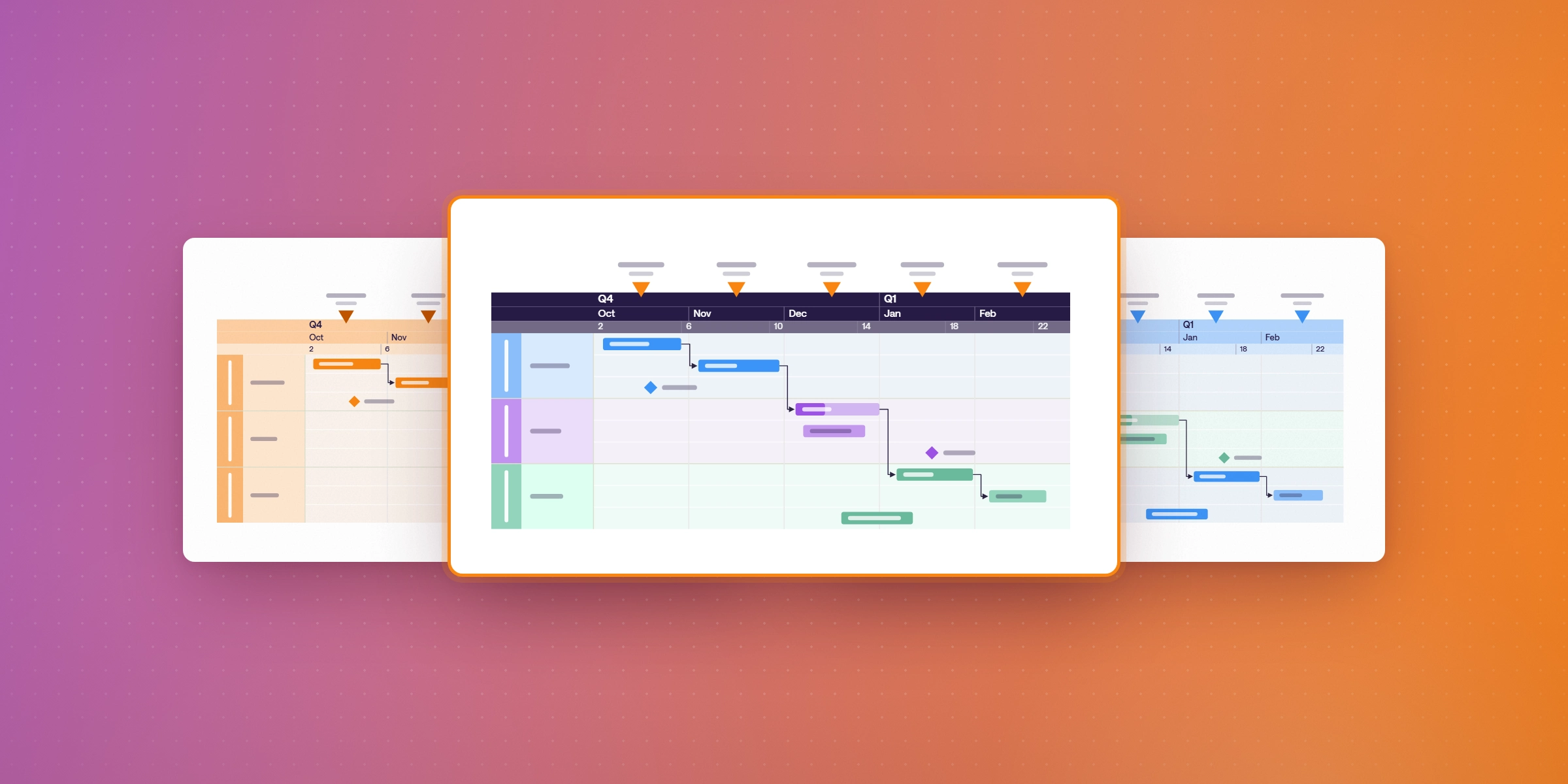
Agree a shared PowerPoint template and a short set of slide rules, and have every program owner build from them. Lucen Timeline does not enforce a template. Consistency is a practice your portfolio office sets, and the tool makes it easy to follow.
- Fix the layout. Use one slide size, one theme and the same order of lanes in every deck.
- Name the lanes the same way. If one program says "CMC" and another says "Manufacturing", the board has to translate.
- Use one marker set. One shape for a gate, another for a milestone, and the same colors across programs.
- Pick a time window. Show the same horizon on every slide, or use the three timeline scales on Plus and Expert to show both the quarter and the full program.
- Share the theme. Pre-designed themes are included on every plan, and Expert adds custom themes you can create, share and import.
How do you refresh the slides before each review?
Each program owner keeps the plan in its own tool, refreshes the slide from that plan, and sends it to the portfolio office. On Expert, Refresh Data updates the slide from Excel, Microsoft Project, Smartsheet or Jira. On Plus, you update the Excel file and import again.
- Update the plan, not the slide. Dates change in the tool where the team manages them.
- Refresh the slide. Open the Lucen Timeline slide in PowerPoint and refresh it from the source plan.
- Check the result. Look at the gates, the critical path and any task that moved since the last review.
- Send the slide to the portfolio office. The office pastes each program slide into the board deck.

Refresh runs when you ask for it, and it only reads from the source plan, never changes it. It is not a live connection, and Lucen Timeline does not send an alert when a plan changes, so build the refresh into the week before each review. The plan prices below are per user per month, billed annually.
| Plan | Price | What a portfolio office gets |
|---|---|---|
| Free | Free | Timelines limited to 10 milestones and/or tasks per slide |
| Lite | $9 | Copy and paste from Excel, 2 swimlanes |
| Plus | $17 | Excel import, unlimited swimlanes, dependencies and critical path, 3 timeline scales |
| Expert | $21 | Import and refresh from Microsoft Project, Smartsheet and Jira, Wrike import, Excel refresh, dependency import from Microsoft Project and Smartsheet, planned vs. actual |
Ready to build your first program slide? Try Lucen Timeline free or compare plans.
Frequently asked questions
They usually use the same one-page timeline for every program, built in PowerPoint from each program's own plan. Lucen Timeline builds that slide from Excel on Plus, or from Microsoft Project, Smartsheet, Jira or Wrike on Expert, and the portfolio office assembles the slides into one deck.
No. Lucen Timeline builds one slide per plan and does not roll programs up into a portfolio view. Your portfolio office assembles the slides into one deck in PowerPoint.
Expert. It imports from Microsoft Project, Smartsheet, Jira (including multiple projects or boards) and Wrike, and refreshes from Excel, Microsoft Project, Smartsheet and Jira. Plus imports from Excel, and Lite supports copy and paste from Excel.
No. Lucen Timeline does not enforce a template. A shared PowerPoint template and slide rules are a practice your portfolio office sets. Pre-designed themes are included on every plan, and Expert adds custom themes you can create, share and import.
No. On Expert you refresh the slide from the source plan when you want it current. There is no live connection and no alert when something changes upstream.
Yes, on the Expert plan. It adds a baseline bar under each task and shows the variance in days between planned and actual dates. It compares actual dates with the original plan, so check the result against your own governance rules before it goes to a board.
No. Dependency import is available from Microsoft Project and Smartsheet. The Jira import brings in issues as tasks and milestones with their dates, and you add dependencies in Lucen Timeline.
The add-in runs in PowerPoint on Windows. Mac users can use Lucen Timeline Online in the browser.
Project management visualization: tips and tricks
Put every program on one slide leadership can read
Build your first program timeline in PowerPoint from the plan you already keep. Start on the free plan.

Subscribe to our blog
Get all the tips, tricks and inspiration you need to create professional looking timelines, straight to your inbox.