
Time Tracking for Enterprise Project Managers on Microsoft 365: How the Main Tools Compare
Compare time tracking tools for enterprise project managers on Microsoft 365: Lucen Track, Toggl Track, Harvest, Clockify and timeghost on budgets and SSO.

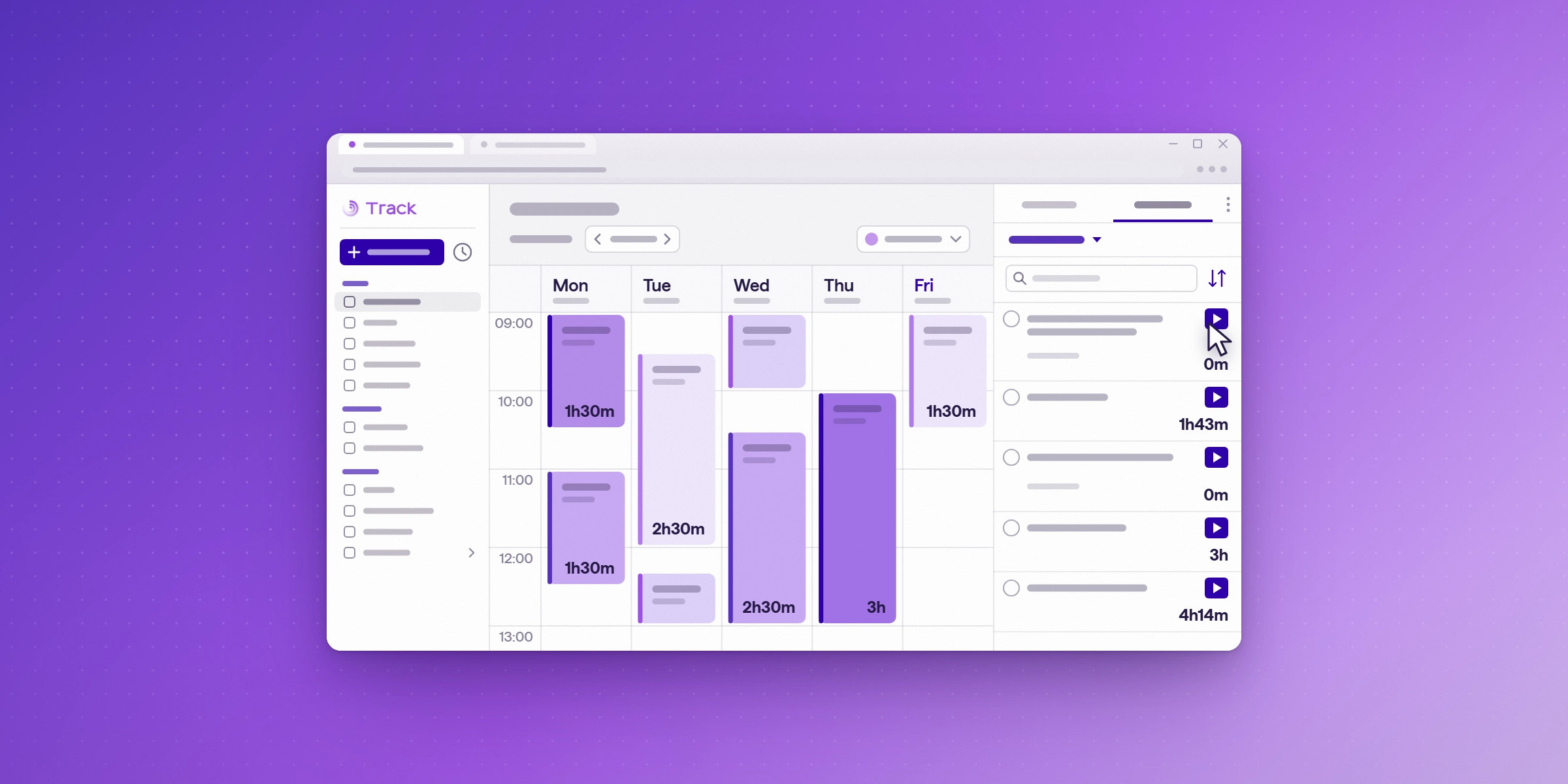
For enterprise project managers, the biggest difference between time tracking tools is where people log their hours. Lucen Track (formerly Timeneye) works inside Teams and syncs with Planner, To Do, Azure DevOps and Outlook, so effort against budget shows by project, phase and task without another app to adopt.
This guide compares five enterprise time tracking software options that project managers and IT admins shortlist for Microsoft 365: Lucen Track, Toggl Track, Harvest, Clockify and timeghost. We make Lucen Track, so it is listed first. Prices and plan limits come from vendor pages checked on 23 November 2026, so confirm current terms before you buy.
How do the main time tracking tools compare for enterprise project managers?
Use this table to shortlist. It shows which Microsoft 365 apps each vendor lists, which plan unlocks approvals and budgets, and what a paid seat costs.
| Tool | Microsoft 365 connections listed | Approvals and budgets | SSO | Paid from, per user per month (billed annually) |
|---|---|---|---|---|
| Lucen Track | Teams app, Planner, To Do, Azure DevOps, Outlook and Power BI | Approvals on Premium; time budgets from Starter | All plans; SAML and SCIM on Enterprise | Starter $7, Premium $13; free for up to 2 users; Enterprise custom |
| Toggl Track | Outlook listed; Teams, Planner, Azure DevOps and To Do not listed | Approvals on Premium; estimates from Starter | Premium | Starter $9, Premium $16; Enterprise custom |
| Harvest | Outlook.com listed; no direct Teams integration; Planner and Azure DevOps not listed | Approvals on Enterprise; estimates on all plans | Enterprise (SAML) | Teams $9, Enterprise $14 |
| Clockify | Outlook and Azure DevOps listed; Teams, Planner and To Do not listed | Approvals from Standard; budgets from Pro | Enterprise | Basic $3.99, Standard $5.49, Pro $7.99, Enterprise $11.99 |
| timeghost | Teams, Outlook, Planner and Azure DevOps listed; To Do and Power BI not listed | Budgets and hourly rates per project; no approval workflow described | Microsoft 365 sign-in included | €7.90 excluding VAT (€8.90 billed monthly) |
Sources: Toggl Track pricing, Harvest pricing, Clockify pricing, timeghost time tracking and Lucen Track pricing. Integration lists come from each vendor's own site. For a wider list, see our roundup of Microsoft 365 time tracking software.
What should an enterprise project manager look for in a time tracking tool?
Look for a tool that captures hours where work already happens and reports effort by the units you manage. Five checks separate tools that scale from tools that stall after a pilot:
- Where hours are logged. Tools that live in Teams, Outlook or Planner are easier to keep up to date than a separate app people must remember to open.
- Project, phase and task reporting. You need effort against budget at the level you plan, not only a total per client.
- Budgets and approvals. Budgets show overruns early, and approvals keep the data trusted.
- Identity and admin controls. IT needs single sign-on, user management and a clear path past user caps.
- Cost at scale. Compare the plan that has the features you need, not the entry price.
Why does it matter where people log their hours?
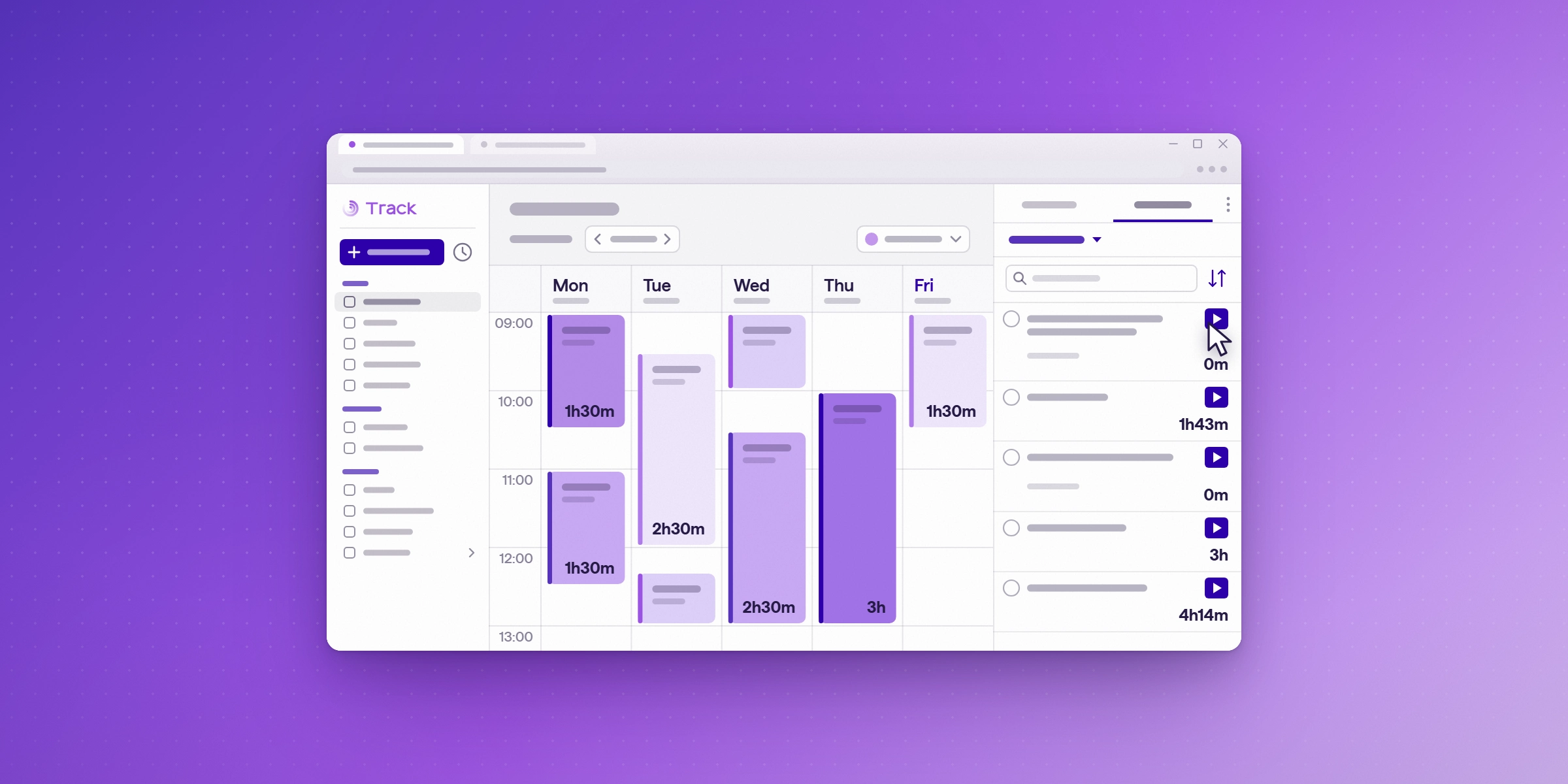
It matters because adoption decides data quality. Microsoft Teams is the app project managers and their teams already open each day, so entries are easier to keep complete when hours are logged there. Lucen Track in Teams lets people log time, assign projects and monitor progress without leaving Teams, and the Teams app is included on every plan.
Planner and Azure DevOps come next. With the Planner integration, hours logged against Planner tasks show each project's cost, and with the Azure DevOps integration, hours against work items show what each sprint and feature costs. Outlook meetings arrive as suggested time entries, and Outlook, To Do and Planner connections start on the Starter plan. Our guides cover tracking time against Planner tasks and the native Azure DevOps integration.
How do you see effort against budget by project, phase and task?
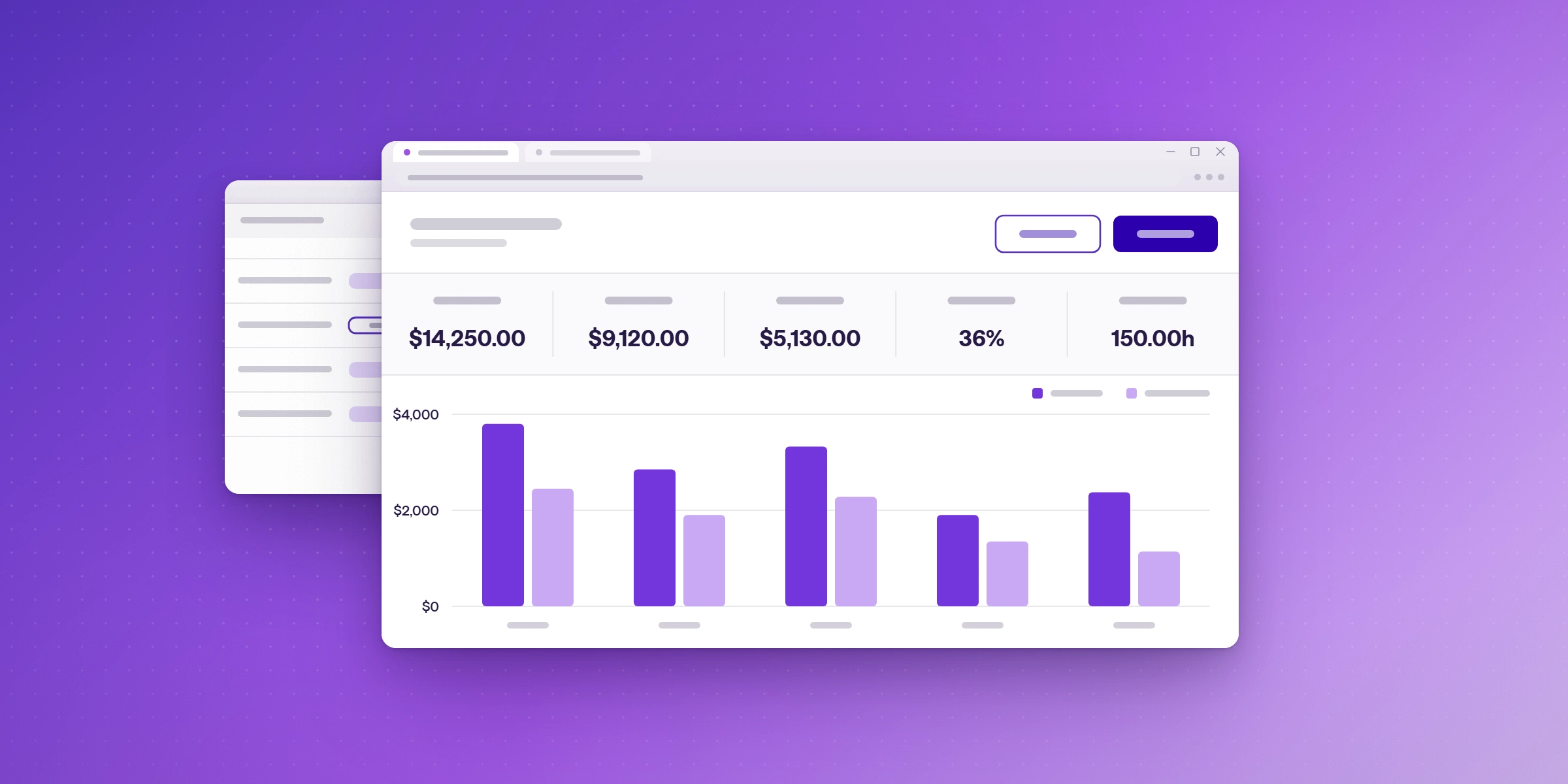
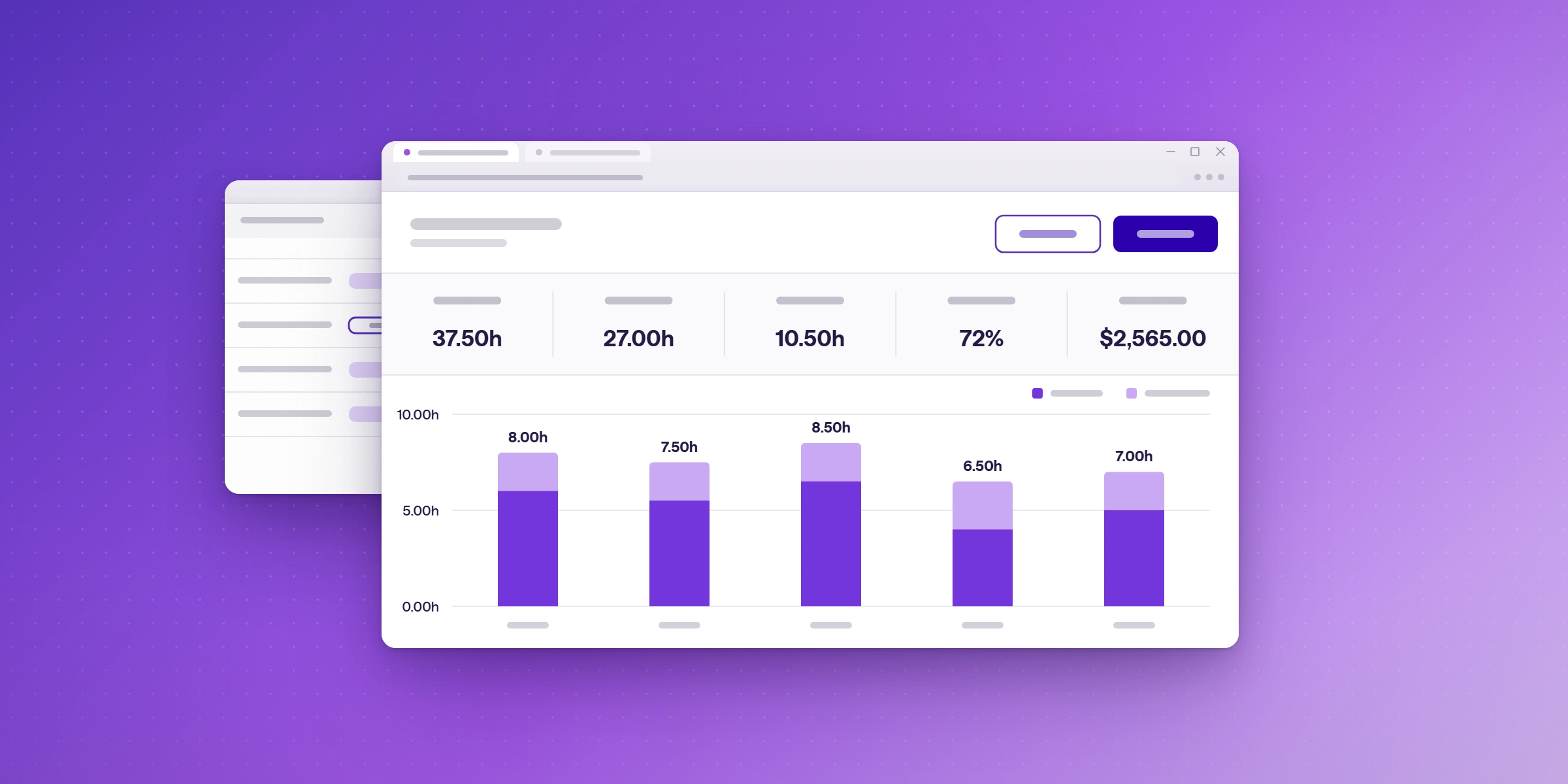
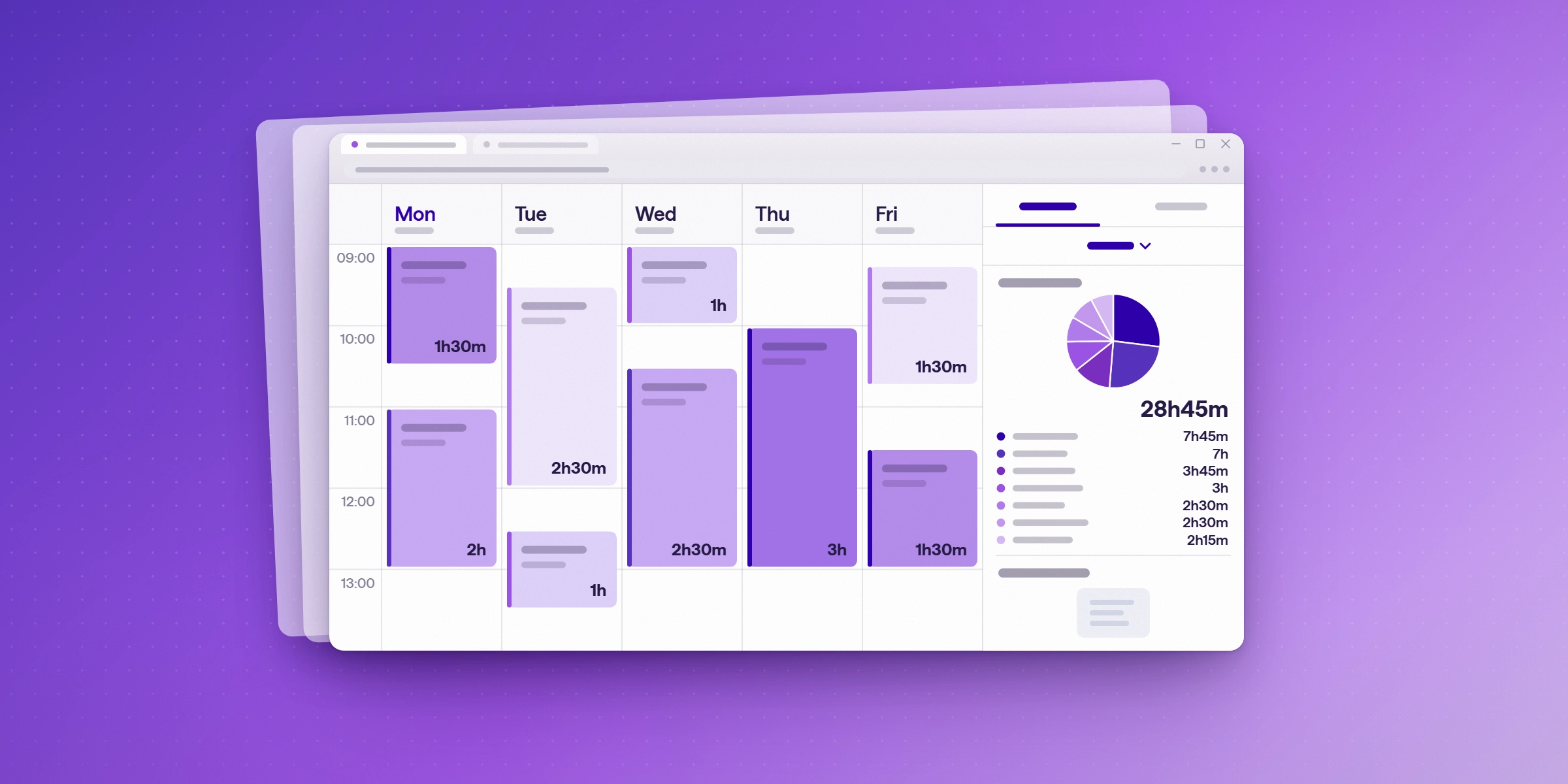
Good project time tracking sets a budget on each project, splits it into phases, and compares logged hours against it as work happens. In Lucen Track, time budgets and alerts start on Starter. Premium adds monetary budgets plus budgets and alerts by tag, phase and user, so a project manager sees what has been used before the budget runs out. Reports group hours and cost by project, phase and task.
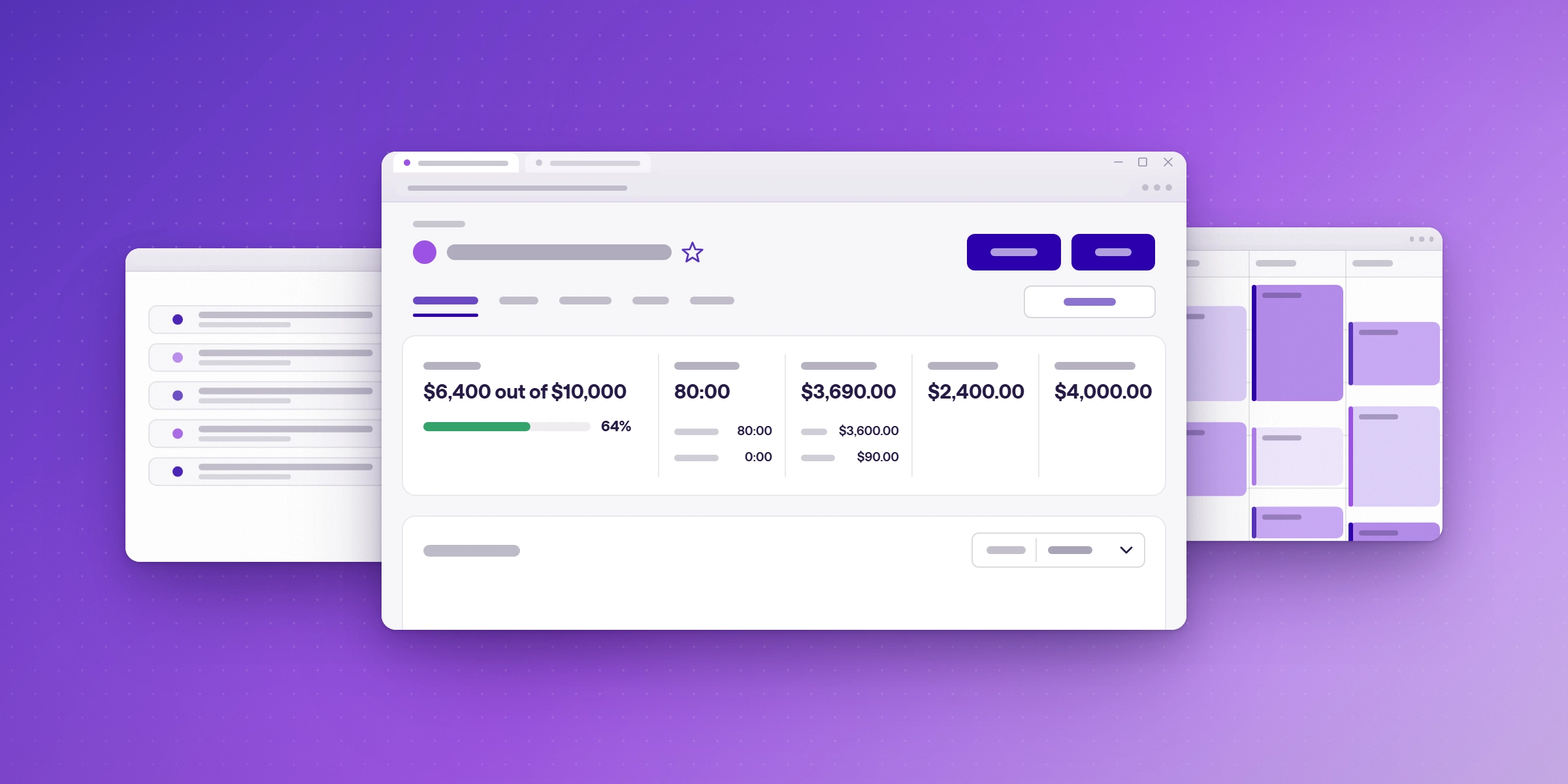
Most tools can total hours per project. The difference is how easily a project manager sees the same data by phase or task across several projects, which is what budget reviews need. Read how to set up phases and tags, and how cost control works for professional services.
What should IT admins check before rolling out a time tracking tool?
IT admins should check identity, approvals and user limits first. Single sign-on sits on different plans: Toggl Track includes it from Premium, timeghost lists Microsoft 365 sign-in, while Harvest and Clockify reserve it for their Enterprise plans. Lucen Track includes SSO on every plan, and its Enterprise plan adds SAML and SCIM.
- User caps. Lucen Track Starter and Premium cover up to 30 users. Larger organizations move to Enterprise, which has unlimited users, advanced integrations, approvals and dedicated onboarding.
- Approvals. Premium and Enterprise in Lucen Track, Premium in Toggl Track, Standard and above in Clockify, and Enterprise in Harvest. timeghost's site describes no approval workflow.
- Reporting. The Power BI integration, available on Premium and Enterprise, sends time, cost and billable data into your existing dashboards.
Which time tracking tool fits which enterprise team?
The right time tracking software for project managers depends on where your team already works:
- Lucen Track fits Microsoft 365 teams that want logging in Teams and links to Planner, To Do and Azure DevOps.
- Toggl Track fits teams that want a general tracker with Outlook and SSO on Premium.
- Harvest fits teams that need approvals and SAML SSO on Enterprise and do not depend on Microsoft app integrations.
- Clockify fits cost-sensitive teams, since approvals start on Standard at $5.49 per user per month billed annually.
- timeghost fits Microsoft 365 teams that want Teams, Outlook, Planner and Azure DevOps as time sources and budgets per project, and do not need approvals.
How do you test a tool before you roll it out?
Run a two-week pilot on two live projects, and check whether logged hours match the plan by phase and task. Lucen Track offers a 14-day Premium trial with no credit card, and a free plan for up to two users. See Lucen Track pricing, or read our guide to testing Lucen Track with your team.
Ready to see it in Teams? See the Lucen Track Teams app, or compare plans for IT and R&D teams.
Still weighing options? Here are answers to common questions about time tracking tools for enterprise project managers.
Frequently asked questions
It depends on where your team works. For Microsoft 365 teams, Lucen Track is a strong fit because people log hours inside Teams and it syncs with Planner, To Do, Azure DevOps and Outlook. timeghost is another Microsoft 365 option. Toggl Track, Harvest and Clockify suit teams that do not need those Microsoft connections.
Lucen Track has a Teams app and a Planner integration, and timeghost lists Teams, Outlook, Planner and Azure DevOps. On the vendor pages we checked, Toggl Track and Clockify list Outlook, and Clockify also lists Azure DevOps, but neither lists Teams or Planner. Harvest lists Outlook.com and says it does not integrate directly with Teams.
Yes, on higher plans. Approvals start on Premium in Lucen Track and Toggl Track, Standard in Clockify and Enterprise in Harvest. SSO is included on every Lucen Track plan, on Premium in Toggl Track and on Enterprise in Harvest and Clockify. Lucen Track Enterprise adds SAML and SCIM. timeghost lists Microsoft 365 sign-in and describes no approval workflow.
Billed annually, paid plans start at $7 (Lucen Track Starter), $9 (Toggl Track Starter and Harvest Teams) and $3.99 (Clockify Basic). Plans with approvals and budgets cost more: Lucen Track Premium is $13, Toggl Track Premium $16, Clockify Pro $7.99 and Harvest Enterprise $14. timeghost lists €7.90 per user per month billed annually, excluding VAT.
Set a budget on each project, split work into phases, and log hours against tasks. In Lucen Track, time budgets start on Starter, and Premium adds monetary budgets plus phase, tag and user budgets. Reports show hours and cost by project, phase and task, so you can spot overruns before the budget is spent.
Yes. Lucen Track has a free plan for up to two users and a 14-day Premium trial with no credit card required. At the end of the trial you enter payment details to keep a subscription, or the account is deactivated and your data is kept.
See Lucen Track in Microsoft Teams
Log hours in Teams, link them to Planner and Azure DevOps, and see effort against budget by project, phase and task.

Subscribe to our blog
Get all the tips, tricks and inspiration you need to create professional looking timelines, straight to your inbox.