
Project Timeline Software with Gantt and Roadmap Views: 2026 Comparison
Compare gantt chart and roadmap software for 2026: Lucen Timeline, Smartsheet, monday.com and Microsoft tools, with plans, imports and how to choose.

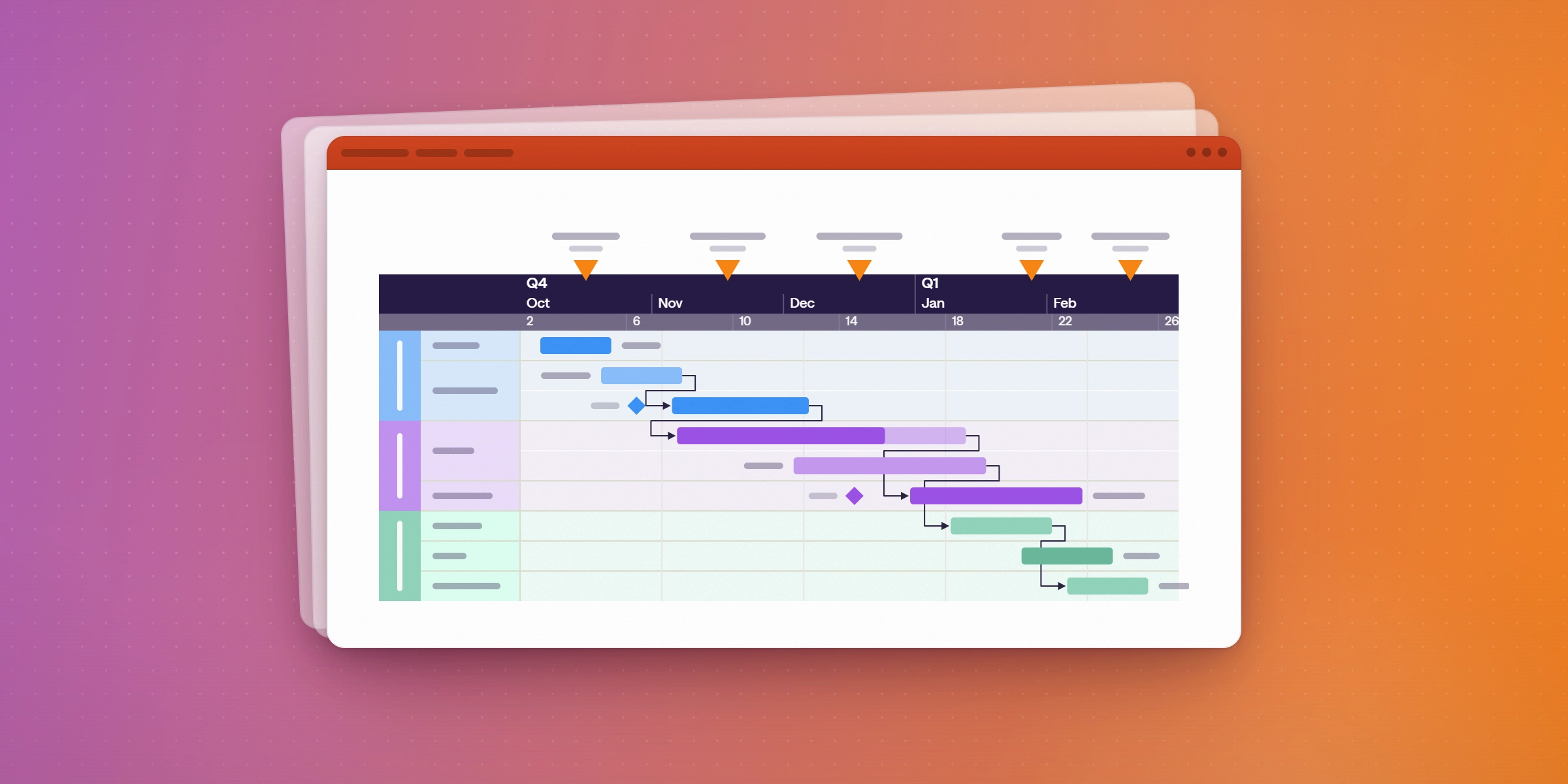
If the roadmap ends up in a leadership deck, choose gantt chart and roadmap software that builds it on the slide and keeps it tied to the plan. Lucen Timeline (formerly Office Timeline) is a PowerPoint add-in that imports from Excel on Plus and from Microsoft Project, Smartsheet, Jira and Wrike on Expert, and you refresh the slide when dates move. If your whole team works in the plan every day, a browser tool such as Smartsheet or monday.com, or Microsoft Planner and Project, is a better home for the master plan, with the slide as a second step.
What is project timeline software with Gantt and roadmap views?
Project timeline software shows a plan on a calendar. A Gantt chart is a bar chart of tasks against dates, with dependencies that show which task waits for which. A roadmap is a higher-level view of phases, milestones and direction, with most of the task detail removed. Software that offers both lets you keep the detailed plan and show leaders the trimmed version.
If you are new to the format, start with what Gantt charts are used for and how to read a Gantt chart.
What's the difference between a Gantt chart and a roadmap?
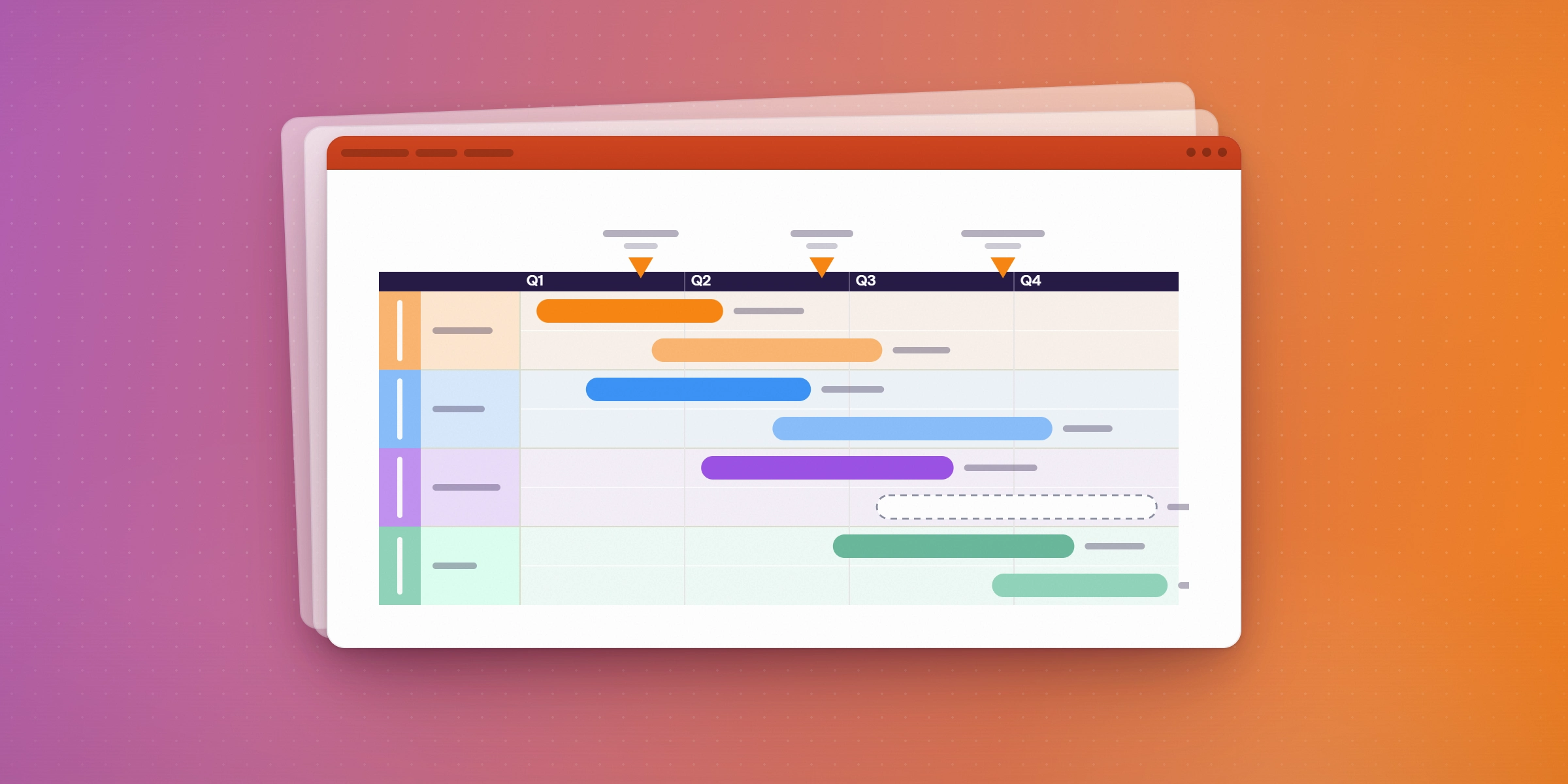
A Gantt chart answers what has to happen and when. A roadmap answers where the work is heading and which milestones matter. Use a Gantt chart for the people running the work, and a roadmap for sponsors and executives. It is the same plan at two levels of detail.
- Detail: a Gantt chart shows every task and dependency; a roadmap shows phases and milestones.
- Audience: a Gantt chart serves the team; a roadmap serves leaders and stakeholders.
- Updates: a Gantt chart changes with every date; a roadmap changes when direction or a milestone changes.
Not every plan needs a Gantt chart. See when to use a Gantt chart and when not to, and the five-second executive test for roadmap design for how leaders read a roadmap.
How did we compare the options?
We compared each gantt chart and roadmap software option on five questions.
- Views. Does it offer a Gantt chart, dependencies and a roadmap or portfolio view, and on which plan?
- Where the plan lives. In PowerPoint, or in a browser tool?
- Getting it into a leadership deck. Is the chart already a slide, or a second step?
- Keeping it current. What happens when a date moves?
- Cost. Published prices, as each vendor or pricing guide lists them.
We read each vendor's own pages where we could and independent pricing guides where we could not. Plans and prices change often, so confirm them with the vendor before you buy. For wider lists, see our roundups of the top 10 Gantt chart makers and the top 10 roadmap software tools based on user reviews.
How do the main gantt chart and roadmap software tools compare?
This project roadmap software comparison covers four routes to a Gantt chart and roadmap, from a PowerPoint add-in to browser planning tools. It is a Gantt chart software comparison for 2026, with details as of 20 Nov 2026.
| Option | Gantt and roadmap views | Where the plan lives | Getting it into a leadership deck | Published cost | Best for |
|---|---|---|---|---|---|
| Lucen Timeline | Gantt chart templates, dependencies and critical path from Plus; roadmap and swimlane templates in PowerPoint (unlimited swimlanes from Plus) | PowerPoint add-in for Microsoft 365, as editable slide shapes. Data comes from Excel (Plus), or Microsoft Project, Smartsheet, Jira or Wrike (Expert) | The chart is already a slide. Update the source, then refresh; refresh is manual and goes one way, from source to slide | Free plan; Lite $9, Plus $17 and Expert $21 per user per month, billed annually | Roadmaps and Gantt charts that end up in leadership decks |
| Smartsheet | Gantt view and dependencies from Pro; Timeline view from Business; portfolios on Enterprise and Advanced Work Management | Smartsheet, in the browser | A separate step from the plan; confirm export options with Smartsheet. Lucen Timeline Expert can import Smartsheet data | Pro $9 (new customers only) and Business $19 per member per month billed yearly; Enterprise and Advanced Work Management by quote | Teams that run work in sheets and want Gantt in the same place |
| monday.com | Timeline and Gantt views start at Standard; pricing guides list dependencies on Pro. Confirm limits with monday.com | monday.com boards, in the browser | Plan in the tool, then export or screenshot into the slide | Standard about $12 and Pro about $19 per seat per month billed annually, three-seat minimum | Teams that run the whole project in monday.com |
| Microsoft Planner and Project | Planner Plan 1 adds a timeline (Gantt) view with dependencies; Plan 3 adds baselines, critical path and the Project desktop app | Microsoft 365, in the browser, plus the Project desktop app on Plan 3 | Copy into PowerPoint; a pasted chart is a snapshot you re-copy when dates move | Reseller guides list Plan 1 at about $10 and Plan 3 at about $30 per user per month, billed yearly; confirm with Microsoft | Teams already licensed for Planner or Project |
Where does each option fit?
Each gantt chart and roadmap software option fits a different workflow.
Lucen Timeline suits the case where the plan lives in data and the slide has to keep up with it. You build the chart in PowerPoint from a template, import tasks from Excel (Plus) or from Microsoft Project, Smartsheet, Jira or Wrike (Expert), and refresh when dates move. The tradeoffs: the free plan limits a slide to 10 tasks and milestones, dependencies and critical path start at Plus, the planning-tool imports are Expert only, and refresh is manual and one way. For a closer look, read our Lucen Timeline review.
Smartsheet includes Gantt view from its Pro plan, adds Timeline view on Business, and offers portfolio features on its higher plans. It is a strong home for the working plan. Because it runs in the browser, the leadership slide is a separate step. See how to build executive project timelines in PowerPoint from your planning tool.
monday.com offers Timeline and Gantt views from its Standard plan and suits teams that run the whole project on its boards; pricing guides list dependencies on its Pro plan. As with any browser tool, you maintain the board and the slide.
Microsoft Planner and Project fit teams already licensed for them. Planner Plan 1 adds a timeline view with dependencies; baselines and critical path need Plan 3. A chart pasted into PowerPoint is a snapshot, so each update means copying it again. See Gantt charts in Microsoft Planner for what the built-in view covers.
If your plan starts in Jira or Excel, these guides cover the routes: how to make Jira roadmaps online and how to build a project roadmap in Excel.
How do you turn a Gantt chart into a roadmap?
Build the detailed Gantt chart first, then trim it into a roadmap for leaders. With Lucen Timeline, the steps look like this.
- Start from your plan data. Import from Excel (Plus) or from Microsoft Project, Smartsheet, Jira or Wrike (Expert), or build tasks in the editor. Lite takes Excel by copy and paste.
- Group tasks into swimlanes by phase or team. Lite supports up to two swimlanes; Plus allows unlimited swimlanes and sub-swimlanes.
- Keep dependencies and the critical path in your working version (Plus), so the team sees what blocks what. Our guide to what to include in a Gantt chart lists the elements worth keeping.
- Trim the leadership version to phases and milestones. Lucen's guide to presenting project plans to stakeholders suggests cutting back past 20 tasks and 20 milestones. A first roadmap often looks cluttered with default styling, so remove what the audience does not need, and use color to make a Gantt chart easier to read.
- Refresh when dates move. Update the source file, then refresh the timeline. Refresh is manual and goes one way, from the source to the slide.
Start from the PowerPoint roadmap template or the product development roadmap template, or browse all roadmap templates. For a hands-on walkthrough, see how to make a Gantt chart in PowerPoint and Gantt charts in PowerPoint.
Which Lucen Timeline plan do you need?
Plus is the first plan with Excel import and a project timeline tool with dependencies and critical path. Expert adds imports from Microsoft Project, Smartsheet, Jira and Wrike. Compare the plans on the Lucen Timeline product page.
| Plan | Imports | Gantt and roadmap features | Price per user per month, billed annually |
|---|---|---|---|
| Free | Limited Excel copy and paste | Basic timelines and swimlane diagrams; limited to 10 tasks and milestones per slide | Free |
| Lite | Excel, by copy and paste | More templates and styling control, with up to two swimlanes | $9 |
| Plus | Excel import | Gantt chart templates, unlimited swimlanes and sub-swimlanes, dependencies and critical path | $17 |
| Expert | Excel, Microsoft Project, Smartsheet, Jira and Wrike | Everything in Plus, with imports from your planning tools and planned versus actual tracking | $21 |
What are the limits of Lucen Timeline?
Lucen Timeline builds the visual in PowerPoint; it is not where your team tracks tasks. Know these limits before you choose it.
- Refresh is manual and one way. Changes you make on the slide do not write back to your source file.
- Lucen lists refresh for Excel, Microsoft Project and Jira sources; confirm other sources with Lucen before you rely on it.
- It does not send alerts when dates slip. Use your planning tool for assignments and notifications.
- Each import is tied to a plan: Excel import starts at Plus, and Microsoft Project, Smartsheet, Jira and Wrike imports are Expert.
- If you also need time and cost tracking, see project timeline tools with integrated time tracking and cost management.
What should you check before you buy?
A short checklist keeps a trial honest. Run it on a real plan, not a demo.
- Dependencies: does a moved task shift the tasks that depend on it, and on which plan?
- Imports: which sources does the plan you are buying support?
- Refresh: does the chart update itself, or do you refresh it, and in which direction?
- Limits: how many tasks, swimlanes or seats does the plan allow?
- The audience: can a sponsor open the result without a login or a new tool?
For a longer version, use the Gantt chart maker checklist.
How do you choose Gantt chart and roadmap software?
Start with where the plan lives, then check who reads it. Timeline software for project managers is only useful if the people who read the result can open it.
- The plan lives in Excel, Microsoft Project, Smartsheet, Jira or Wrike, and the audience reads PowerPoint. Choose Lucen Timeline, on Plus for Excel or Expert for the planning tools.
- The whole team works in the plan every day. Keep it in Smartsheet, monday.com or Microsoft Planner and Project, and expect to rebuild the slide.
- You need baselines and critical path in a Microsoft tool. Check Planner and Project Plan 3.
- You need one chart for one meeting. PowerPoint's built-in templates are enough; see our guide to Gantt chart software for PowerPoint.
The right gantt chart and roadmap software depends on where your plan lives and who reads it. Try your top two options on a real plan before you commit. To get set up, see how to make Gantt charts and flowcharts in PowerPoint with Lucen.
Frequently asked questions
It depends on where the plan lives. If it ends up in PowerPoint, Lucen Timeline builds the Gantt chart as an editable slide and imports from Excel (Plus) or Microsoft Project, Smartsheet, Jira and Wrike (Expert). If the team works in the plan daily, Smartsheet, monday.com or Microsoft Planner and Project keep it in one place. Test each on a real plan.
A Gantt chart shows every task, its dates and its dependencies, and serves the people running the work. A roadmap shows phases and milestones with the detail trimmed, and serves leaders. Both come from the same plan at different levels of detail.
Lucen Timeline offers dependencies and critical path from the Plus plan. Smartsheet lists dependencies from its Pro plan, and Microsoft Planner Plan 1 adds a timeline view with dependencies. monday.com pricing guides list dependencies on its Pro plan.
Yes. Lucen Timeline imports from Microsoft Project, Smartsheet, Jira and Wrike on the Expert plan, and from Excel on Plus. You refresh the timeline from the source when dates change.
Yes. Lucen Timeline Expert imports from Smartsheet and Jira and builds the chart as editable PowerPoint shapes. Refresh is manual and goes one way, from the source to the slide, and Lucen lists it for Excel, Microsoft Project and Jira sources.
If the Gantt chart has to be a slide, Lucen Timeline builds it directly in PowerPoint from your plan data. If you prefer to keep the work on boards, monday.com's Timeline and Gantt views start at its Standard plan, and you export the view to your deck.
No. You update the source, such as an Excel file or a Microsoft Project plan, then refresh the timeline. Refresh is manual and goes one way, from the source to the slide.
Project management visualization: tips and tricks
Build your Gantt chart and roadmap in PowerPoint
Lucen Timeline turns your plan data into editable Gantt charts and roadmaps on the slide, so the update takes minutes when dates move.

Subscribe to our blog
Get all the tips, tricks and inspiration you need to create professional looking timelines, straight to your inbox.